Layerize
Building Layerize on the Moda agent to turn generated images into editable designs.
 Aditya Mehta, CS student, Caltech
Image models like ChatGPT Images and Nano Banana are increasingly capable of making brand designs, social posts, and even slide decks. They still output a raster image though. You can't directly change a font or move an element yourself. Instead, to change anything you have to prompt again and regenerate. In Moda, we wanted the generated image to be the starting point rather than the final output. Layerize takes a generated image and rebuilds it on the Moda canvas as editable layers. From there, you can edit, export, and animate the design just like any other canvas.
Other methods do this with image models trained specifically to output layers. We instead built Layerize on the Moda agent itself, using its existing design capabilities to recreate an image as native Moda canvas objects. We’ll walk through why we built it this way and how we made reconstruction more reliable and faster.
From generated images to editable designs
Image models don’t design the way agents working in code or on a canvas do. Consider for example an Instagram post with lots of images. An agent like Moda’s generates the individual images separately and arranges them on a canvas. An image model, on the other hand, generates the whole thing at once. Image models also work directly in image space, without being limited to the objects and operations a canvas or framework supports.
But even as models get more capable, there’s a bridge to cross in fidelity and editability before the models can be used for finished designs or brand assets. Text, logos, icons, and shapes come out as pixels rather than vector graphics. This matters especially for branded designs, where fonts, logos, and wordmarks need to be reproduced exactly.
You also can’t edit the output the way you’d edit a design on a canvas. Even moving an item or changing the copy means regenerating the image. Every edit can introduce unintended changes elsewhere in the design, which can add up with each edit (the recently released ChatGPT Images 2.5 improves this). Raster images also limit real-life workflows like batched exports, resizing, and animation.
Ideally, you’d draft with an image model, then bring the best version into Moda with editable text and layers (i.e., "Layerize" it). You could keep working on the design by hand or with the Moda agent.
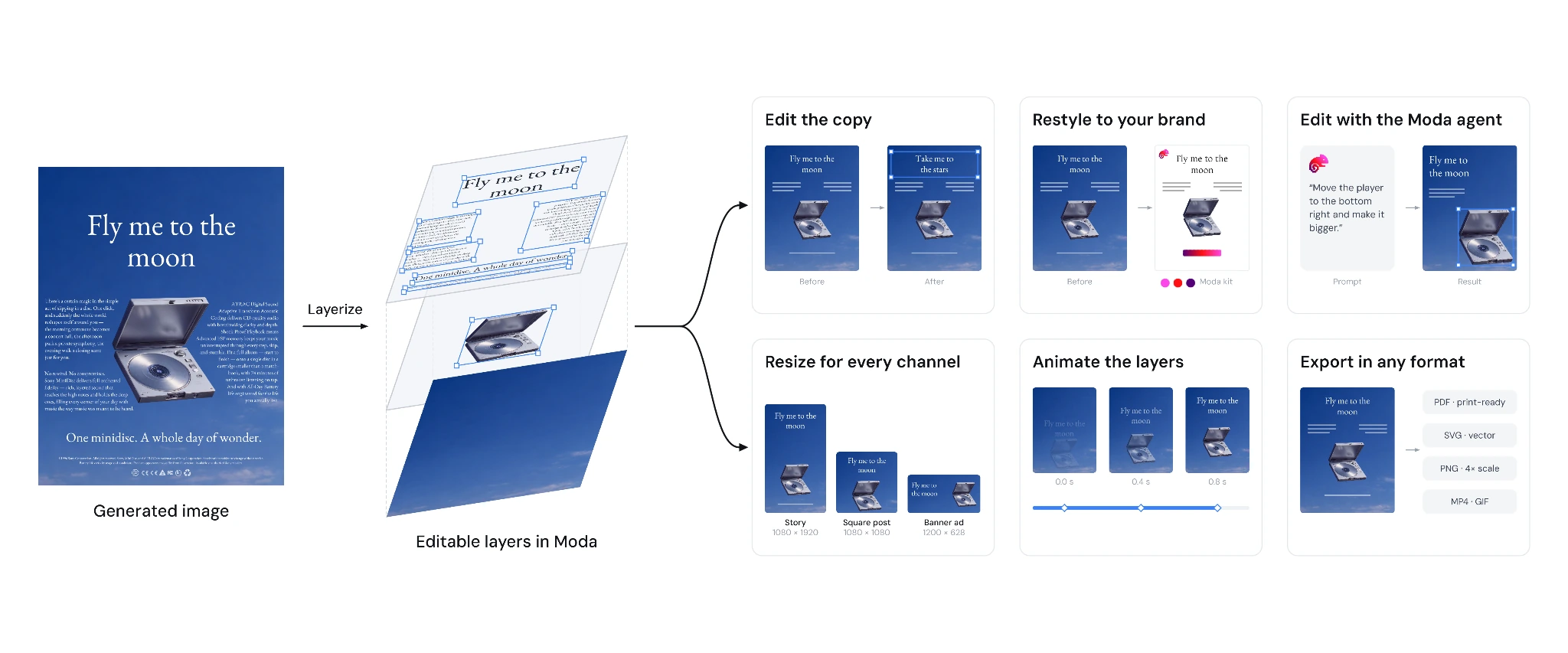
Several approaches have emerged to address this editability gap by training models that decompose images into layers (notable open-source approaches include Qwen-Image-Layered and Seedream 5.0 Pro). These approaches work well for general image decomposition but have a few limitations for our use case:
- Beyond text, the layers are still raster images. Ideally, we’d want native Moda canvas objects, so you can edit and use them just like in any other design in Moda. A custom-trained model that produced those objects would need updating in lockstep with the canvas.
- They're limited to outputting up to a fixed N layers (or trained on up to a fixed N layers).
We wanted something built specifically for Moda that would improve as Moda improved. Our bet was that building on the Moda agent would do that, allowing Layerize to benefit from better models and improvements to the canvas and agent harness.
Building Layerize on the Moda agent
How far can we get with the existing agent?
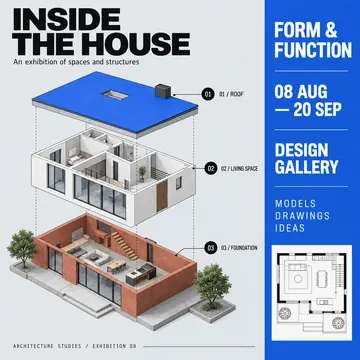
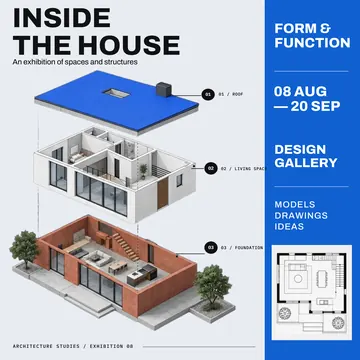
Before designing any scaffolding, we tested the out-of-the-box Moda agent with the simplest possible prompt, attaching an image and asking the agent to recreate it on the canvas. Even this crude setup gets reasonable results. In Figure 2, for example, the agent used its existing tools to rebuild the background (using image generation / inpainting), crop out the disc player as a separate asset, and place each piece of copy as its own text box, without being explicitly instructed on any of these techniques.
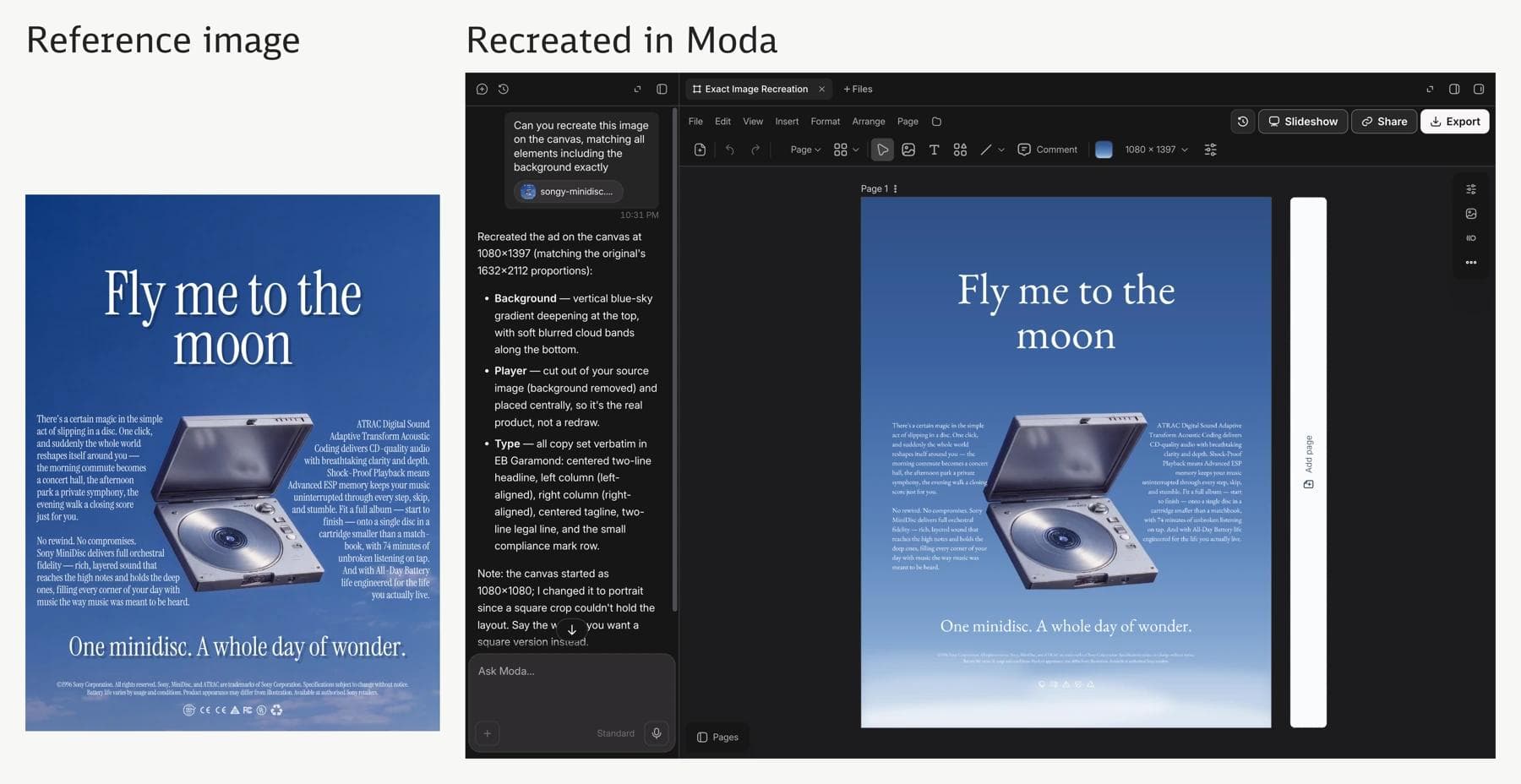
The existing agent gets us pretty far. The goal of any harness or tooling around it is simply to improve reliability and consistency while lowering latency.
Improving latency and reliability
We started by adding a lot of scaffolding around the agent, mostly new tools and strict instructions (alongside the standard canvas tools the Moda agent already has). For example, we required the model to review the finished design against the original image and gave it strict guidance on things like sizes and colors. We then progressively removed the parts the model didn’t need, to work out how much of the reconstruction process to encode in tools and instructions and how much to leave to the model’s judgment.
An eval harness let us run ablations to see which parts of the scaffolding were helping. We put together a suite of examples to hill climb on and ran them through different versions of the harness in parallel. We used VLM judges to rank the rendered canvases by how closely they matched the original image.
In the eval traces, we kept seeing the agent figuring out how to recreate and extract layers by hacking together existing tools. We kept dedicated tools for these operations in Layerize, so the agent wouldn’t have to repeat this work on every run. We also stopped forcing a final review and removed some of the instructions on how to handle specific layer extraction cases, leaving those decisions to the agent.
We also found that separating layer identification from reconstruction gave us more consistent results while actually reducing latency. If we just ask the agent to “Layerize this image,” it has to decide what should count as a layer while also figuring out how to recreate it. So, we added a first step that identifies the layers and gives the Moda agent a list to work through. This lets the agent focus on how to recreate each element on the canvas. The agent can still revise the list using its knowledge of the Moda canvas. For example, it might rebuild an element as a native shape type even if the identification model marked it as an image. We can also use a much smaller model for the identification step to reduce latency at the same time.
Identifying the layers in advance also helps reduce time spent waiting on tools. Image generation and editing calls account for a large chunk of Layerize’s runtime, so we run them in parallel where they’re independent and use the identified layers to anticipate some of these calls and launch them speculatively. This overlaps image generation and editing calls with model time, reducing total wall-clock time.
Results and closing thoughts
With Layerize, a generated image can be the starting point for a design you finish in Moda. We've found that most images that could be made in Moda can be rebuilt as editable layers. This works especially well for posters, social media posts, and infographics, though, due to the inductive biases in our harness, not as well for photorealistic images (which aren’t structured as layered designs to begin with).
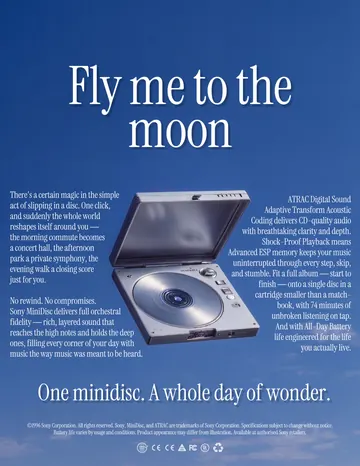
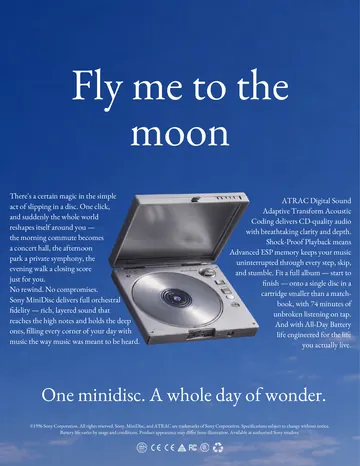


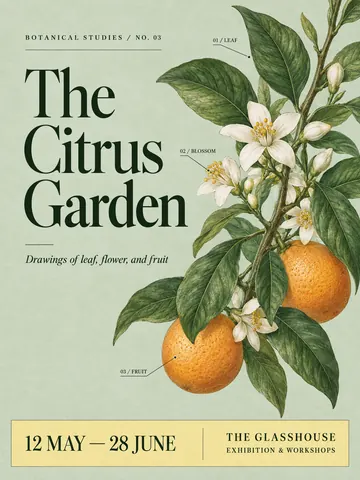
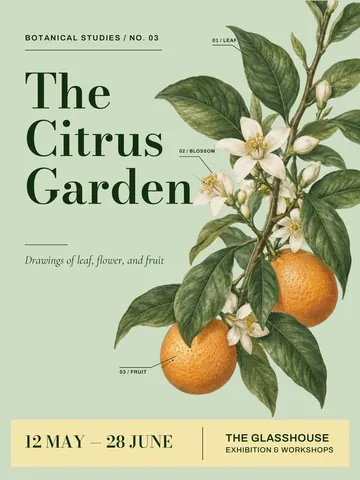
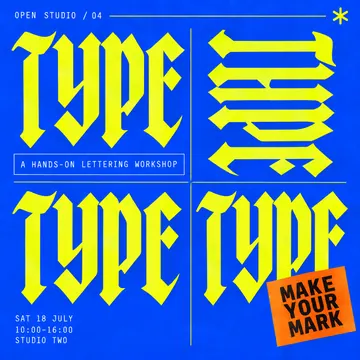
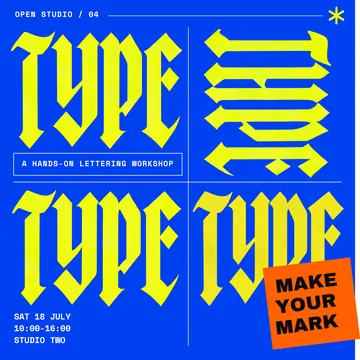


Building on the Moda agent has meant that improvements elsewhere in Moda benefit Layerize. We’ve seen this across model generations and as canvas features like shaders and shadows have expanded the designs the agent can reproduce. As models improve, we expect to keep simplifying the Layerize harness to give the agent more freedom in how it reconstructs an image. With better models and a more capable canvas, the gap between what an image model can generate and what Moda can edit should continue to narrow.

Real editable visuals. Real canvas. Full control.
Fly through design work