Google Business Profile photo size
The recommended Google Business Profile business photo size is 720 × 720 pixels (1:1 aspect ratio).
Last updated:
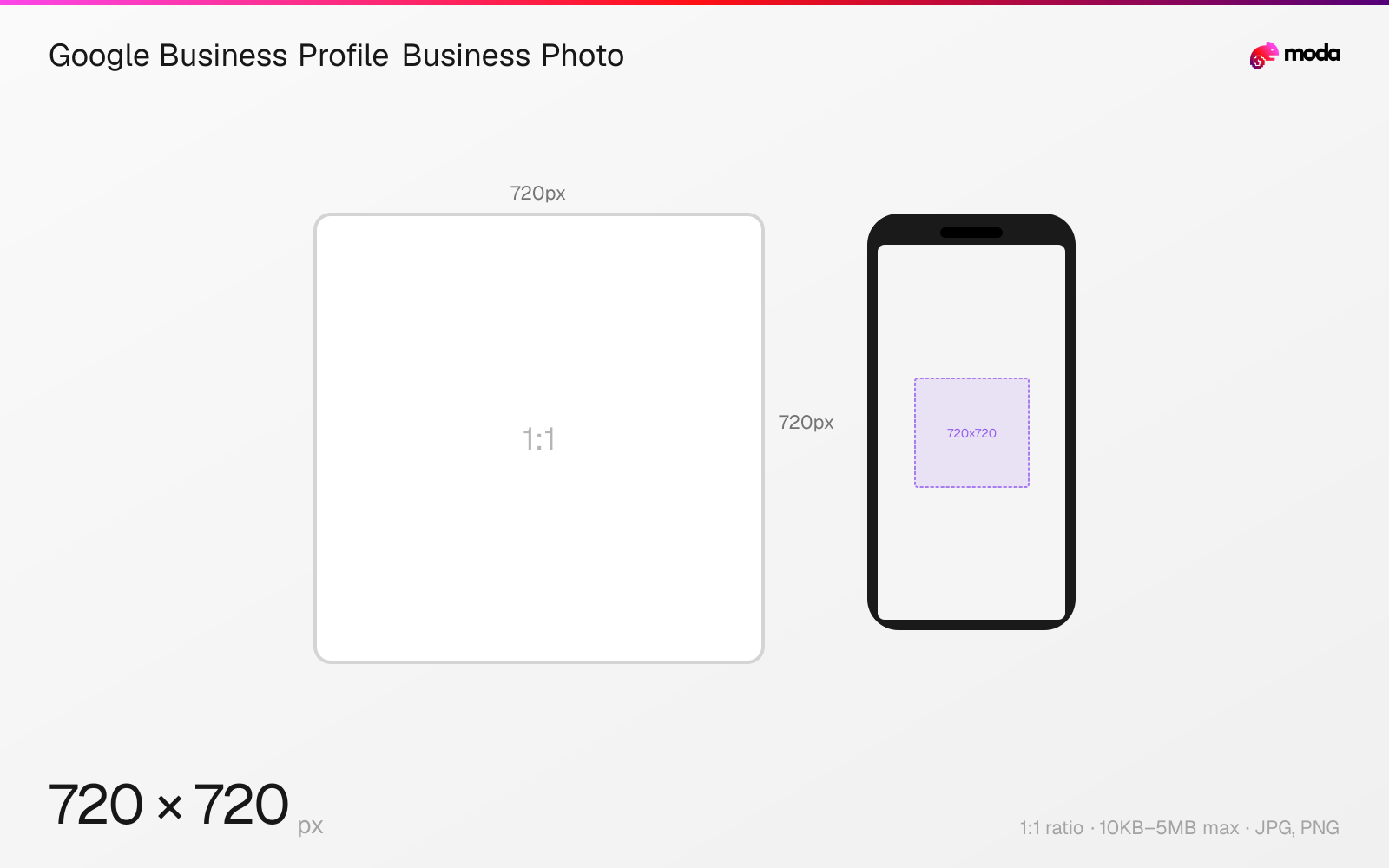
Specifications
| Spec | Value |
|---|---|
| Dimensions (px) | 720 × 720 px |
| Aspect ratio | 1:1 |
| Max file size | 10KB–5MB |
| Supported formats | JPG, PNG |
| Minimum resolution | 250x250 |
Other documented sizes
| Format | Dimensions | Aspect ratio |
|---|---|---|
| Minimum photo | 250 × 250 px | 1:1 |
Design at this size with Moda
Start with a canvas pre-set to 720×720px and let AI generate your design.
Create a Google Business Profile business photo →Design tips
Google recommends 720×720-pixel photos for Business Profiles. Upload JPG or PNG between 10KB and 5MB; the minimum resolution is 250×250 pixels.
- •Use Google's recommended 720×720px square canvas and export as JPG or PNG.
- •Keep the file between 10KB and 5MB and avoid heavy filters or misleading alterations.
- •Upload several accurate business-specific photos rather than relying on one cover image.
What you need to know
Google's current Business Profile photo guidelines recommend 720 pixels wide by 720 pixels tall. Photos may be JPG or PNG, must be between 10KB and 5MB, and have a minimum resolution of 250×250 pixels.
Google says photos should be in focus, well lit, and free of significant alterations or excessive filters or AI, so they accurately represent the business. That quality rule applies in addition to the technical upload limits.
A Business Profile can include a logo, a cover photo, and category-specific business photos such as exterior, interior, product, food, room, common-area, at-work, and team images. Setting a cover photo does not guarantee Google will show it as the first image.
How to create a Google Business Profile business photo at the right size
- 1Open Moda and create a new canvas at 720×720 pixels.
- 2Design your Google Business Profile business photo using AI generation or start from a blank canvas.
- 3Export as JPG and upload to Google Business Profile.
Frequently asked questions
What size should a Google Business Profile photo be?
Google recommends 720×720 pixels. The minimum is 250×250 pixels, and files must be JPG or PNG between 10KB and 5MB.
Will my chosen cover photo always appear first?
No. Google says choosing a cover photo does not guarantee it will appear as the first image for the business.
Can Google Business Profile photos use heavy editing or AI?
Google says photos should have no significant alterations or excessive use of filters or AI and should represent reality.
Sources
Specs last verified: August 28, 2026. Dimensions may change as platforms update their requirements.