Kindle eBook cover size
The recommended Amazon KDP kindle ebook cover size is 1600 × 2560 pixels (5:8 aspect ratio).
Last updated:
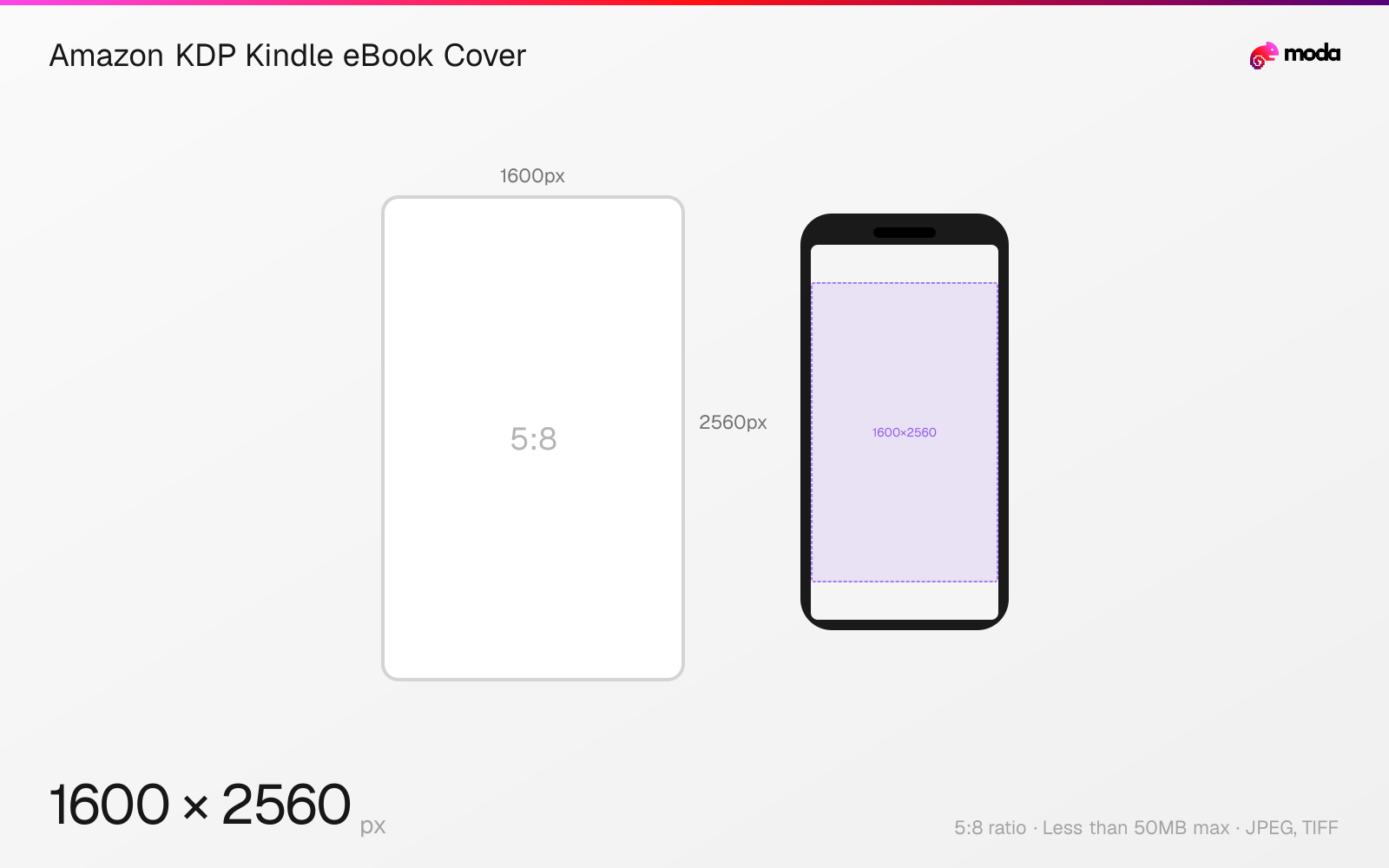
Specifications
| Spec | Value |
|---|---|
| Dimensions (px) | 1600 × 2560 px |
| Aspect ratio | 5:8 |
| Max file size | Less than 50MB |
| Supported formats | JPEG, TIFF |
| Minimum resolution | 625x1000 |
| Color mode | RGB |
Other documented sizes
| Format | Dimensions | Aspect ratio |
|---|---|---|
| Minimum Kindle eBook cover | 625 × 1000 px | 5:8 |
Design at this size with Moda
Start with a canvas pre-set to 1600×2560px and let AI generate your design.
Create an Amazon KDP kindle ebook cover →Design tips
Amazon KDP lists 1600×2560 pixels as the ideal Kindle eBook cover size, with a height-to-width ratio of at least 1.6:1. Upload JPEG or TIFF in RGB, under 50MB.
- •Use 1600×2560px for Amazon's ideal 1.6:1 Kindle eBook cover.
- •Export in RGB as JPEG or TIFF and keep the file below 50MB.
- •Use KDP's calculator for print covers because spine width and total canvas size vary by the book.
What you need to know
Amazon KDP's current eBook-cover criteria list ideal dimensions of 1600×2560 pixels, expressed by Amazon as 2560 pixels high by 1600 pixels wide. The ideal height-to-width ratio is at least 1.6:1. Minimum dimensions are 625×1000, and neither axis may exceed 10,000 pixels.
KDP accepts JPEG or TIFF cover images, requires RGB rather than color separation, and limits the file to less than 50MB. Amazon applies additional compression when displaying the cover, so its help page recommends uploading with minimal compression.
Print covers do not have one fixed pixel size. A paperback or hardcover cover includes the back, spine, front, and bleed, and its width depends on trim size, binding, paper, and final page count. Use Amazon's Print Cover Calculator for those dimensions instead of reusing this eBook canvas.
How to create an Amazon KDP kindle ebook cover at the right size
- 1Open Moda and create a new canvas at 1600×2560 pixels.
- 2Design your Amazon KDP kindle ebook cover using AI generation or start from a blank canvas.
- 3Export as JPEG and upload to Amazon KDP.
Frequently asked questions
What size is a Kindle eBook cover?
Amazon KDP lists 1600×2560px as ideal, with a height-to-width ratio of at least 1.6:1. The minimum is 625×1000px.
What formats does KDP accept for eBook covers?
Amazon KDP accepts JPEG or TIFF cover images in RGB, and the file must be less than 50MB.
Can I use 1600×2560 for a KDP paperback cover?
No. Print-cover dimensions depend on trim size, page count, binding, ink, and paper. Use Amazon's Print Cover Calculator to generate the exact full-cover template.
Specs last verified: August 28, 2026. Dimensions may change as platforms update their requirements.