Notion icon size
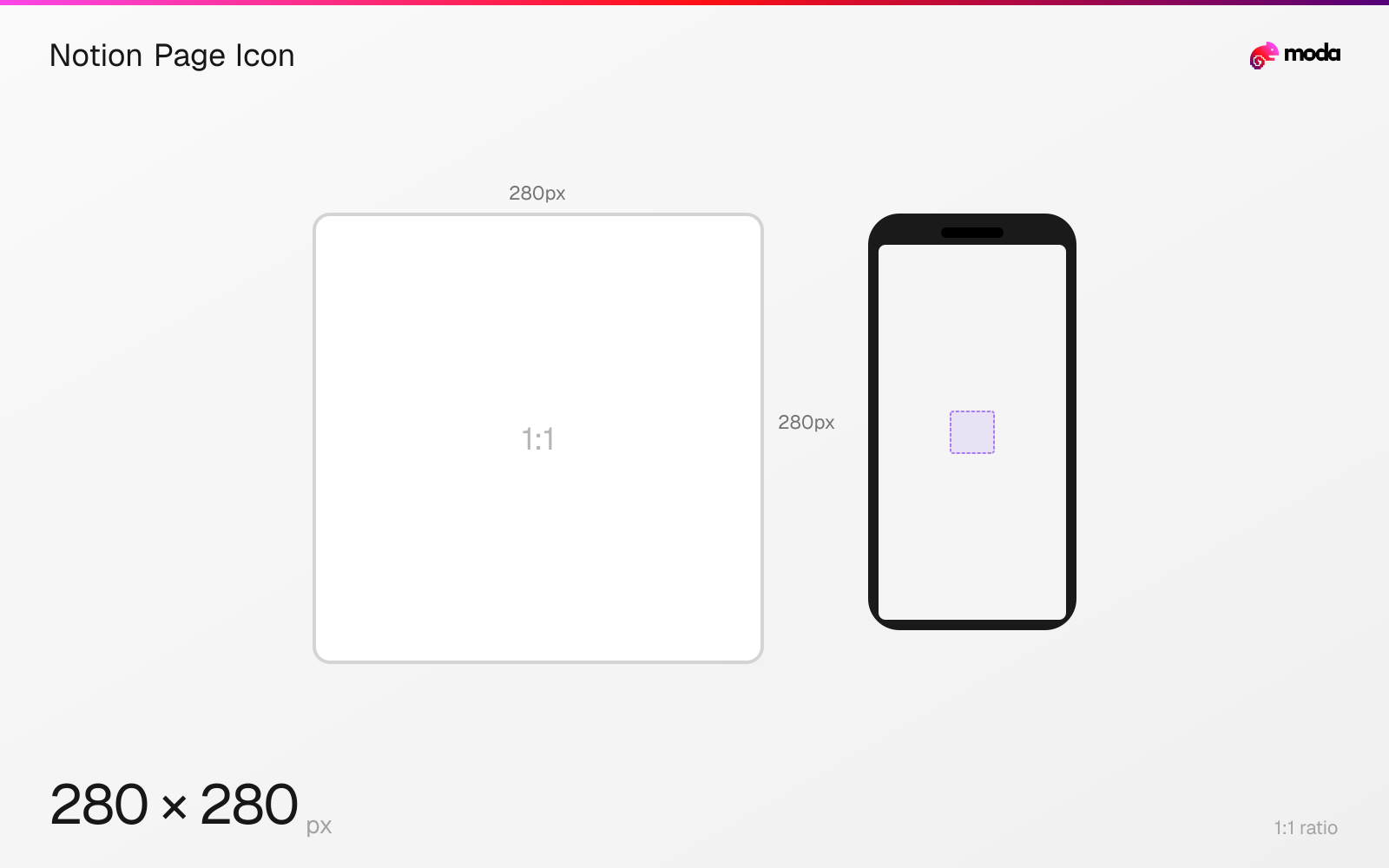
The recommended Notion page icon size is 280 × 280 pixels (1:1 aspect ratio).
Last updated:
Specifications
| Spec | Value |
|---|---|
| Dimensions (px) | 280 × 280 px |
| Aspect ratio | 1:1 |
Design at this size with Moda
Start with a canvas pre-set to 280×280px and let AI generate your design.
Create a Notion page icon →Design tips
Notion says uploaded page icons should ideally be 280×280 pixels. A square source works for page headers, the sidebar and other compact placements where the icon may appear much smaller.
- •Export a square 280×280-pixel source.
- •Choose a simple silhouette and enough contrast to remain clear against the page background.
- •Preview at sidebar size to catch thin strokes and unreadable text.
What you need to know
A Notion page can use an emoji, a built-in icon or an uploaded image. For uploaded page and callout icons, Notion's current Help Center recommends 280×280 pixels.
The source is square, but the displayed icon is often small in the sidebar. Use one bold symbol or logo mark and avoid fine text that only works at the full 280-pixel size.
Because the icon appears against different page surfaces, choose artwork whose edges and contrast remain clear without depending on one particular background color.
How to create a Notion page icon at the right size
- 1Open Moda and create a square 280×280-pixel canvas.
- 2Center a simple symbol or logo that remains legible at sidebar size.
- 3Export the image in a format accepted by Notion and upload it as the page icon.
Frequently asked questions
What size should a Notion page icon be?
Notion recommends an uploaded page icon of 280×280 pixels.
Specs last verified: August 28, 2026. Dimensions may change as platforms update their requirements.