Open Graph image size
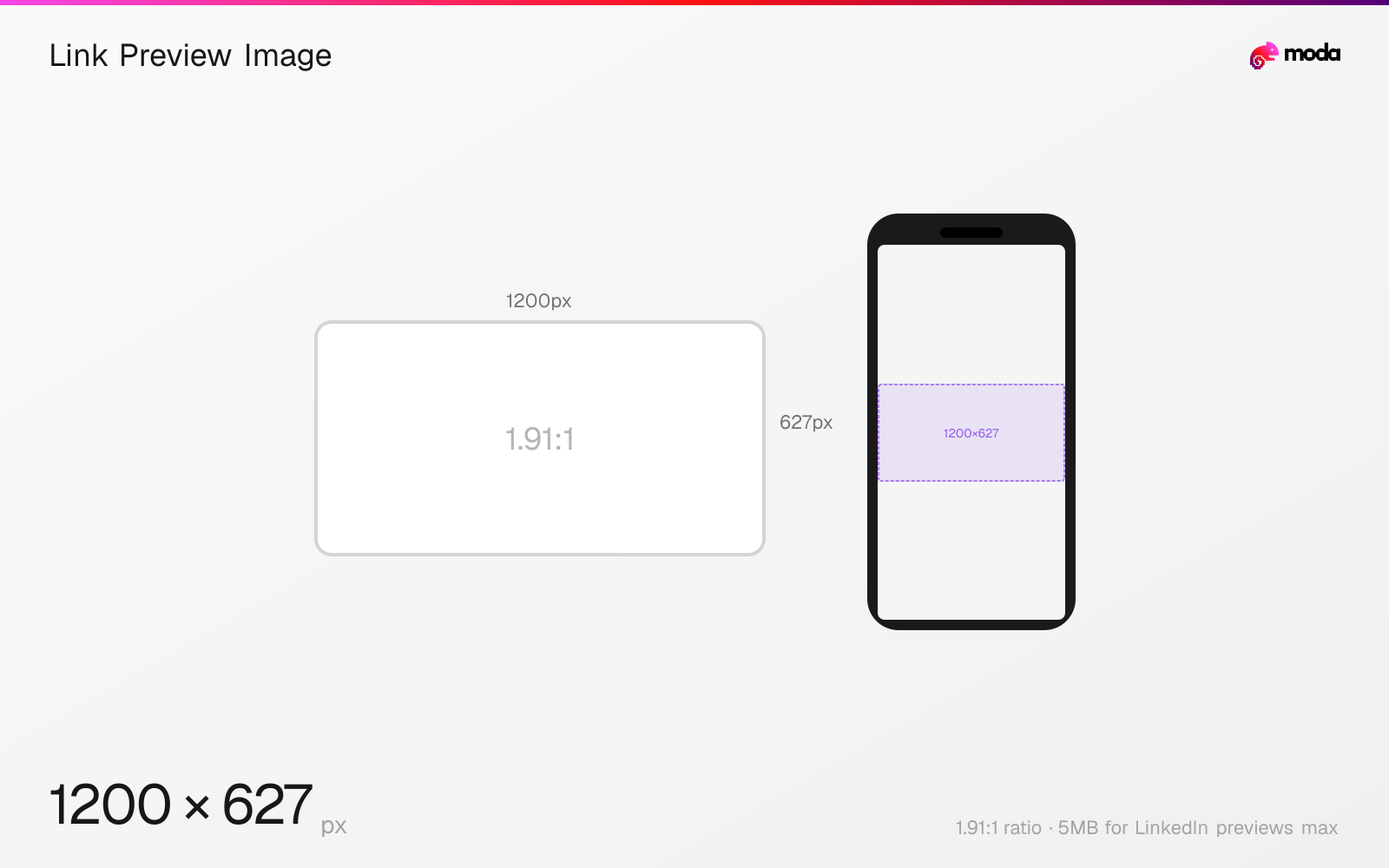
The authoring canvas used in this guide is 1200 × 627 pixels (1.91:1 aspect ratio).
Last updated:
Specifications
| Spec | Value |
|---|---|
| Dimensions (px) | 1200 × 627 px |
| Aspect ratio | 1.91:1 |
| Max file size | 5MB for LinkedIn previews |
| Minimum resolution | 1200x627 for LinkedIn previews |
Design at this size with Moda
Start with a canvas pre-set to 1200×627px and let AI generate your design.
Create a link preview image →Design tips
The Open Graph protocol requires an image URL but specifies no dimensions or file limit. This guide uses LinkedIn's documented 1200×627, 1.91:1 sharing requirement as a practical link-preview convention—not a universal Open Graph specification.
- •Use 1200×627px at 1.91:1 when LinkedIn sharing is an important target.
- •Declare og:image:width, og:image:height, og:image:type, and og:image:alt alongside the image URL.
- •Preview the URL on each important platform because Open Graph itself does not standardize the rendered crop.
What you need to know
Open Graph itself does not define an image size, aspect ratio, format, or file limit. It requires an og:image URL and optionally lets publishers declare og:image:type, og:image:width, og:image:height, and og:image:alt. Any fixed 'Open Graph size' is therefore a convention chosen for the services that consume the metadata.
This page uses 1200×627 pixels at 1.91:1 because LinkedIn's current sharing module requires at least 1200×627, recommends that ratio, and caps the preview image at 5MB. That makes it a sourced target for LinkedIn link previews, but it does not guarantee identical crops on every social platform.
Publish the image at a public HTTPS URL and include its width, height, MIME type, and descriptive alt text in the structured properties. Test important destinations individually, because each consumer can cache, crop, or reject previews according to its own rules.
How to create a link preview image at the right size
- 1Open Moda and create a new 1200×627-pixel canvas for a LinkedIn-oriented link preview.
- 2Design edge-tolerant artwork, then export it in a web image format accepted by each target service.
- 3Publish the image at a public HTTPS URL and reference it with og:image and the related structured properties.
Frequently asked questions
What size does Open Graph require?
None. The Open Graph protocol requires an image URL but does not specify dimensions, ratio, format, or file size. Fixed numbers come from consuming platforms.
Why does this guide use 1200×627 pixels?
LinkedIn's current sharing module requires at least 1200×627px and recommends a 1.91:1 ratio. It is a sourced link-preview target, not a universal Open Graph rule.
Which Open Graph image properties should I include?
Along with og:image, the protocol supports og:image:secure_url, og:image:type, og:image:width, og:image:height, and og:image:alt.
Sources
Specs last verified: August 28, 2026. Dimensions may change as platforms update their requirements.