Pinterest ad specs
The recommended Pinterest standard image ad size is 1000 × 1500 pixels (2:3 aspect ratio).
Last updated:
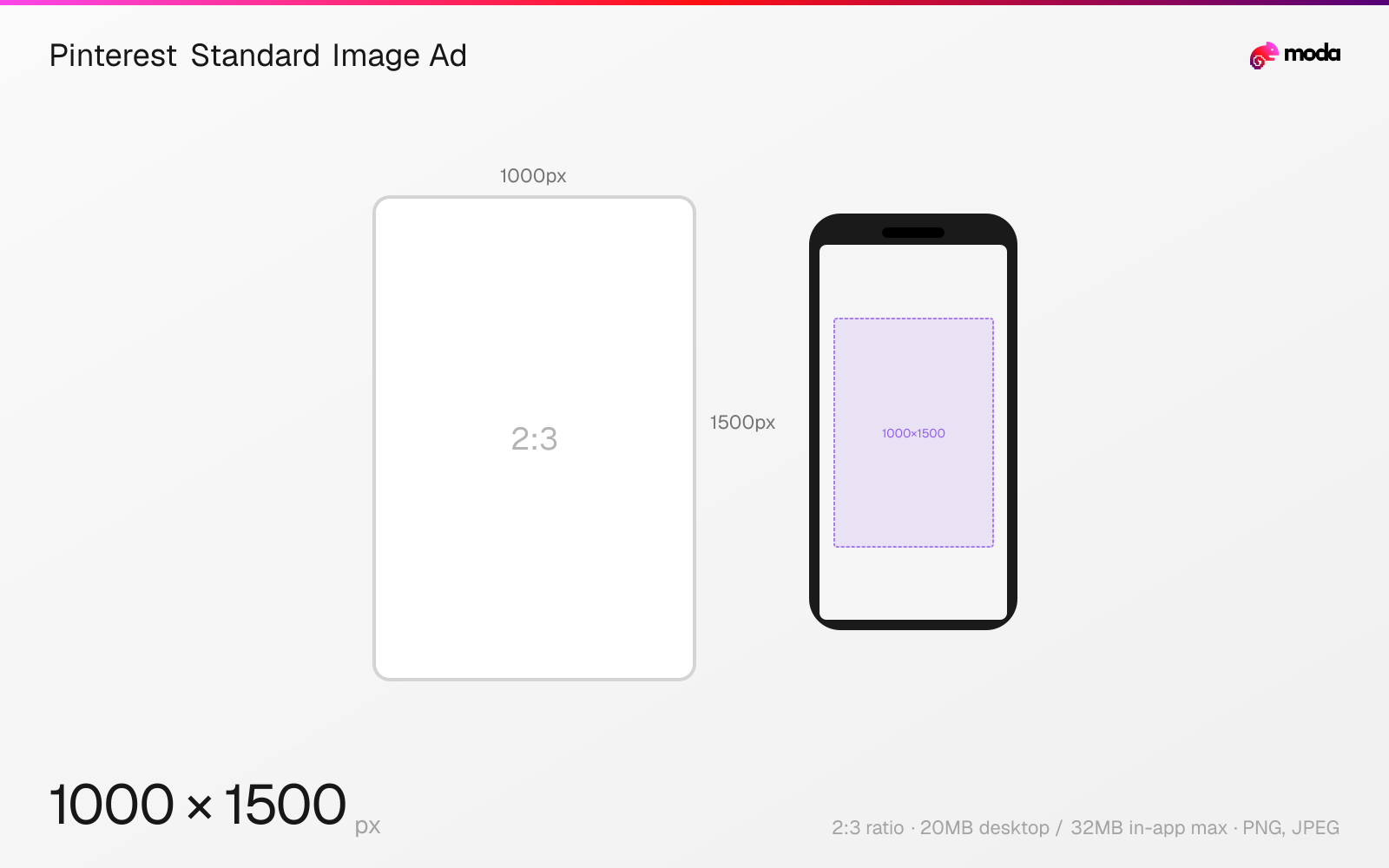
Specifications
| Spec | Value |
|---|---|
| Dimensions (px) | 1000 × 1500 px |
| Aspect ratio | 2:3 |
| Max file size | 20MB desktop / 32MB in-app |
| Supported formats | PNG, JPEG |
| Color mode | sRGB |
Other documented sizes
| Format | Dimensions | Aspect ratio |
|---|---|---|
| Carousel square | 1000 × 1000 px | 1:1 |
Design at this size with Moda
Start with a canvas pre-set to 1000×1500px and let AI generate your design.
Create a Pinterest standard image ad →Design tips
Pinterest recommends 1000×1500 pixels at 2:3 for standard image ads. Upload PNG or JPEG up to 20MB on desktop or 32MB in-app; taller-than-2:3 creative may be cut off in the feed.
- •Use Pinterest's recommended 1000×1500px, 2:3 canvas for a standard image ad.
- •Keep every non-sales carousel card at the same 1:1 or 2:3 ratio and within 20MB per image.
- •Export images in sRGB; Pinterest says custom color profiles are unsupported and converts uploads to standard 8-bit RGB JPEGs.
What you need to know
Pinterest's standard image ads use one PNG or JPEG. The platform recommends a 2:3 aspect ratio at 1000×1500 pixels and warns that taller Pins may be cut off in people's feeds. Desktop uploads may be up to 20MB and in-app uploads up to 32MB.
Standard-width video ads accept MP4, MOV, or M4V with H.264 or H.265 encoding, up to 2GB. Pinterest allows 4 seconds to 15 minutes and recommends 6–15 seconds. Supported video ratios span 1:2 through 1.91:1; Pinterest recommends square or vertical 2:3, 4:5, or 9:16 creative.
Non-sales carousel ads use 2–5 PNG or JPEG images at either 1:1 or 2:3, with a 20MB limit per image. Shopping ads follow the same specifications as standard image and video ads. Collection ads use one hero plus at least three recommended secondary creatives; the hero may be 1:1 or 2:3, while all secondary creatives must share one of those ratios.
How to create a Pinterest standard image ad at the right size
- 1Open Moda and create a new canvas at 1000×1500 pixels.
- 2Design your Pinterest standard image ad using AI generation or start from a blank canvas.
- 3Export as PNG and upload to Pinterest.
Frequently asked questions
What size should a Pinterest image ad be?
Pinterest recommends 1000×1500 pixels at a 2:3 aspect ratio for standard image ads. Taller creative may be cut off in the feed.
What are Pinterest carousel ad specs?
For non-sales campaigns, use 2–5 PNG or JPEG images at either 1:1 or 2:3. Each image may be up to 20MB.
What are Pinterest video ad limits?
Standard-width video ads accept MP4, MOV, or M4V up to 2GB and may run from 4 seconds to 15 minutes. Pinterest recommends 6–15 seconds.
Specs last verified: August 28, 2026. Dimensions may change as platforms update their requirements.