YouTube ad specs
The recommended YouTube video ad size is 1920 × 1080 pixels (16:9 aspect ratio).
Last updated:
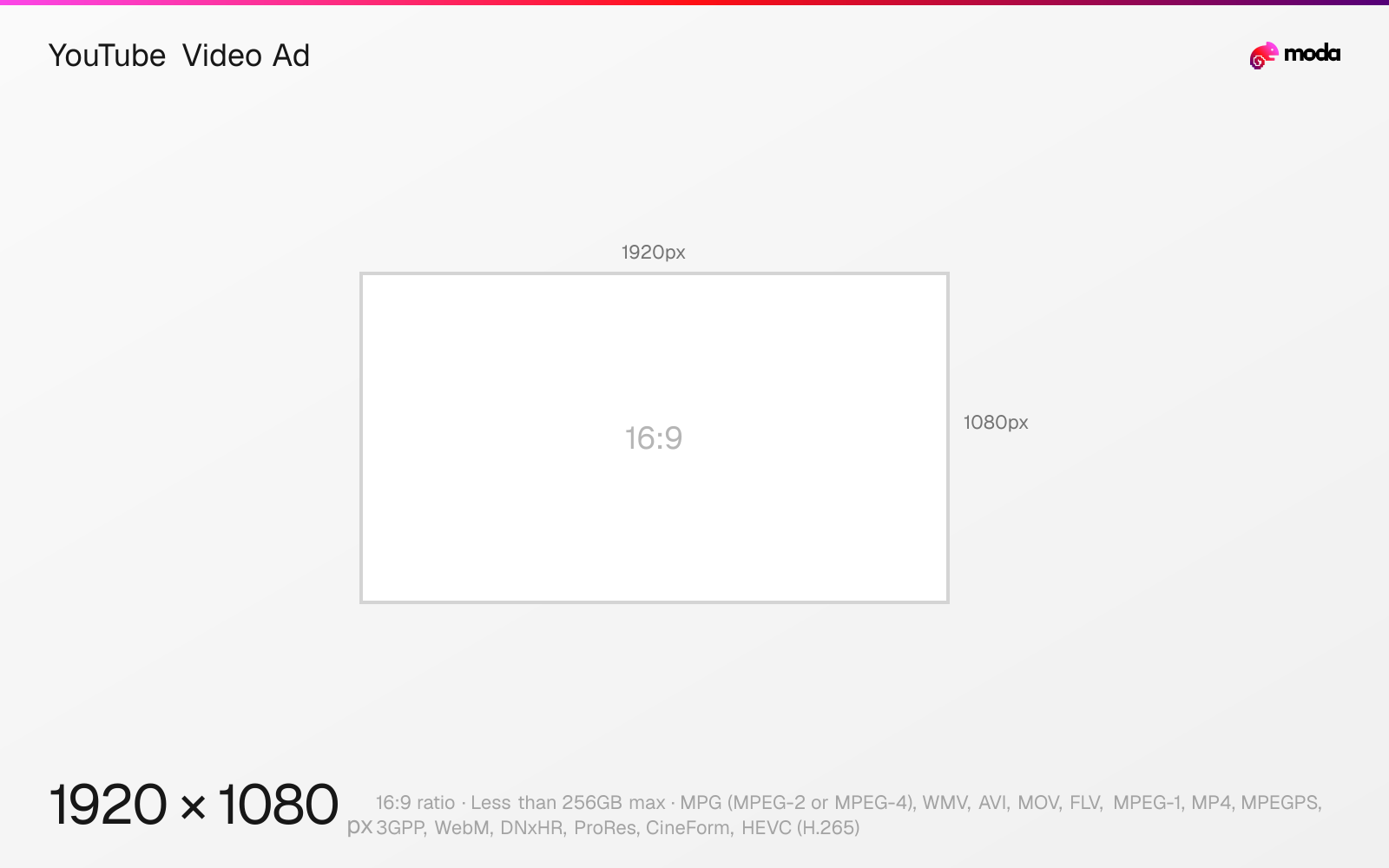
Specifications
| Spec | Value |
|---|---|
| Dimensions (px) | 1920 × 1080 px |
| Aspect ratio | 16:9 |
| Max file size | Less than 256GB |
| Supported formats | MPG (MPEG-2 or MPEG-4), WMV, AVI, MOV, FLV, MPEG-1, MP4, MPEGPS, 3GPP, WebM, DNxHR, ProRes, CineForm, HEVC (H.265) |
Other documented sizes
| Format | Dimensions | Aspect ratio |
|---|---|---|
| Vertical video / Shorts | 1080 × 1920 px | 9:16 |
| Square video | 1080 × 1080 px | 1:1 |
| Companion banner | 300 × 60 px | 5:1 |
Design at this size with Moda
Start with a canvas pre-set to 1920×1080px and let AI generate your design.
Create a YouTube video ad →Design tips
Google recommends 1920×1080 for horizontal YouTube video ads, 1080×1920 for vertical, and 1080×1080 for square. Video files must be under 256GB; lengths depend on the campaign and placement.
- •Prepare horizontal, vertical, and square masters when the campaign may serve across in-stream, in-feed, and Shorts placements.
- •Use a 6-second cut for bumper inventory instead of assuming the 15-second in-stream recommendation applies everywhere.
- •Export the thumbnail and optional 300×60 companion banner separately; they have much smaller file limits than the video.
What you need to know
Google's current video-ad specification recommends 1920×1080 at 16:9 for horizontal, 1080×1920 at 9:16 for vertical, and 1080×1080 at 1:1 for square creative. It recommends 15 seconds for standard in-video assets and accepts MPG, WMV, AVI, MOV, FLV, MPEG-1, MP4, MPEGPS, 3GPP, WebM, DNxHR, ProRes, CineForm, and HEVC files under 256GB.
Length depends on the campaign. For efficient-reach campaigns, Google recommends 15 seconds for skippable in-stream and in-feed, 6 seconds for bumper ads, and 6–60 seconds for Shorts and square assets. Video action campaigns use at least 10 seconds for horizontal, vertical, and square creative.
YouTube ad support assets have separate specifications. Thumbnails use 1280×720 at 16:9, with a 1280×640 minimum, JPG/GIF/PNG format, and a file size under 2MB for video. Optional companion banners are 300×60 pixels at 5:1, under 150KB, and appear on desktop only.
How to create a YouTube video ad at the right size
- 1Open Moda and create a new canvas at 1920×1080 pixels.
- 2Design your YouTube video ad using AI generation or start from a blank canvas.
- 3Export as MPG (MPEG-2 or MPEG-4) and upload to YouTube.
Frequently asked questions
What size should a YouTube video ad be?
Google recommends 1920×1080px for 16:9 horizontal, 1080×1920px for 9:16 vertical, and 1080×1080px for square YouTube video ads.
How long should a YouTube ad be?
It depends on placement: Google recommends 15 seconds for skippable in-stream and in-feed, 6 seconds for bumper ads, and 6–60 seconds for Shorts in efficient-reach campaigns.
What are YouTube companion-banner specs?
A companion banner is 300×60 pixels at 5:1, JPG/GIF/PNG, and under 150KB. Google notes that companion banners appear on desktop only.
Sources
Specs last verified: August 28, 2026. Dimensions may change as platforms update their requirements.