Best AI Design Tools for Brand Consistency
Compare AI design tools for brand consistency by brand setup, reusable templates, team controls, editing, and handoff. See where each tool fits.
 Anvisha Pai, Co-founder & CEO, Moda
The best AI design tool for brand consistency depends on what your team needs to control. Canva has the strongest documented approval and locking controls in this group. Moda is useful when you want an AI agent to create editable assets with a reusable brand kit. Alai focuses on branded presentations and visual assets, Gamma on theme-consistent presentations and documents, and Venngage on infographics and reports.
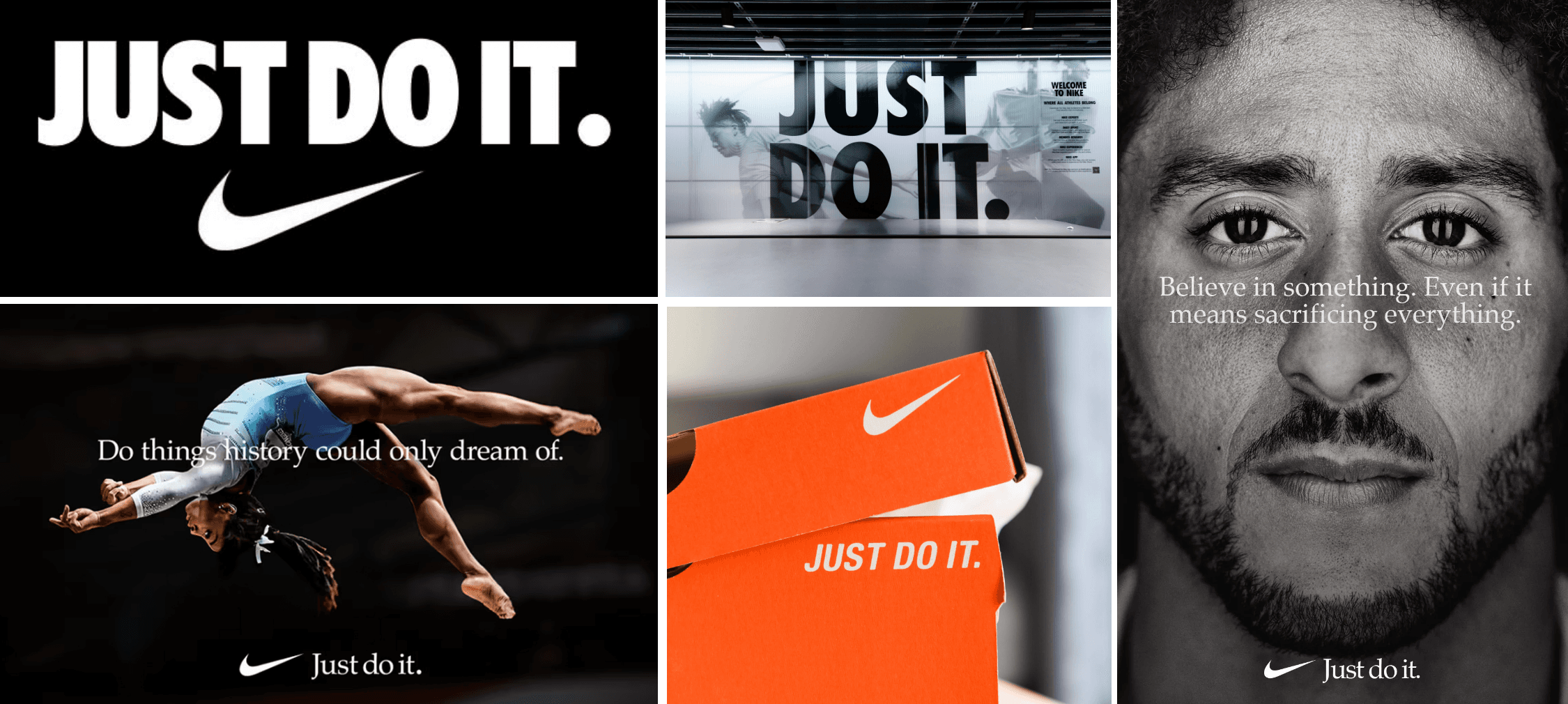
No tool makes brand review unnecessary. A saved palette can prevent the wrong blue, but it cannot decide whether a message fits your company, whether a chart is accurate, or whether a logo has enough clear space. The practical question is which part of the work you want software to standardize.
What to check before choosing a brand-consistency tool
A useful comparison starts with five questions:
- Brand source: can the tool store your logos, colors, fonts, imagery, and written guidance in one reusable place?
- Reusable structure: can your team start from approved themes, templates, or layouts instead of rebuilding each asset?
- Guardrails: can an administrator restrict choices, lock parts of a template, or require approval?
- Correction: when the AI gets something wrong, can a person edit the individual text, image, and layout elements?
- Handoff: can the finished work move into the file format and review process your team already uses?
These are different capabilities. A tool can be excellent at generating a branded first draft without offering enterprise approval controls. Another can enforce a template precisely but give the AI less freedom. Decide which failure would be more expensive for your team.
How this comparison was researched
This article compares documented product capabilities as of August 31, 2026. We reviewed official help pages and product documentation for brand setup, reusable templates or themes, team controls, editing, and export. We did not run a paid generation test, so this article does not score visual quality, speed, or export fidelity.
Canva: best for formal brand governance
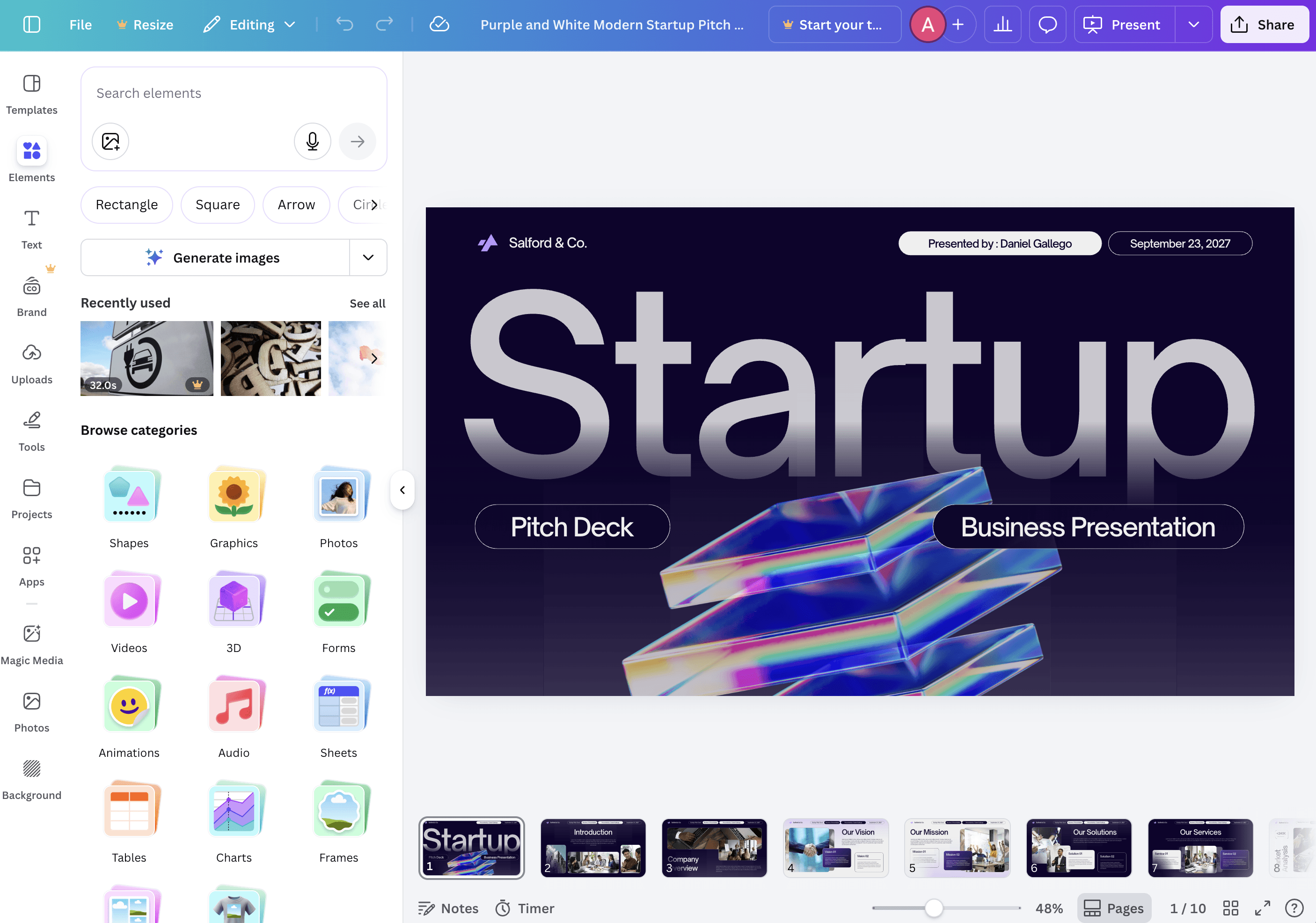
Canva is the clearest choice here when the main problem is controlling what a large team is allowed to use. Its Brand Hub combines brand assets, guidelines, folders, and reusable templates. Canva documents Brand Controls that can limit available fonts, colors, templates, and assets. It also documents approval workflows and locked elements in brand templates.
Canva AI can apply a Brand Kit when suggesting designs, and the result remains editable in Canva. That makes it practical for social posts, presentations, videos, and the many other formats already supported by its editor.
Choose Canva when
- Your team needs approvals, locked template elements, or restrictions on fonts and colors.
- You already keep templates and campaign assets in Canva.
- A broad stock library and many established design formats matter more than an agent-led workflow.
The tradeoff is that a strong system still requires someone to create and maintain the Brand Kits, templates, folders, and controls. That is not a flaw. It is the work required for formal governance.
Moda: best for agent-led creation on an editable canvas
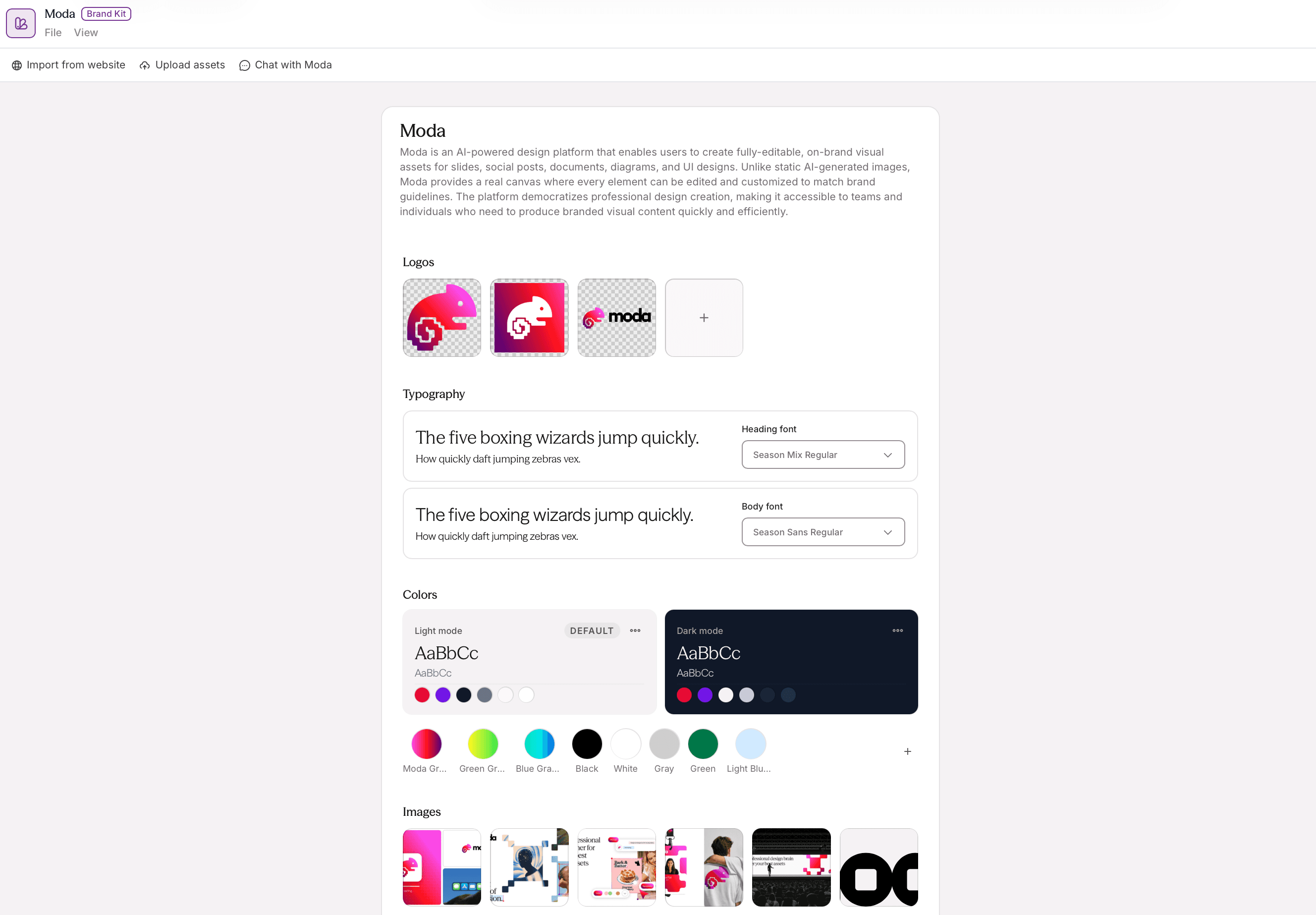
Moda lets a team create a Brand Kit from a website and add logos, fonts, colors, images, and written guidance. A selected Brand Kit becomes context for the design agent, which can create slides, social graphics, one-pagers, and other visual assets on an editable canvas.
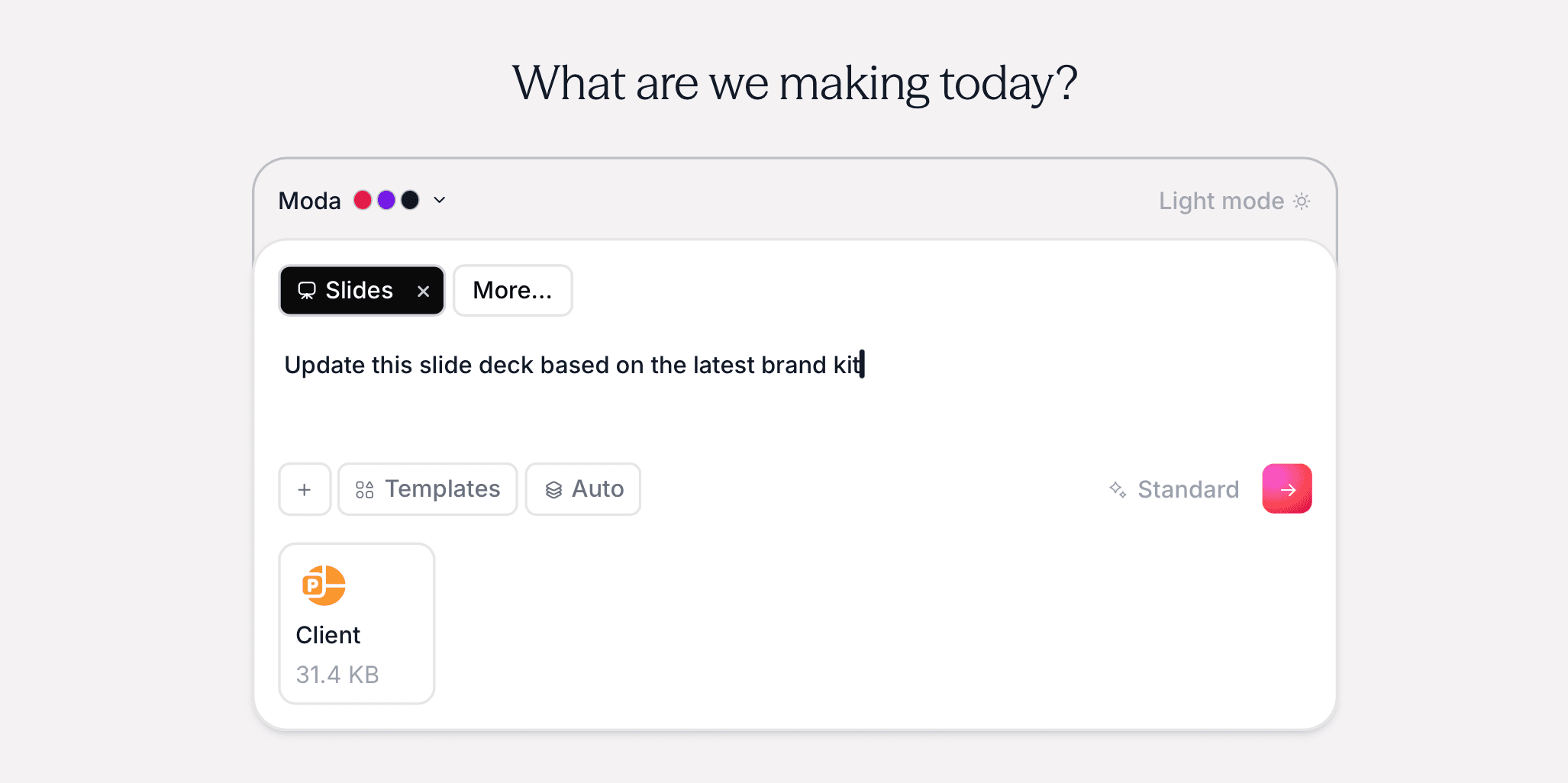
Moda is useful when the bottleneck is turning a brief into a designed first draft and then making targeted changes in the same canvas. Individual text, shapes, images, and layout elements remain editable. Finished work can be exported to presentation, PDF, and image formats.
Choose Moda when
- You want an agent to use a reusable brand kit while creating new visual assets.
- You need to revise individual canvas elements after generation.
- You create several kinds of visual material rather than only presentations or infographics.
Moda is not the best choice when you need locked templates, formal design approvals, or advanced administrative brand controls. Those features are not currently part of its brand workflow. Canva is better suited to that requirement. You can learn more in our practical guide to making an AI pitch deck match your brand.
Alai: best for generating from a design system
Alai is a strong option when presentations are central but you also want to create related visual formats. Alai says its design systems can be built from brand assets such as templates, presentations, websites, and posters. Its current product material also describes manual editing, agent-led editing, and output at different canvas sizes.
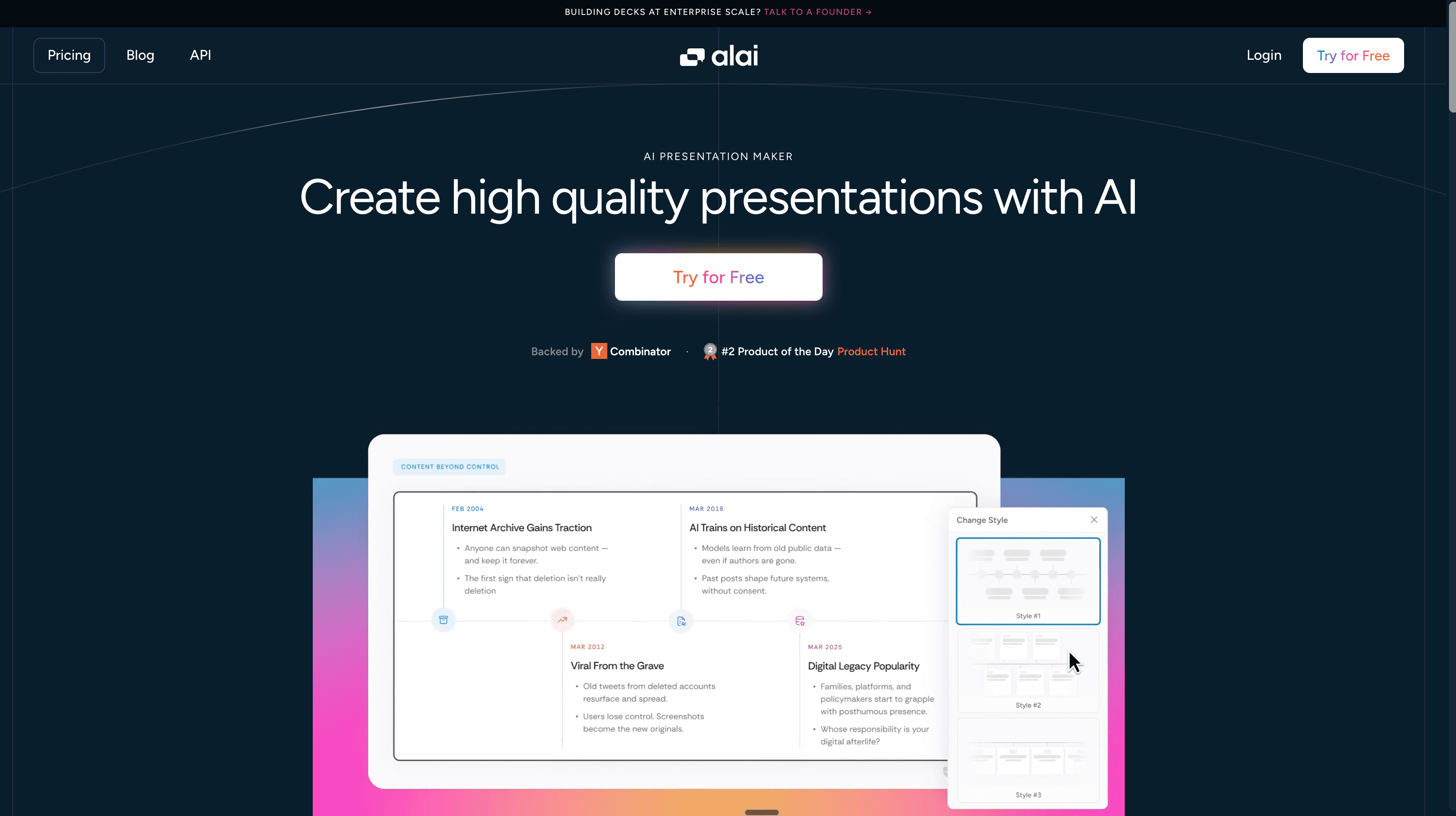
For automated presentation workflows, Alai also documents PowerPoint and PDF export. Its API page describes brand-locked themes and layouts for enterprise and custom workflows. Check the plan and product surface you intend to use before assuming those controls are available to every workspace.
Choose Alai when
- Presentations are the main deliverable and you want multiple slide directions to choose from.
- You want to build a design system from existing visual references.
- You need presentation automation or an API-backed workflow.
Gamma: best for consistent themes across presentations and documents
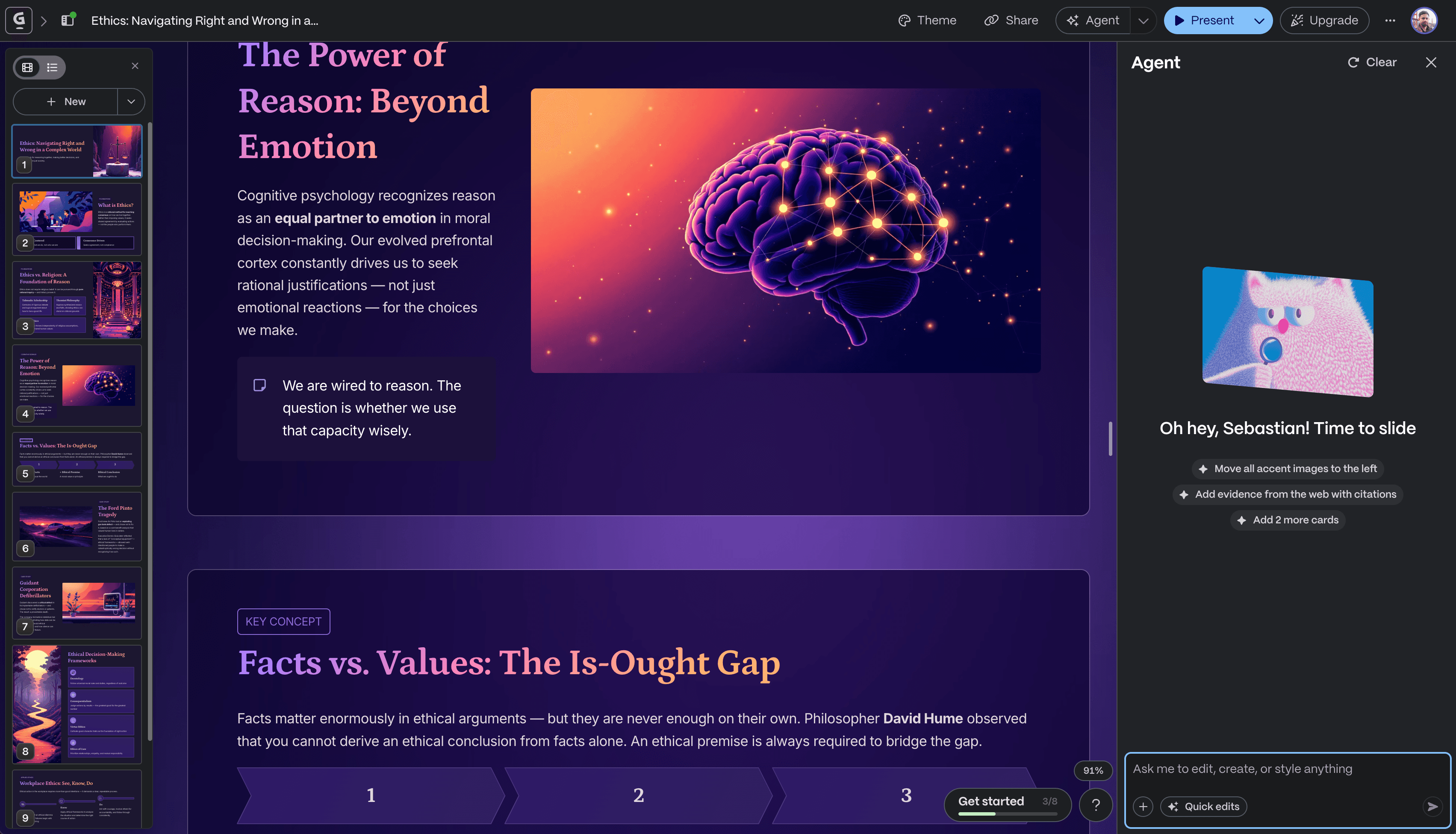
Gamma has more brand support than the previous version of this article acknowledged. Gamma documents custom themes with colors, fonts, logos, slide styling, and image guidance. Teams can import a theme from PowerPoint or Google Drive, and custom themes are shared across the workspace.
Gamma also offers workspace templates that preserve a theme and template instructions. That makes it a reasonable choice for recurring sales decks, reports, proposals, documents, and webpages. Team members can edit the content directly and use AI to revise individual cards.
Choose Gamma when
- Your team creates presentation-like documents that are often shared as links.
- Workspace themes and reusable content templates cover your consistency needs.
- Fast restructuring of text and cards matters more than unrestricted canvas composition.
A shared theme is not the same as a locked brand-governance system. If strict font and color restrictions or approval gates are mandatory, compare Gamma with Canva on those specific controls.
Venngage: best for infographics and reports
Venngage is the most specialized option in this list. It is built around infographics, reports, charts, and other structured visual communication. Venngage documents a Brand Kit for logos, colors, fonts, icons, and images. It can also scan a website to suggest brand assets.
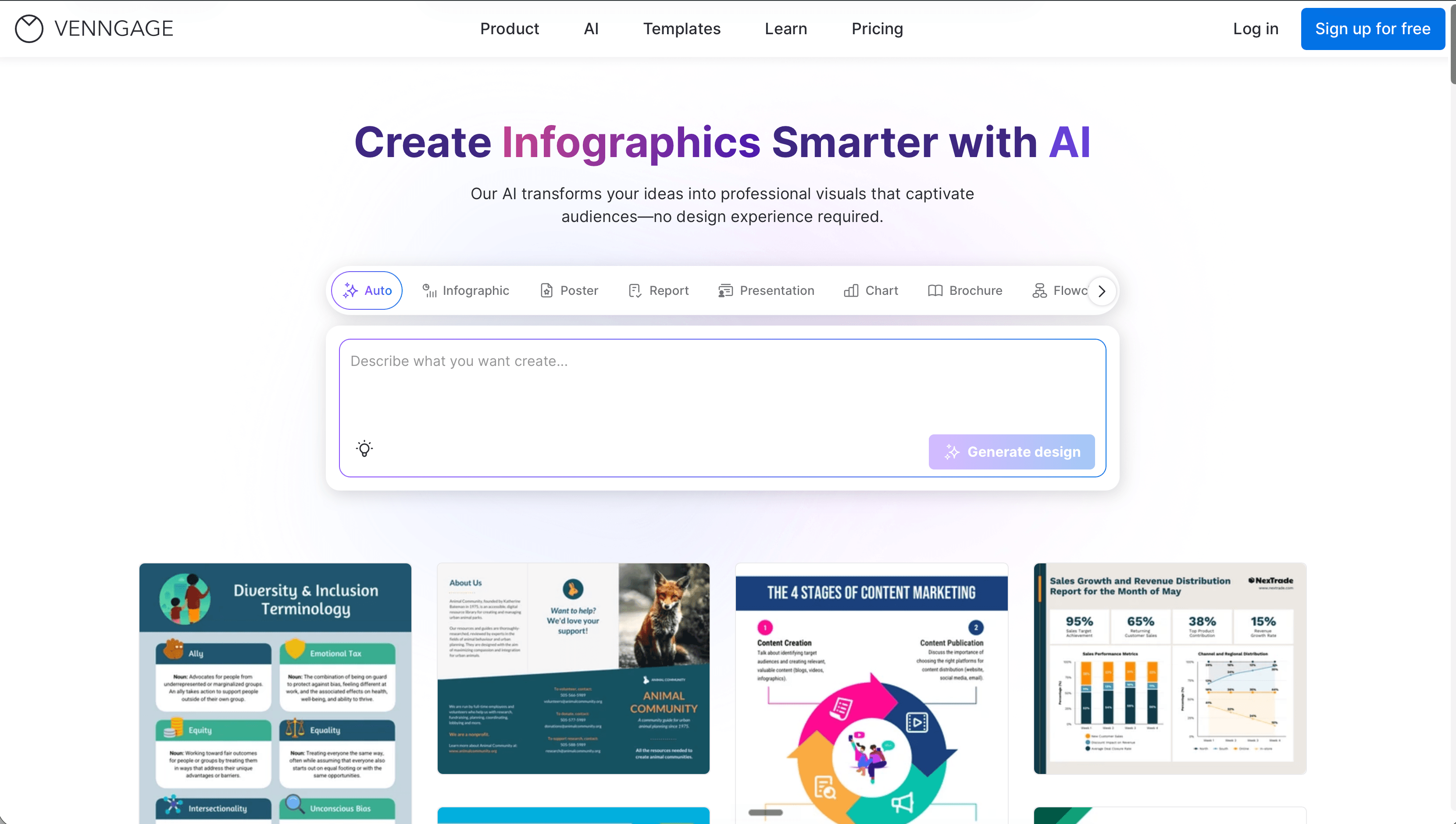
On team accounts, administrators control Brand Kit editing. Team Templates let members make editable copies of approved starting points. The relevant brand and team features are tied to paid plans, so verify access before standardizing a workflow around them.
Choose Venngage when
- Most of your work is infographics, reports, charts, or data-heavy one-pagers.
- A structured template is more useful than a freeform canvas.
- You want administrators to maintain shared brand assets and team templates.
Claude Artifacts: useful for custom prototypes, not a brand system
Claude can create documents, diagrams, SVG graphics, websites, and interactive React components as Artifacts. You can provide brand instructions and assets in context, then ask Claude to revise the result. That is useful for a one-off interactive prototype or a custom web artifact.
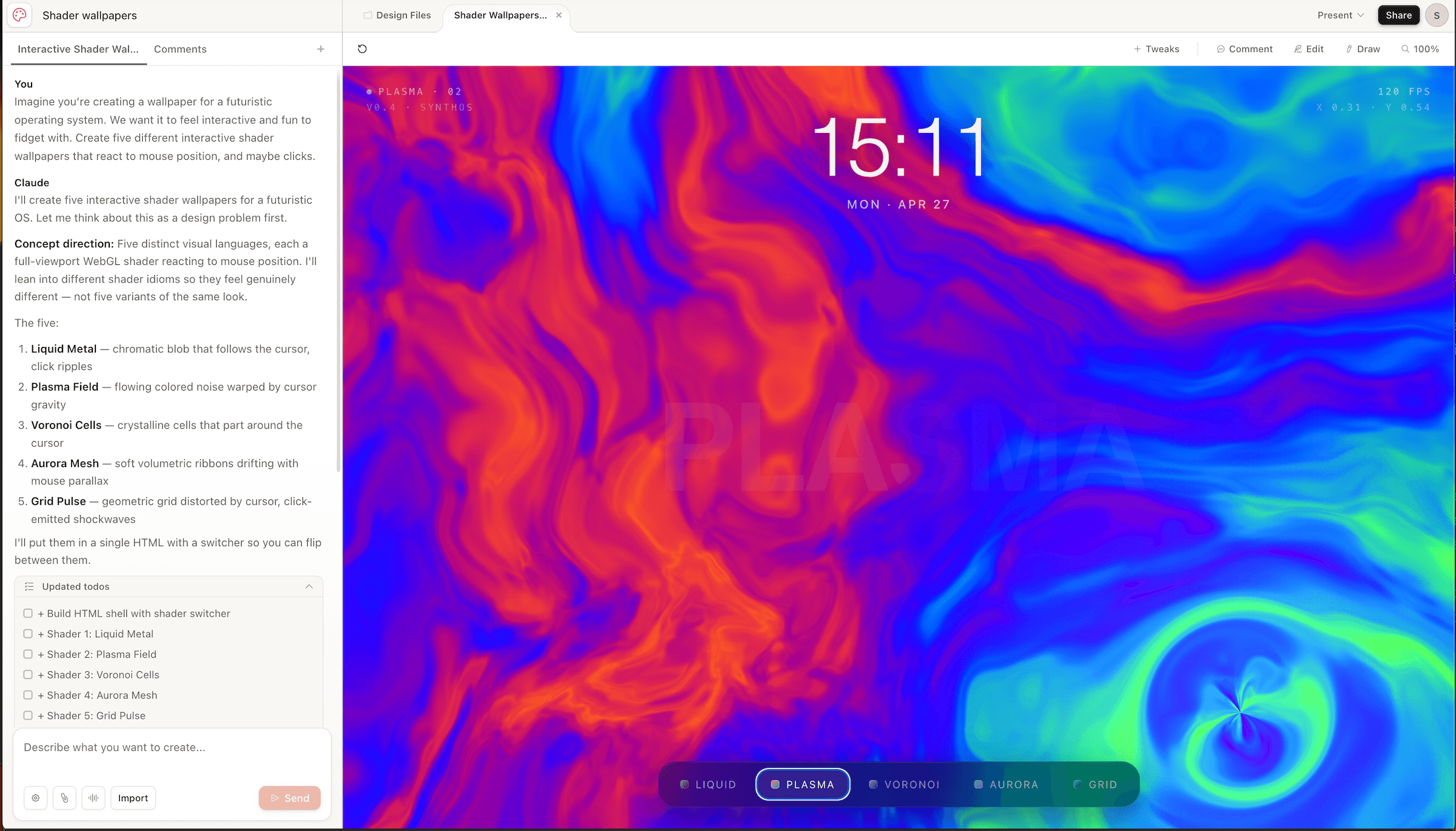
Anthropic's Artifacts documentation does not describe a central Brand Kit, locked templates, or approval controls across a design team. Treat Claude as a flexible creation environment, not as the source of truth for brand governance.
AI design tools for brand consistency compared
| Tool | Reusable brand source | Documented team guardrails | Best fit |
| Canva | Brand Kits, guidelines, assets, templates | Brand Controls, locked elements, approvals | Broad design work with formal governance |
| Moda | Brand Kit from website and uploaded guidance | Reusable agent context; no locked templates or approvals | Agent-led creation on an editable canvas |
| Alai | Design systems from brand assets and references | Brand-locked themes and layouts documented for enterprise/API workflows | Branded presentations and generated visual assets |
| Gamma | Custom themes and workspace templates | Shared themes and template permissions | Presentations, documents, and webpages |
| Venngage | Brand Kit with website auto-import | Admin-managed kits and Team Templates on eligible plans | Infographics and reports |
| Claude | Brand assets supplied in context | No centralized brand controls documented for Artifacts | Custom coded artifacts and prototypes |
A simple way to choose
Start with the control you cannot compromise on:
- Need approvals and locked brand choices? Start with Canva.
- Need an agent to create and revise several kinds of editable visual assets? Consider Moda.
- Need branded presentation generation and design-system reuse? Compare Alai and Moda.
- Need theme-consistent decks, documents, and web pages? Consider Gamma.
- Need infographics and structured reports? Consider Venngage.
- Need a custom interactive prototype rather than a governed design library? Claude may be enough.
Before rolling any tool out, create one representative asset, hand it to a teammate, and change one brand rule. Check how easily the teammate finds the approved assets, whether old templates become stale, what remains editable, and what the exported file looks like in its destination application. That small trial reveals more than a long feature list.
Frequently asked questions
Can AI guarantee brand consistency?
No. AI can reuse approved assets and instructions, but people still need to review facts, tone, accessibility, layout, and exceptions. Formal restrictions and approval workflows provide stronger enforcement than prompting alone.
What is the difference between a Brand Kit and brand controls?
A Brand Kit stores approved assets such as logos, fonts, and colors. Brand controls restrict how people use those assets, for example by limiting fonts or requiring approval before publication. A product may offer one without the other.
Which tool has the strongest brand-governance features?
Among the tools covered here, Canva has the most extensive documented controls for restricting fonts and colors, locking template elements, and requiring design approval. Availability varies by plan.
Which tool is best for generating editable on-brand designs with an AI agent?
Moda is designed for that workflow: select a reusable Brand Kit, describe the asset, and refine individual elements on the canvas. Alai is also worth considering, especially for presentations and design-system-driven visual assets.
Should a team use one tool for every kind of branded content?
Not necessarily. A team might govern templates in Canva, build data-heavy reports in Venngage, create link-based decks in Gamma, and use Moda or Alai for agent-generated visual work. A clear source of truth matters more than forcing every deliverable into one editor.
The bottom line
Brand consistency comes from a maintained system, not a magic generate button. Choose Canva for formal governance, Moda for agent-led creation on an editable canvas, Alai for design-system-driven presentation and visual generation, Gamma for shared themes across presentations and documents, and Venngage for structured reports and infographics. Claude is useful for custom artifacts, but it does not replace a team brand system.

Real editable visuals. Real canvas. Full control.
Fly through design work