How to Make an AI Pitch Deck Actually Match Your Brand
A practical workflow for creating an accurate, editable, on-brand AI pitch deck, with checks for source material, fonts, layouts, and exports.
 Anvisha Pai, Co-founder & CEO, Moda
An AI pitch deck is on-brand only when it uses your real visual rules and survives the final handoff. Start with a compact brand packet, generate a few representative slides before the whole deck, and review factual accuracy separately from design. AI can accelerate the first draft, but it should not invent your metrics, positioning, or brand rules.
What you need before you generate anything
A company website and a one-line prompt are not enough for a reliable pitch deck. The website can reveal colors, typefaces, and imagery, but it rarely contains the full rules for investor materials. Give the tool a small, deliberate source pack instead.
- An approved story or outline. State the audience, fundraising stage, and purpose of the meeting. Include the facts the deck must communicate.
- Current numbers with owners and dates. Label revenue, growth, retention, pipeline, and market figures so the AI cannot confuse unlike metrics or mix reporting periods.
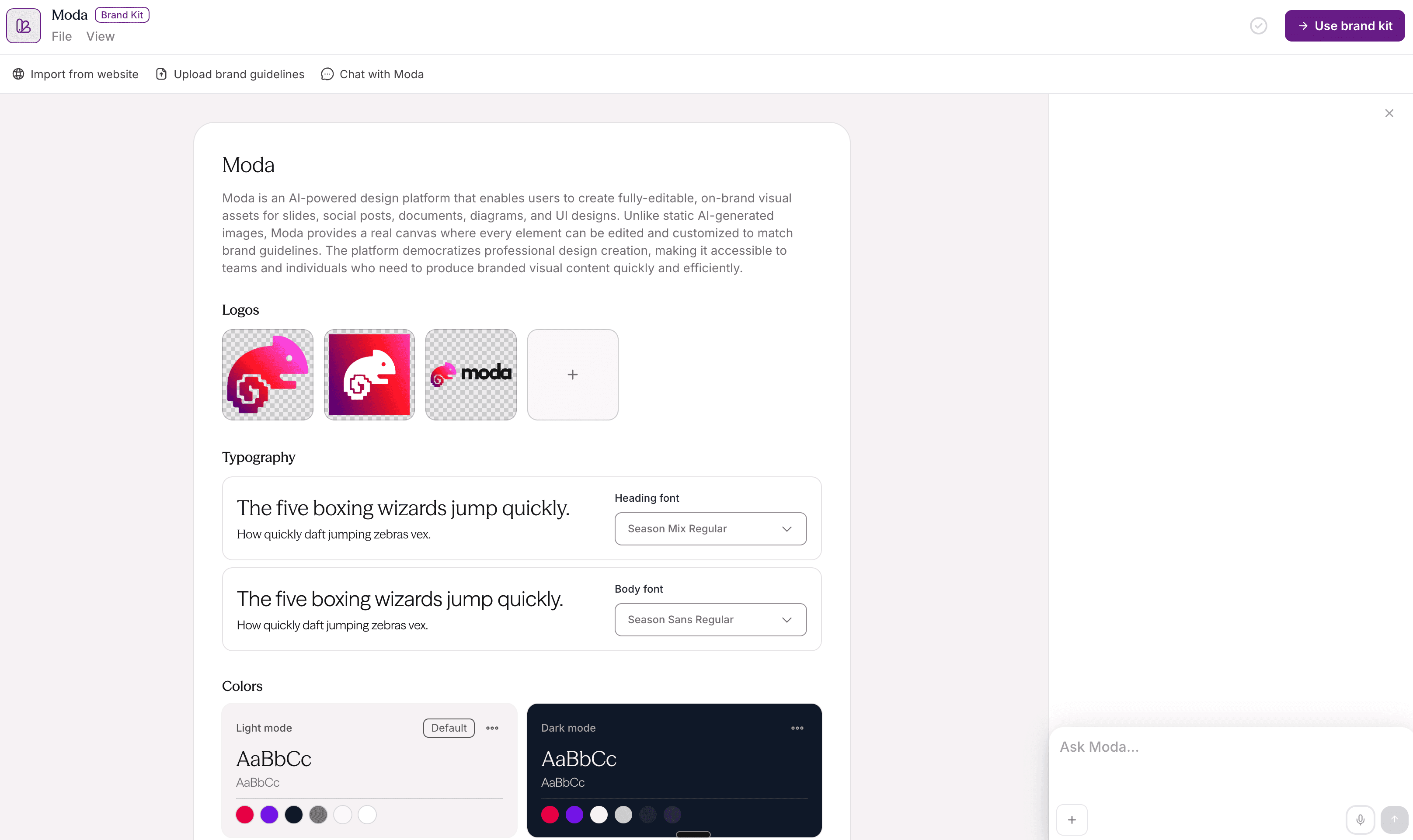
- Logo files and usage rules. Supply the correct light and dark variants, minimum size, clear space, and any treatments that are prohibited.
- A type system with fallbacks. Name the heading and body fonts, their approved weights, and a safe substitute for recipients who do not have the custom font.
- Colors with jobs, not just hex codes. Identify which color is for backgrounds, body text, emphasis, data series, and warnings. A palette without roles still leaves the layout open to interpretation.
- Two to four approved examples. A recent sales deck, company overview, or investor update teaches more about your actual slide language than a generic mood board.
- The final delivery format. Decide whether the editable source must live in PowerPoint, Google Slides, Canva, or another editor before you choose the generation workflow.
Choose the workflow that protects your source of truth
The best tool is usually the one that keeps the deck editable in the place your team will maintain it. There is no advantage in generating a beautiful file if every future change requires a format conversion or a specialist.
If you already have an approved PowerPoint or Google Slides template
Start inside that template when exact theme behavior and internal approval matter most. Let AI help with the outline, slide copy, or alternate layouts, but preserve the existing masters, placeholders, and review process. This is often safer for a large company than rebuilding the visual system in a new product.
If your team builds visually and wants reusable assets
A visual editor with a brand kit can be a good fit. Canva, for example, lets teams centralize logos, colors, fonts, imagery, and written guidelines in its Brand Kit. This works well when people want to choose templates and make changes themselves.
If you want AI to build the visual draft on an editable canvas
Build three difficult slides before the full deck
Do not generate 15 slides and then discover that the visual direction fails on real content. Begin with three slides that stress different parts of the system:
- The opening slide. This tests logo treatment, typography, visual tone, and whether the company can be recognized at a glance.
- The densest evidence slide. Use traction, market, or unit-economics content. This tests hierarchy, source labels, chart legibility, and whether the design survives more than a headline.
- A product or process slide. This tests screenshots, diagrams, captions, and the relationship between product evidence and narrative.
Approve those three before scaling the style across the rest of the deck. This is faster than correcting the same bad assumption 15 times.
Give the AI instructions it can actually follow
“Make it on-brand” is not a useful instruction. Translate your brand into observable rules and tell the system which source wins when materials disagree.
Create three sample slides for a Series A investor meeting: an opening, a traction slide, and a product workflow. Use only facts from the attached outline and metrics sheet. Treat the current brand guide as authoritative. Use the approved heading and body fonts, the light logo on dark backgrounds, and the primary accent only for the most important number on each slide. Keep all text and charts editable. Label any missing fact instead of guessing. The final deck will be handed off in PowerPoint.
The point is not prompt cleverness. It is to remove ambiguity about the audience, evidence, hierarchy, brand rules, and output.
Review facts before polishing the design
A convincing but incorrect deck is worse than an ugly one. Review the content in a plain outline before spending time on typography and image treatment.
| Review | Question to ask | What to do if it fails |
| Numbers | Can every figure be traced to an owner, source, and reporting period? | Remove or label it until the source is confirmed. |
| Claims | Would the customer, investor, or legal team agree with this wording? | Narrow the claim to what the evidence supports. |
| Narrative | Does each slide advance one argument for this audience? | Cut material that is true but irrelevant to this meeting. |
| Ask | Is the raise, use of funds, or requested next step explicit? | State it plainly rather than leaving the audience to infer it. |
AI is useful for proposing structure and compressing source material. It is not the owner of your forecast, market definition, customer evidence, or fundraising story.
Correct the visual system, not one slide at a time
Once the facts are right, look for repeated visual errors. Fixing the underlying rule is faster and safer than nudging every slide independently.
- Typography: Check the heading, body, caption, and number styles. Watch for unsupported font weights and last-minute substitutions.
- Color: Use semantic roles consistently. The accent color should not become a default fill for every chart, icon, and callout.
- Logo: Check contrast, clear space, sizing, and the correct variant. More logos do not make a deck more branded.
- Imagery: Choose one visual language. Mixing polished product captures, unrelated stock photography, and several illustration styles makes the deck feel assembled rather than authored.
- Layout: Define a small set of repeatable relationships, such as where titles sit, how evidence is labeled, and how charts align. Consistency should not mean every slide has the same composition.
If an existing deck is already structurally sound, our presentation cleanup guide covers the smaller typography, spacing, and alignment changes that have the most impact.
Export early, then inspect the exported file
Export one or two representative slides before the deck is finished. Open them in the exact application and environment the recipient will use. Check line breaks, chart labels, image crops, transparency, gradients, and anything near the slide edge.
Fonts need special attention. Microsoft explains that embedding custom fonts can preserve layout and styling, but not every font permits embedding. If another person needs to edit the file, test it on a machine that does not already have your brand fonts installed and use an approved fallback when necessary.
Also compare the editable deck with a PDF export. The PDF is a useful visual reference, but it is not a substitute for checking whether the working file remains easy to edit. If the deck will be presented live, test it at the actual aspect ratio and on a second screen.
For more specific handoff checks, see our guide to PowerPoint and Google Slides exports.
Where Moda fits, and where it does not
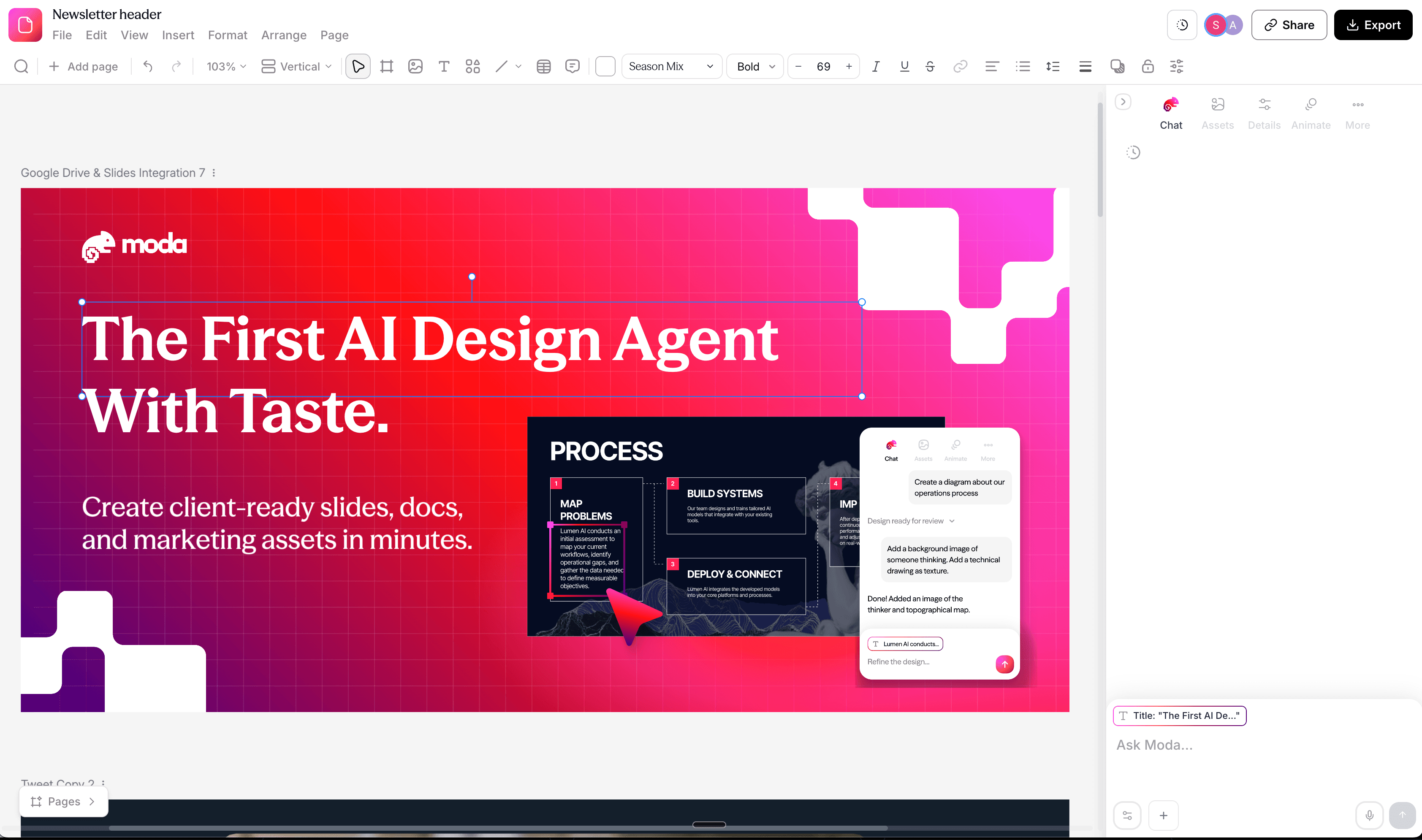
Moda is useful when you want an AI agent to create the visual draft using a saved brand kit, then revise text, shapes, images, and layout on an editable canvas. It can import PowerPoint and Google Slides material and export presentations back to those formats. You can try Moda if that is the workflow you need.
Moda is not automatically the right choice for every pitch deck. If your company already has a carefully maintained PowerPoint master, relies on Office-specific features, or requires every reviewer to work in a native corporate template, building and finishing the deck in PowerPoint may be simpler. Canva may be a better fit for a team that wants a large template ecosystem and hands-on assembly. Whatever tool you choose, inspect the exported result rather than assuming editable export means perfect fidelity.
Final checklist for an on-brand AI pitch deck
- Every number has a source, owner, and date.
- The deck is tailored to this audience and meeting, not a generic pitch-deck outline.
- Fonts, weights, colors, logo variants, and image style match approved brand rules.
- The opening, evidence, and product slides work before the style is applied to the full deck.
- All important elements remain editable in the team’s working format.
- The exported file has been opened and reviewed outside the generation tool.
- A teammate who did not build the deck can understand the argument without narration.
The goal is not to make AI guess your brand more convincingly. Give it a clear source of truth, make it prove the visual direction on difficult slides, and keep enough control to correct the result. That process produces a deck your team can actually maintain, not just a polished first impression.

Real editable visuals. Real canvas. Full control.
Fly through design work