The Best Gamma Alternatives for Different Presentation Workflows
A practical comparison of Canva, Beautiful.ai, Plus AI, Pitch, and Moda, organized by editing, brand control, sharing, and export needs.
 Anvisha Pai, Co-founder & CEO, Moda
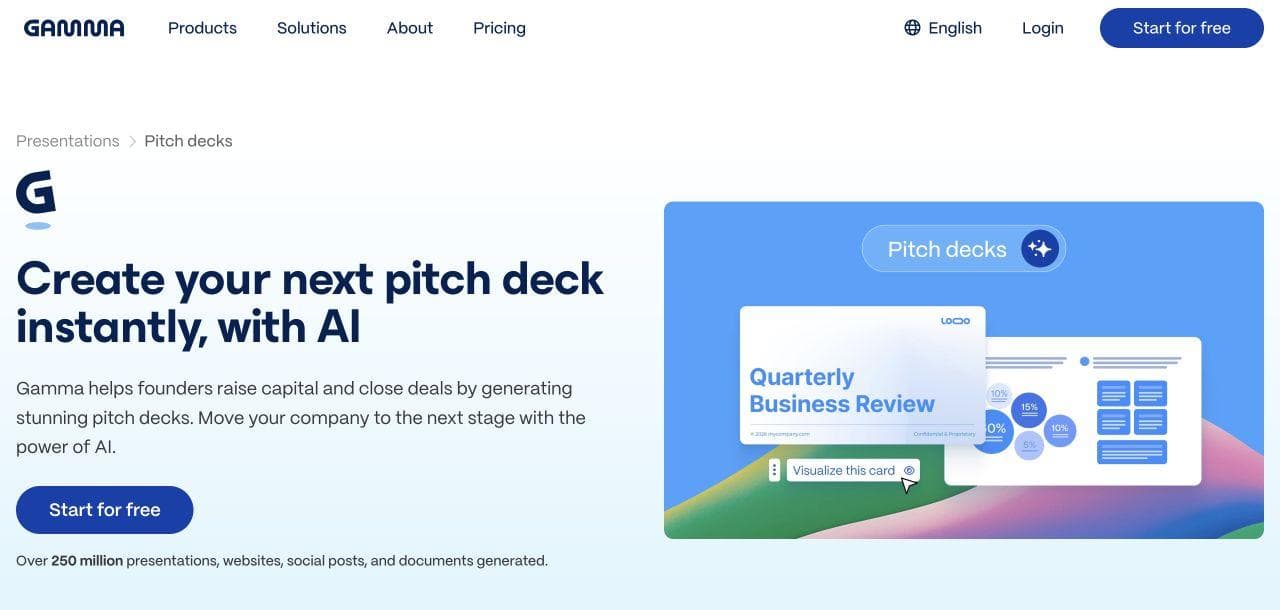
Gamma is very good at turning an outline into a polished, web-native presentation quickly. That is exactly why a useful alternatives guide cannot start from the premise that Gamma is broken. The right question is whether its workflow matches the way your team edits, distributes, and governs presentations after the first draft.
This guide compares five credible alternatives for five different jobs. It is not a universal ranking. If live-link sharing, responsive cards, and presentation analytics matter most, Gamma may still be the best fit.
The short answer
- Choose Canva when your team needs presentations alongside social posts, video, documents, and a large template and stock-media ecosystem.
- Choose Beautiful.ai when non-designers need strong layout guardrails and centrally controlled presentation themes.
- Choose Plus AI when the final deck must stay inside Google Slides or PowerPoint from the start.
- Choose Pitch when a sales team cares about shared deck libraries, personalized links, deal rooms, and viewer analytics.
- Choose Moda when you want an AI agent to build or revise a visually distinctive, layered deck and related brand assets on an editable canvas.
- Keep Gamma when the shareable web version is the product, not merely a step on the way to a traditional slide file.
Start with the handoff, not the prompt
Most presentation tools can make a plausible first draft from a prompt. The harder part begins when the draft reaches a sales leader, designer, client, or executive. Before choosing a tool, answer four questions:
- Where will the final deck be edited: the vendor's editor, PowerPoint, Google Slides, or a browser link?
- Does the team need free-form composition, or would automatic layout rules prevent more mistakes than they create?
- Is the presentation a one-off file, or part of a governed library that many people will reuse?
- Does success depend on recipient engagement data, exact offline rendering, or easy production of related assets?
Those answers separate the products more reliably than a checklist of AI features.
Gamma as the baseline
Gamma accepts a prompt, outline, or uploaded document, generates a card-based presentation, and supports manual or AI-assisted editing. It can be presented in Gamma, shared as a live link, or exported to PDF, PNG, and PowerPoint. Google Slides use goes through a PPTX upload. Gamma's export documentation notes that Google Slides may substitute fonts embedded in a PowerPoint file, and that some visual effects can render differently outside Gamma. Those are workflow details, not evidence that the product is uneditable or unusable.
Gamma is especially compelling when recipients will open a link. The live version can remain current after sharing, include interactive content, and expose engagement metrics such as slide views and time spent per slide on eligible plans. If you routinely email PPTX files that other people must edit, a tool native to that file workflow may be simpler.
1. Canva: best for a broad content ecosystem
Canva's AI presentation maker is the most practical alternative when a presentation is only one item in a larger campaign. Its presentation editor sits beside social graphics, video, documents, whiteboards, and a large media and template library. Magic Design can generate a presentation draft, while the regular drag-and-drop editor remains available for detailed changes. Canva Pro also supports Brand Kits for fonts, colors, logos, and reusable brand assets.
Choose Canva when the same team needs to turn a launch narrative into a deck, social graphics, and follow-up collateral without moving between several products. It is also a safer choice than a presentation-only tool for people who already know Canva and depend on its template ecosystem.
Gamma is better when you want a responsive, web-native narrative and link analytics without treating the work as a conventional canvas. Canva is better when the presentation belongs to a wider visual-content workflow.

2. Beautiful.ai: best for layout guardrails
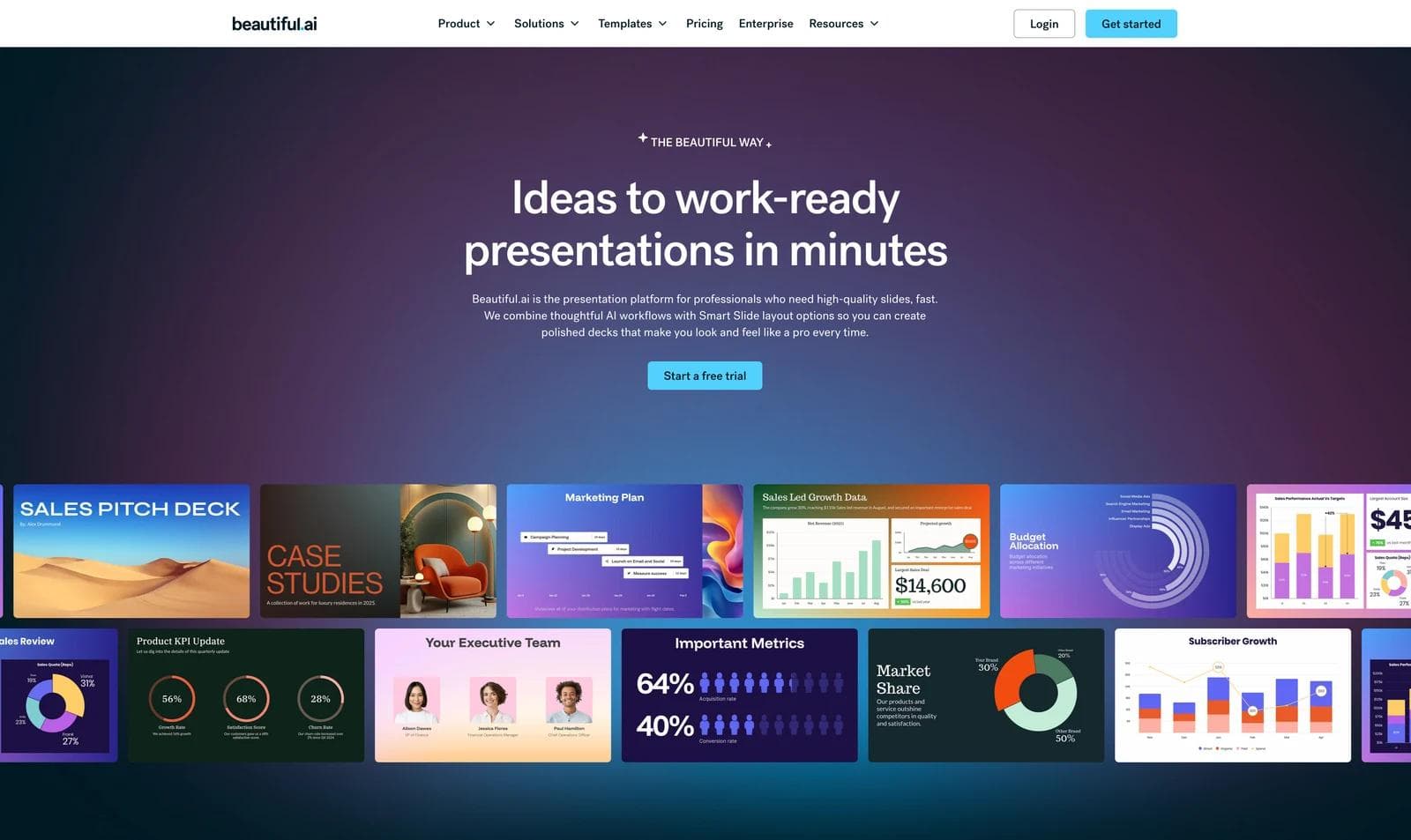
Beautiful.ai's defining feature is Smart Slides. These layouts automatically adjust alignment and spacing as content changes. Themes can apply fonts, colors, logos, icons, and footers across a presentation. Team controls add locked themes, reusable slides, shared assets, and restrictions that help non-designers stay within approved patterns.
That constraint is useful when a sales or operations team produces many similar decks and design consistency matters more than unusual composition. Beautiful.ai also provides Classic Slides when more direct control is needed, so it is inaccurate to describe every output as locked.
Choose Beautiful.ai over Gamma when the central problem is keeping many authors from breaking layouts. Choose Gamma when flexible, responsive cards and browser-based distribution matter more than a governed slide system.
3. Plus AI: best for staying in Slides or PowerPoint
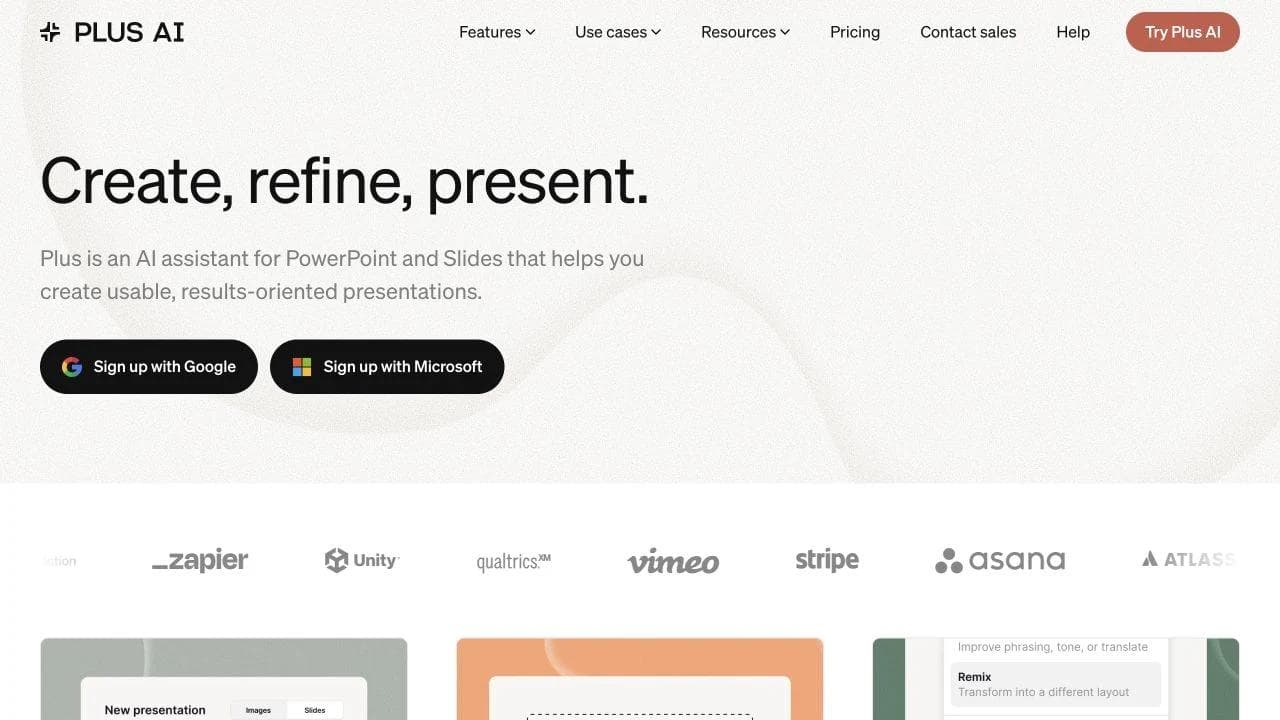
Plus AI works inside Google Slides and PowerPoint. It can generate a new presentation from a prompt or file, insert a slide into an existing deck, rewrite text, and remix content into a different layout. The important difference is architectural: the output begins in the editor where the team already collaborates and presents.
That makes Plus AI a strong fit for organizations with approved PowerPoint masters, existing slide libraries, or customers who expect a native file. It reduces the need to export from a separate presentation app and then repair the handoff. Its visual system may feel less novel than a web-native Gamma, but that can be an advantage when compatibility and familiar editing are the priority.
Choose Plus AI if the non-negotiable requirement is a conventional slide file that remains in the team's normal editor. Choose Gamma if the live web presentation is more important than native authoring in Office or Google Workspace.
4. Pitch: best for sales distribution and engagement
Pitch combines collaborative presentation creation with sales-oriented delivery. Its official sales product includes shared templates and assets, custom presentation links, viewer analytics, recorded decks, interactive embeds, and deal-room-style sharing. Those features address what happens after a rep sends the deck, not only how the slides were generated.
Choose Pitch when sales enablement owns a reusable library and account teams need to personalize, distribute, and monitor decks. Gamma also offers link sharing and analytics, so this is not a categorical win. The distinction is that Pitch organizes these capabilities around a team sales workflow, including shared collateral and custom sales rooms.
5. Moda: best for agent-led visual production
Moda is a better fit when you want to work with an agent through several rounds of feedback, then continue with direct, layered editing on a visual canvas. It can create presentations and related assets such as one-pagers, social graphics, and diagrams from the same brand context. That matters when the work needs more composition freedom than a constrained slide template offers.
Moda exports presentations to PowerPoint and PDF, but its own documentation describes PowerPoint and Google Slides conversion as best effort: complex vector treatments or advanced styling may be rasterized or simplified. PDF is the safer handoff when visual fidelity matters more than downstream editing. Gamma is better if responsive web sharing and built-in presentation analytics are the priority. Canva is better if a mature template and stock-media catalog is the priority. Beautiful.ai is better if strict layout guardrails are the requirement.
For a closer look at presentation workflows, read how to choose an AI presentation maker and Gamma versus Canva.
Comparison by job
| Product | Best fit | Main tradeoff to test |
| Gamma | Web-native decks, live links, engagement data | PPTX or Google Slides handoff may need review |
| Canva | Presentations plus a broad range of campaign assets | Less focused on web-native narrative delivery |
| Beautiful.ai | Repeatable decks with layout and brand guardrails | Smart layouts may constrain unusual compositions |
| Plus AI | Teams that live in Google Slides or PowerPoint | Experience is tied to conventional slide editors |
| Pitch | Sales collateral, custom links, and viewer engagement | Evaluate governance and analytics by plan |
| Moda | Agent-led design with layered canvas editing | Complex PPTX conversions can simplify or rasterize elements |
A practical trial before you commit
Use one real presentation, not a generic prompt. Give every candidate the same approved source document and brand assets. Then test the part of the workflow that will actually fail in production:
- Ask a second person to revise three slides without help.
- Replace a product name everywhere it appears.
- Add one dense comparison slide and one image-led slide.
- Export or share in the exact format the recipient expects.
- Reopen the exported file in the destination editor and check text, fonts, charts, and images.
- Confirm who can update shared templates and what happens to old copies.
The best tool is the one that survives that handoff with the least cleanup. For web-native delivery, that may be Gamma. For broad creative production, it may be Canva. For guardrails, Beautiful.ai. For native slide files, Plus AI. For sales engagement, Pitch. For agent-led, editable visual production, Moda.
When switching is not worth it
Do not switch merely because another product generates a more impressive sample from a short prompt. A new editor also creates migration work: rebuilding themes, moving shared assets, teaching collaborators, and deciding which version of a deck is authoritative. If Gamma already supports the team's live-link workflow and the exported files are acceptable, the cost of changing may exceed the benefit.
A switch is easier to justify when a repeated failure maps directly to another product's core workflow. Examples include spending every week repairing PPTX exports, letting reps break approved layouts, or losing track of which collateral was sent to a buyer. Write down that failure, choose the alternative built around it, and test one real deck end to end. If the problem does not improve, keep the existing system.

Real editable visuals. Real canvas. Full control.
Fly through design work