10 Best Webflow Alternatives in 2026, by What You Need Next
Compare ten Webflow alternatives for visual design, CMS publishing, static marketing sites, ecommerce, code ownership, and client handoff.
 Anvisha Pai, Co-founder & CEO, Moda
Webflow is still one of the strongest ways to build a custom marketing site without writing every line of HTML and CSS. Its visual development model, responsive controls, CMS, interactions, and hosting can support work that simpler website builders cannot. The best Webflow alternative therefore depends on which part of that system you actually want to replace.
For most design-led marketing sites, Framer is the closest modern alternative. WordPress is better when ownership and an extensible CMS matter most. Webstudio is the strongest open-source visual frontend option. Wix Studio is credible for agencies, while Squarespace is easier for small businesses that want the website and operational tools in one place. Moda is a strong option for a static, brand-led site created by a marketer, but it is not a replacement for Webflow's CMS, ecommerce, or app-development capabilities.
Webflow alternatives at a glance
| Tool | Best for | What it replaces well | Main tradeoff |
|---|---|---|---|
| Framer | Design-led marketing sites | Visual design, responsive publishing, animations | Less suitable for complex content operations |
| WordPress | Content-heavy and extensible sites | CMS ownership, plugins, portable hosting | Maintenance and plugin management |
| Wix Studio | Agencies and professional web teams | Responsive visual design, CMS, collaboration, client handoff | Less open and portable than a self-hosted stack |
| Squarespace | Portfolios and polished business sites | Guided design, content, commerce | Less low-level control than Webflow |
| Webstudio | Open-source visual frontend development | CSS control, external CMSs, agents, code export | Requires a separate CMS and more architecture work |
| Moda | Branded static marketing sites | AI generation, brand fidelity, campaign production | Not for apps or sophisticated CMS workflows |
| Shopify | Ecommerce | Catalog, checkout, payments, store operations | Site design revolves around commerce |
| Duda | Agencies managing many client sites | Client permissions, repeatable delivery | Smaller ecosystem than WordPress |
| Ghost | Publications and memberships | Writing, newsletters, subscriptions | Not a general visual site builder |
| Carrd | One-page sites | Fast, inexpensive landing pages | Deliberately narrow scope |
Start with the part of Webflow you are replacing
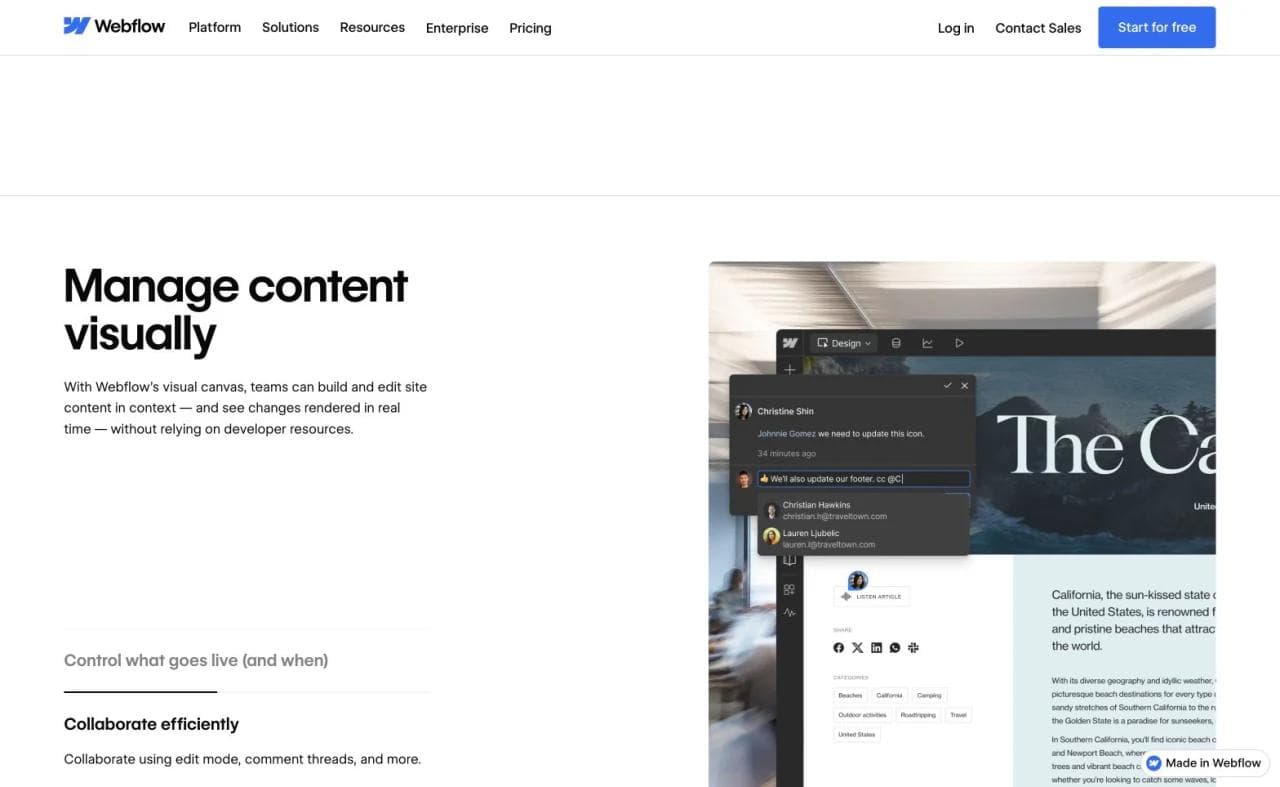
Webflow combines several jobs that do not have to stay together:
- Visual development: Designers manipulate layout, breakpoints, classes, and interactions without starting in code.
- Content management: Editors publish structured content through Collections.
- Hosting and deployment: The site goes live through Webflow's managed infrastructure.
- Business functionality: Forms, ecommerce, localization, optimization, and integrations extend the site.
- Team handoff: Designers, marketers, clients, and developers need different levels of access.
- Application hosting: Webflow Cloud can deploy dynamic, logic-based applications alongside a Webflow site.
A simpler builder can be a better replacement when you only need a five-page marketing site. It can be a serious downgrade when your site depends on hundreds of CMS entries, localized Collections, or a professional design system. Choose based on what must survive the move.
If Webflow Cloud is the layer you need to replace, compare application stacks separately. A vibe-coding platform may replace the app-building workflow, but Framer, Squarespace, Carrd, and other conventional website builders do not replace application state or backend logic.
Before migrating, separate the parts that can leave Webflow from the parts that must be rebuilt:
| Webflow layer | What you can take | What must usually be rebuilt |
|---|---|---|
| Static pages, CSS, JavaScript, and assets | Code ZIP on eligible Workspace plans | Hosting, deployment, and unsupported services |
| CMS content | Collection CSV exports | Schemas, templates, bindings, and publishing workflow |
| Forms and search | Static markup may remain | Submission processing and search functionality |
| Ecommerce and user accounts | Data can be backed up separately | Checkout, authentication, and runtime behavior |
| Localization | Data can be exported by locale | Localized runtime and page behavior |
Webflow documents the current limitations in its code export guide and CMS import and export guide.
1. Framer: best for design-led marketing sites
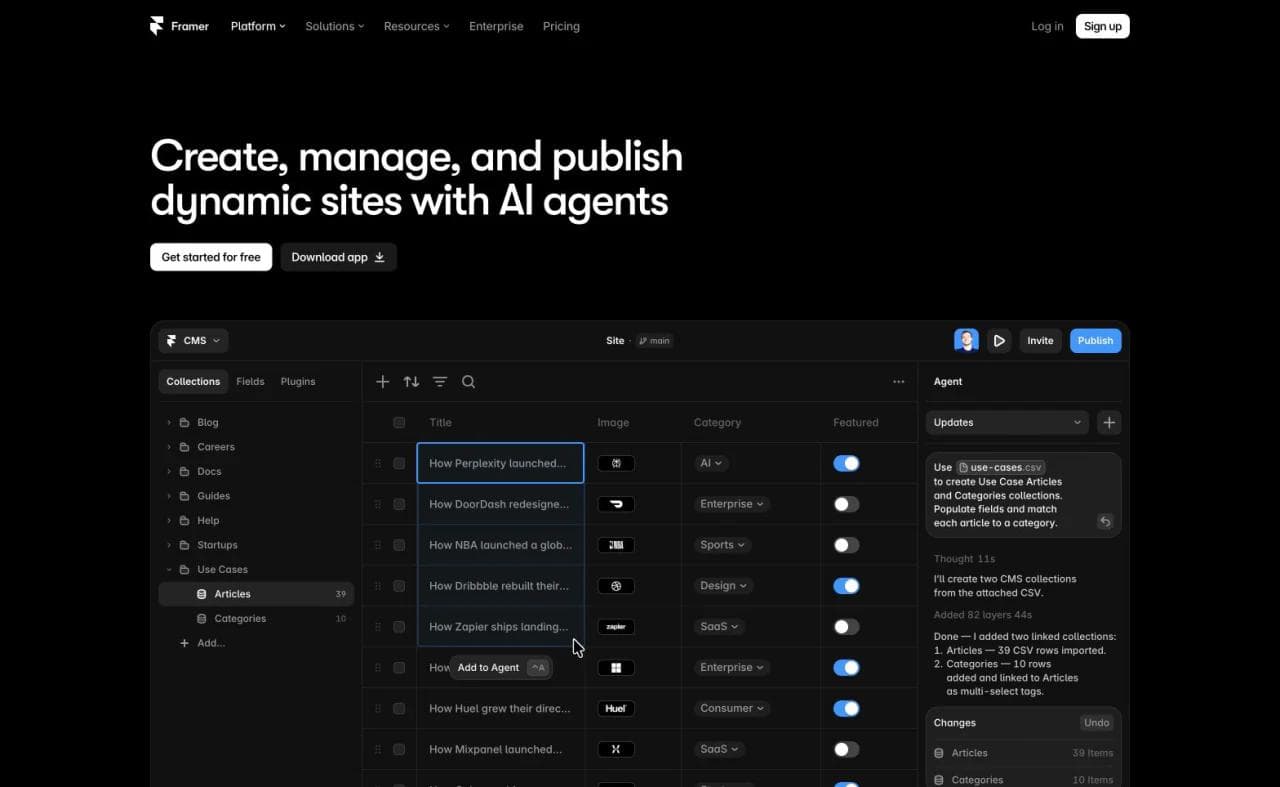
Framer is the closest Webflow alternative for teams that primarily care about building a polished marketing site visually. It combines a canvas familiar to product designers with responsive layouts, components, animations, a CMS, localization, analytics, and managed publishing.
The practical difference is emphasis. Webflow exposes a model closer to HTML and CSS, including classes and detailed layout controls. Framer feels closer to a design tool that publishes to the web. That can make Framer faster for a product launch, portfolio, or startup homepage, especially for someone coming from Figma.
Choose Framer when visual iteration and motion are central and the content model is manageable. Keep Webflow, or evaluate a deeper CMS, when a large editorial operation, complex structured content, or fine control over front-end behavior drives the project.
For a direct comparison of their current AI, CMS, ownership, and maintenance models, see Framer vs Webflow.
2. WordPress: best for ownership and CMS breadth
WordPress is not a single, managed Webflow-like experience. It is an open publishing system combined with a host, theme, page builder, and plugins selected by the site owner. That fragmentation creates work, but it also creates flexibility.
WordPress is the stronger choice when the website is fundamentally a publication, when the organization needs a large plugin ecosystem, or when controlling hosting and data matters more than having one integrated visual builder. Builders such as Bricks, Elementor, and Gutenberg can provide different levels of visual authoring.
The purchase check is operational ownership. Someone must manage hosting, updates, security, backups, theme compatibility, and plugin quality. Webflow removes much of that burden. WordPress gives the team more control over it.
3. Wix Studio: best for agencies and professional web teams
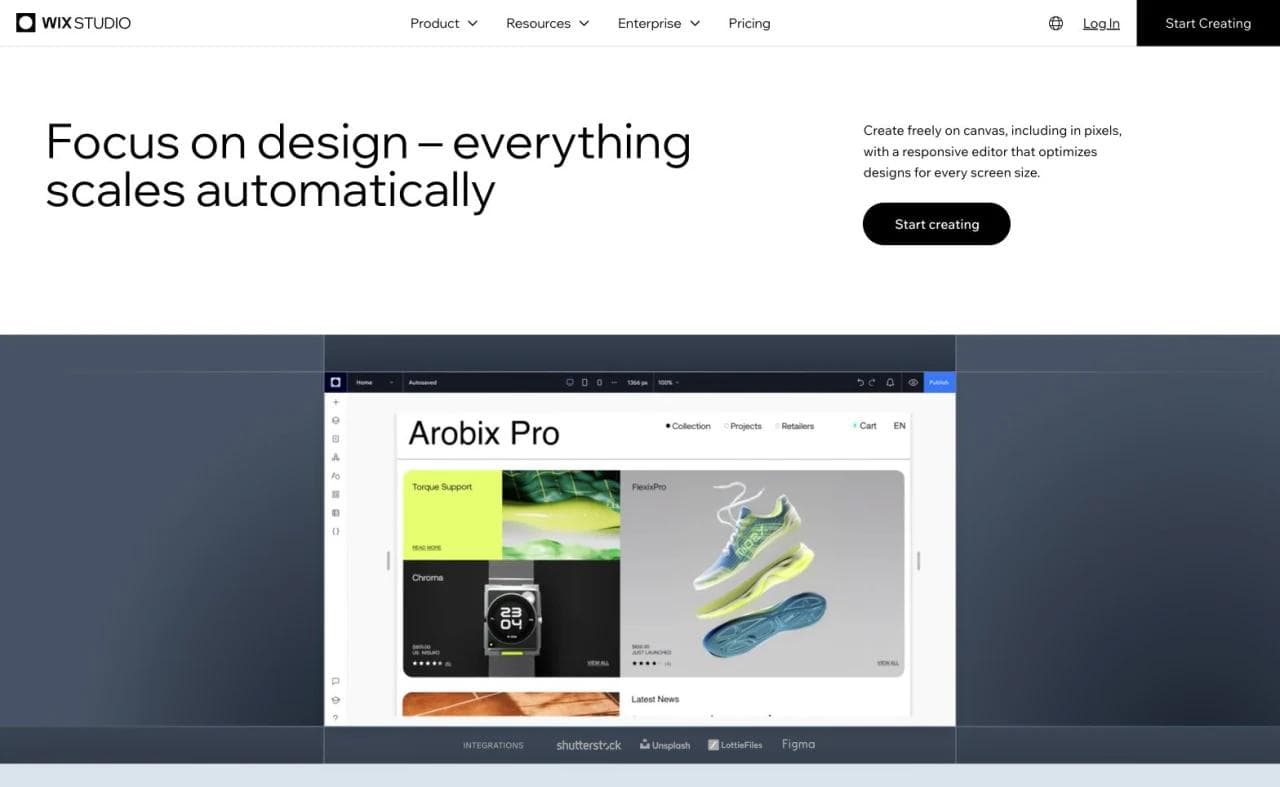
Wix Studio is the more credible Webflow alternative for agencies and professional designers. It combines responsive visual design, custom breakpoints, CSS controls, a CMS, reusable systems, collaboration, and client handoff in an environment designed for teams managing multiple sites.
This is distinct from Wix Harmony, which targets self-creators and small businesses. Wix Studio is worth considering when the problem is agency delivery, responsive control, or client management rather than simply making site editing easier.
Webflow remains stronger when a team prefers its class-based visual-development model, ecosystem, and content operations. Wix Studio is stronger when the agency workflow and the wider Wix business platform are more important.
4. Squarespace: best for polished sites with fewer decisions
Squarespace is a good Webflow alternative when you want a polished portfolio, service-business site, publication, or modest store without designing a system from first principles. Its Fluid Engine uses a responsive grid, supports separate desktop and mobile arrangements, and works with Squarespace's content and commerce features.
Squarespace offers more visual freedom than its old template-first reputation suggests, but it still makes more decisions for the user than Webflow does. That constraint is often useful. A photographer or consultant may prefer to edit copy and imagery within a coherent system instead of managing classes, breakpoints, and interactions.
Choose Squarespace for guided polish and integrated business features. Choose Webflow when the website itself is a deeply customized design product.
Squarespace Fluid Engine documentation
5. Webstudio: best for an open-source, agent-accessible visual frontend
Webstudio is the closest option here for teams that like Webflow's visual-development model but want an open-source builder, external CMS choice, and a clearer self-hosting path. It exposes the CSS model visually, can connect to headless content sources, supports MCP-based agent workflows, and can export projects for independent hosting.
The tradeoff is architectural responsibility. Webstudio is intentionally a frontend builder rather than an integrated CMS, so content-heavy sites need a separate system such as WordPress, Ghost, Directus, or another headless CMS. That separation improves ownership but creates more integration work than Webflow's managed stack.
Webstudio and its open-source repository document the current project model.
6. Moda: best for an AI-generated, brand-led static site
Moda fits a narrower but important job: a marketer or founder needs a polished static website that matches the brand, and the same launch also requires decks, social creative, ads, images, or video.
Moda's AI agent can create the site from a brief and existing brand context, then publish it as a hosted HTML website. This is a strong fit for landing pages, campaign sites, portfolios, product launches, event pages, and lead-generation sites with a simple form. The advantage is not CMS depth. It is creating the site as part of the same brand and campaign workflow as the rest of the launch.
Moda is not a Webflow replacement for a large CMS, complex ecommerce operation, authenticated application, or software product. It is also not a vibe-coding environment. If the project requires application state, custom backend logic, user accounts, or a developer-owned repository, use an app builder or development stack instead.
For teams choosing between a static campaign site and a full Webflow implementation, that limitation can simplify the decision. Do not adopt an elaborate CMS and visual-development system when the deliverable is a focused site that rarely changes.
7. Shopify: best when the website is a store
Shopify should be evaluated as a commerce platform rather than a generic page builder. Its main strengths are product catalog management, checkout, payments, inventory, fulfillment integrations, and an extensive commerce ecosystem.
Use Shopify when transactions are the site's primary job. Webflow can support ecommerce, but a growing merchant will often value Shopify's operational depth more than Webflow's design model. Conversely, Shopify can feel unnecessarily commerce-centric for an editorial or lead-generation site.
8. Duda: best for agencies managing many client sites
Duda focuses on repeatable website delivery for agencies and SaaS platforms. Its relevant strengths include client management, permissions, reusable sections and templates, collaboration, and operating multiple sites from one environment.
This is a different reason to leave Webflow. The issue may not be design capability at all. It may be the cost and friction of handing dozens of sites to clients with different permissions and support needs.
Duda is worth considering when standardized agency operations matter more than giving every designer maximum creative freedom.
9. Ghost: best for publications and memberships
Ghost is a focused publishing platform with writing, newsletters, memberships, subscriptions, and an open-source core. It is a strong alternative when the site's real product is recurring editorial content and an audience relationship.
Webflow's CMS can publish a sophisticated editorial site, but the newsletter and membership workflow often requires additional systems. Ghost puts those functions at the center. It is less appropriate for a visually elaborate corporate site composed of many bespoke landing pages.
10. Carrd: best for one-page sites
Carrd is intentionally small in scope. It excels at personal pages, link pages, waitlists, simple product pages, and compact landing pages.
That makes it a useful alternative when Webflow is simply too much tool. Carrd will not replace Webflow's CMS, interactions system, localization, or multi-team production workflow. It can replace the two days spent constructing infrastructure around a page that only needs a headline, proof, and one action.
Which Webflow alternative should you choose?
- Choose Framer for a design-led startup or marketing site with polished motion.
- Choose WordPress for an extensible publication or when hosting and CMS ownership matter.
- Choose Wix Studio when an agency needs responsive design controls, collaboration, and client handoff.
- Choose Squarespace for a polished portfolio or small-business site with a more guided editor.
- Choose Webstudio for an open-source visual frontend with external CMS and self-hosting options.
- Choose Moda for a branded static site created as part of a larger launch or campaign.
- Choose Shopify when commerce operations are the core requirement.
- Choose Duda when an agency needs to deliver and manage many client sites.
- Choose Ghost when publishing, newsletters, and memberships define the product.
- Choose Carrd when the right answer is one focused page.
Webflow alternatives FAQ
What is the closest alternative to Webflow?
Framer is the closest alternative for many design-led marketing sites. WordPress with a visual builder can offer greater CMS and hosting control, but it requires more operational ownership. The closest choice depends on whether you are preserving Webflow's visual editor, CMS, hosting, or agency workflow.
Is Framer easier than Webflow?
Framer is often easier for designers who think in canvases and components. Webflow exposes concepts closer to front-end development, which can provide more control but requires more learning. A team with significant Webflow experience may still be faster in Webflow.
Can Webflow export website code?
Webflow supports exporting HTML, CSS, JavaScript, and assets on paid Workspace plans. Its official documentation notes that CMS, ecommerce, user-account functionality, localized content, form processing, and site search do not continue working as part of a simple exported site. Review Webflow's current export limitations.
Is Moda a Webflow alternative?
Moda is an alternative for static, brand-led marketing sites, landing pages, and simple lead-generation sites. It is not a replacement for Webflow's deeper CMS, ecommerce, localization, or application capabilities. The fit is strongest when the website is one part of a broader branded campaign.
Should I use a website builder or an app builder?
Use a website builder for public pages whose main jobs are explaining, publishing, selling, or collecting a simple inquiry. Use an app builder or development stack when visitors sign in, manipulate private data, trigger complex workflows, or depend on custom backend logic.

Real editable visuals. Real canvas. Full control.
Fly through design work