Business card dimensions
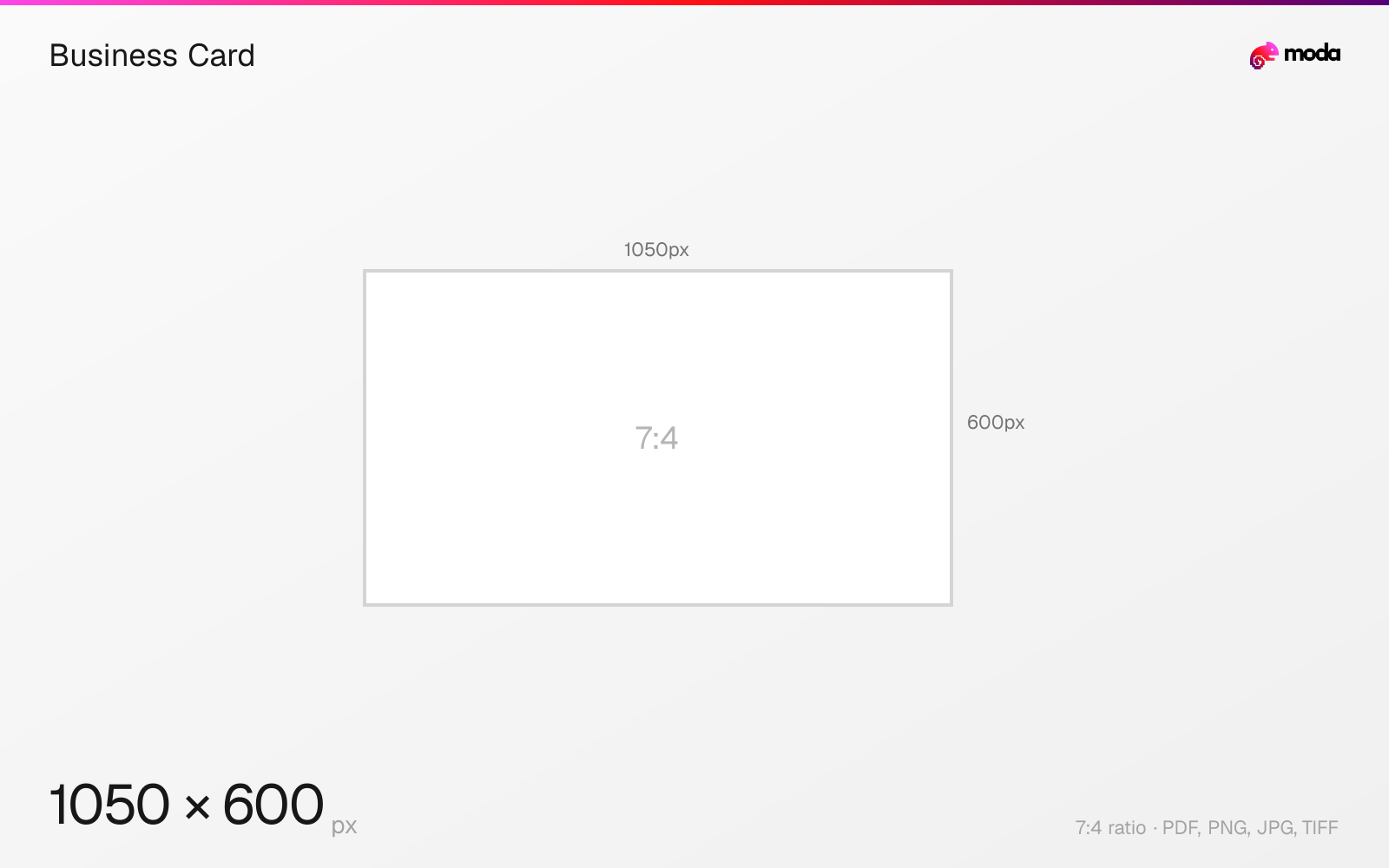
The standard business card size is 88.9 × 50.8 mm (3.5 × 2 inches), or 1050 × 600 pixels at 300 DPI.
Last updated:
Specifications
| Spec | Value |
|---|---|
| Dimensions (px) | 1050 × 600 px |
| Aspect ratio | 7:4 |
| Size (inches) | 3.5 × 2 in |
| Size (cm) | 8.89 × 5.08 cm |
| Size (mm) | 88.9 × 50.8 mm |
| Supported formats | PDF, PNG, JPG, TIFF |
| Color mode | CMYK |
| Bleed | 3 mm (0.118″) |
Print zones
| Zone | Dimensions | Purpose |
|---|---|---|
| Trim | 3.5 × 2″ | Final cut size |
| Bleed | 3.75 × 2.25″ | Design canvas (extends past trim) |
| Safe area | 3.25 × 1.75″ | Keep text and logos inside this zone |
Other documented sizes
| Format | Dimensions | Aspect ratio |
|---|---|---|
| European (85×55mm) | 1004 × 650 px | 17:11 |
Business Card in pixels at different DPI
| Resolution | Width | Height | Use case |
|---|---|---|---|
| 72 DPI | 252 px | 144 px | Screen / web |
| 96 DPI | 336 px | 192 px | Windows default |
| 150 DPI | 525 px | 300 px | Draft print / large posters |
| 300 DPI | 1050 px | 600 px | High-quality print |
Design at this size with Moda
Start with a canvas pre-set to 1050×600px and let AI generate your design.
Create a business card →Design tips
The standard US business card is 3.5×2 inches (88.9×50.8mm). At 300 DPI, that's 1050×600 pixels. Business cards are one of the most printed items in the world — getting the dimensions right prevents your design from being cropped or misaligned during production.
- •Design at 1050×600px (300 DPI) with 3mm bleed on all sides (1125×675px total with bleed).
- •Keep text and logos at least 5mm from the trim edge to avoid cropping.
- •Use CMYK color mode and export as PDF/X-1a for best print results.
What you need to know
The US standard business card (3.5×2 inches) is the most common size in North America. International standards differ: the European/UK standard is 85×55mm (3.35×2.17"), Japan uses 91×55mm (3.58×2.17"), and Australia uses 90×55mm (3.54×2.17"). If you're designing for international use, check the target country's convention.
When preparing a business card for print, always include bleed — typically 3mm (0.125 inches) beyond the trim line on all sides. This means your actual design canvas should be 3.75×2.25 inches (1125×675 pixels at 300 DPI). Keep important text and logos at least 5mm from the trim edge (the 'safe zone') to avoid getting cut off.
Business cards are printed on cardstock typically between 300-400 GSM (grams per square meter). The most common finishes are matte, gloss, and uncoated. Rounded corners (typically 3.5mm radius) are a popular option that adds a premium feel. When exporting, use CMYK color mode and provide PDF/X-1a files for the best print results.
How to create a business card at the right size
- 1Open Moda and create a new canvas at 1050×600 pixels.
- 2Design your business card using AI generation or start from a blank canvas.
- 3Export as PDF and upload to your platform.
Frequently asked questions
What size is a standard business card?
In the US: 3.5×2 inches (88.9×50.8mm, 1050×600 pixels at 300 DPI). In Europe: 85×55mm. In Japan: 91×55mm.
What resolution should I use for a business card?
300 DPI minimum for sharp print quality. Include 3mm bleed on all sides and keep text at least 5mm from the trim edge.
What's the best file format for printing business cards?
PDF/X-1a with CMYK color mode. Most print shops also accept high-resolution PNG or TIFF with bleed marks.
What is the bleed size for a business card?
Add 0.125" (3mm) bleed on all sides: 3.75 × 2.25 inches total. Keep text inside the 3.25 × 1.75" safe area.
What is the European business card size?
85 × 55mm (3.35 × 2.17 inches). Slightly different from the US standard of 3.5 × 2 inches.
What paper weight should business cards be?
300-400 GSM cardstock. Standard copier paper (80 GSM) is too thin. Common finishes: matte, gloss, uncoated, or soft-touch lamination.
Specs last verified: March 19, 2026. Dimensions may change as platforms update their requirements.