Instagram grid size
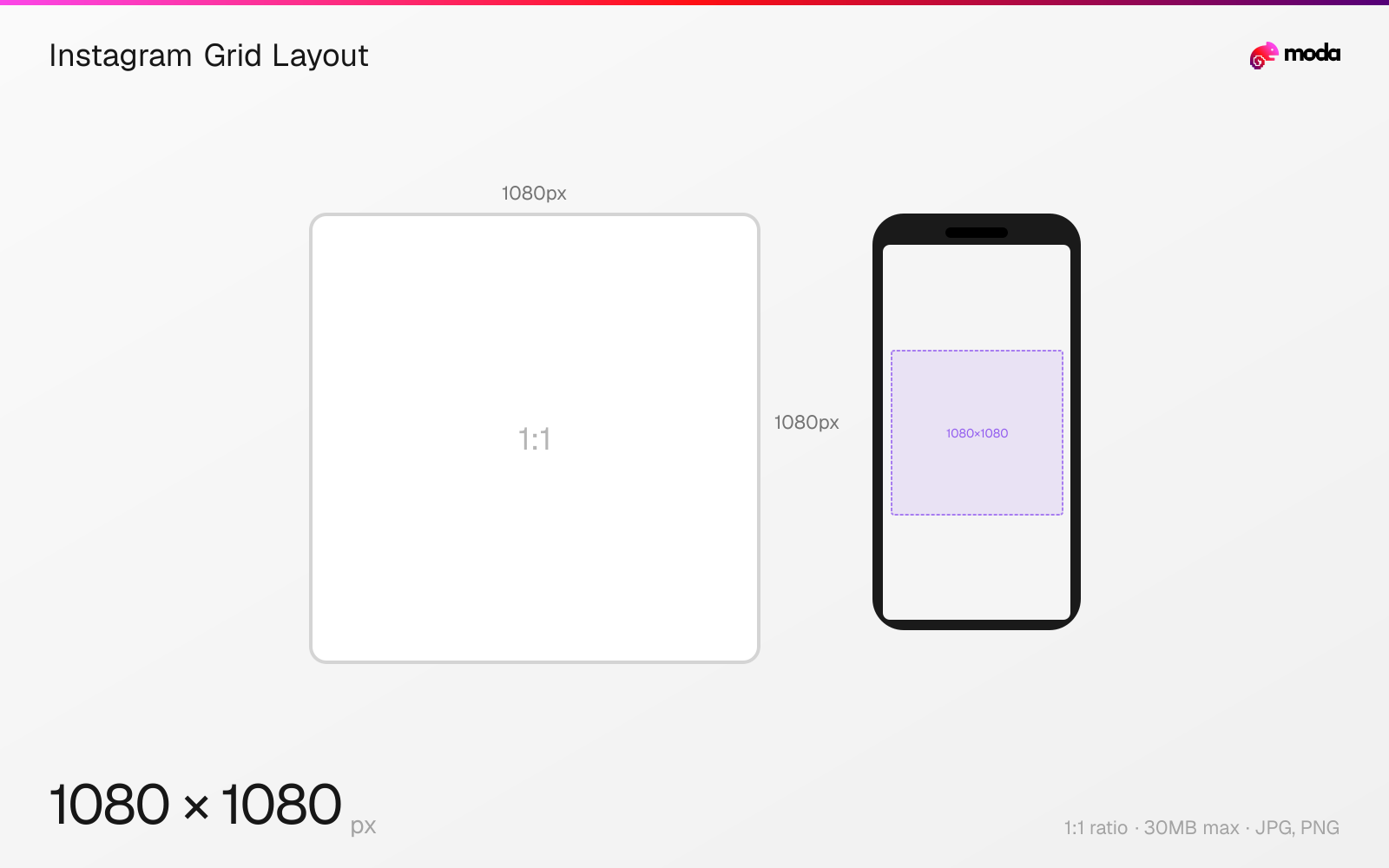
The recommended Instagram grid layout size is 1080 × 1080 pixels (1:1 aspect ratio).
Last updated:
Specifications
| Spec | Value |
|---|---|
| Dimensions (px) | 1080 × 1080 px |
| Aspect ratio | 1:1 |
| Max file size | 30MB |
| Supported formats | JPG, PNG |
| Minimum resolution | 320x320 |
| Color mode | sRGB |
Design at this size with Moda
Start with a canvas pre-set to 1080×1080px and let AI generate your design.
Create an Instagram grid layout →Design tips
The Instagram profile grid displays all posts as 1:1 square thumbnails at 1080×1080 pixels (or equivalent). Regardless of the original post's aspect ratio, the grid crops to a center square. For multi-post grid layouts (puzzle grids), each tile is 1080×1080px, and a 3-across design uses a combined canvas of 3240×3240px.
- •All posts are cropped to 1:1 squares in the grid — center your subject so it looks good in both the feed and grid view.
- •For puzzle grids, design at 3240×3240px (3×3), then slice into nine 1080×1080px tiles.
- •Use Instagram's cover image feature to choose the best grid-friendly crop for non-square posts.
What you need to know
The Instagram profile grid is a 3-column layout where every post — regardless of its original aspect ratio — is displayed as a 1:1 square thumbnail. Posts are stored at 1080×1080 for this grid view. Portrait posts (4:5) are center-cropped vertically, and landscape posts (1.91:1) are center-cropped horizontally.
Puzzle grids (where multiple posts form a single large image) require careful planning. For a standard 3×3 puzzle, design a single 3240×3240px canvas, then slice it into nine 1080×1080px tiles. Posts must be uploaded in reverse order (bottom-right first, top-left last) so they assemble correctly on the profile. Any future posts will shift the grid and break the puzzle layout.
Many brands plan their grid layout in advance using planning apps to ensure a consistent visual pattern. Common strategies include alternating between photos and quotes, using a consistent color palette across rows, or maintaining a checkerboard pattern. The grid is often the first thing a new visitor sees on your profile, so it serves as a visual portfolio of your brand.
How to create an Instagram grid layout at the right size
- 1Open Moda and create a new canvas at 1080×1080 pixels.
- 2Design your Instagram grid layout using AI generation or start from a blank canvas.
- 3Export as JPG and upload to Instagram.
Frequently asked questions
What size is the Instagram grid?
Each grid tile is displayed as a 1:1 square. Posts are stored at 1080×1080px for the grid thumbnail, regardless of the original post aspect ratio.
How do Instagram puzzle grids work?
Design one large image (e.g., 3240×3240px for a 3×3 grid) and split it into 9 individual 1080×1080px posts. Upload them in reverse order so they assemble correctly on your profile.
Specs last verified: March 15, 2026. Dimensions may change as platforms update their requirements.