Instagram post size
The recommended Instagram feed post size is 1080 × 1350 pixels (4:5 aspect ratio).
Last updated:
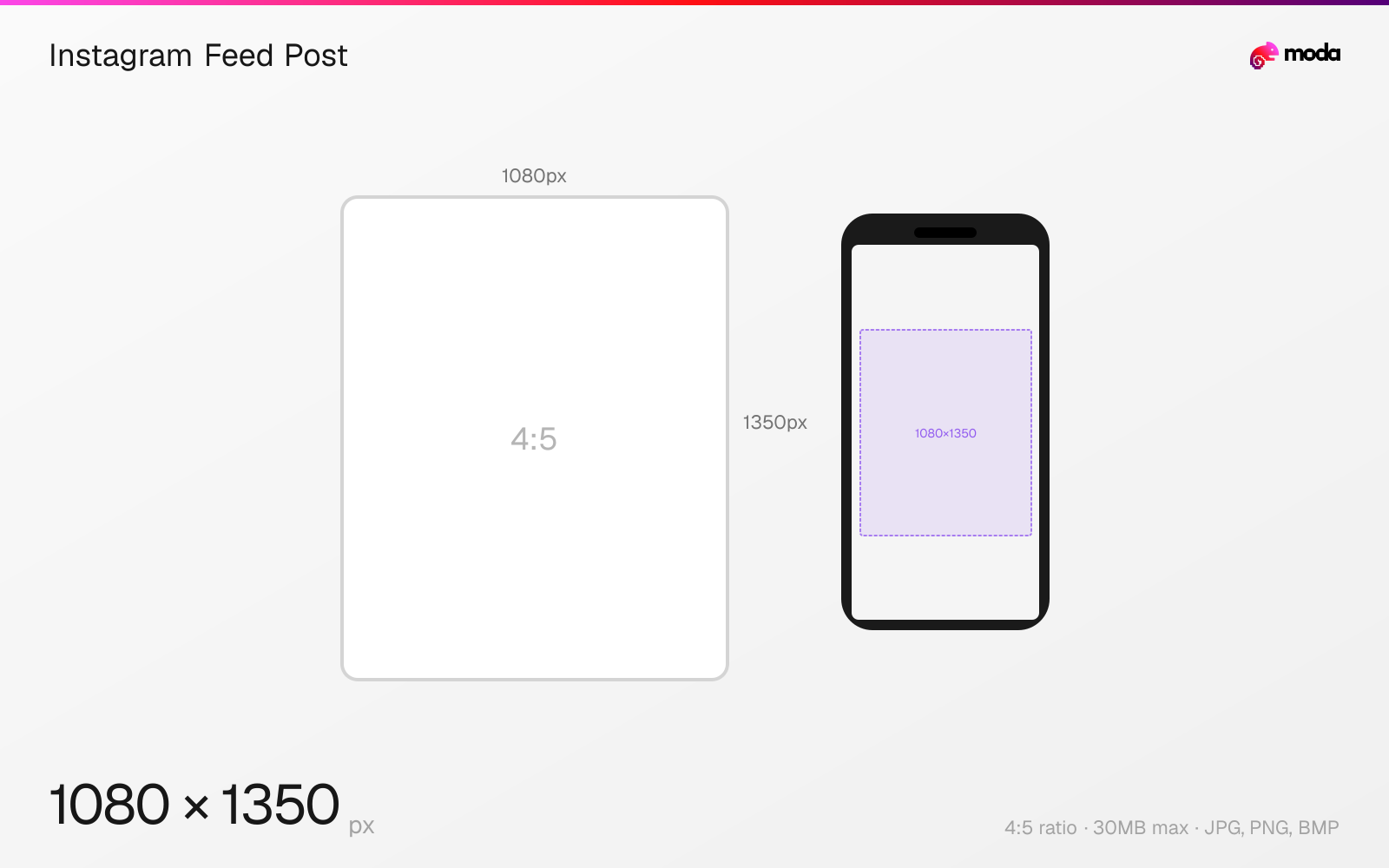
Specifications
| Spec | Value |
|---|---|
| Dimensions (px) | 1080 × 1350 px |
| Aspect ratio | 4:5 |
| Max file size | 30MB |
| Supported formats | JPG, PNG, BMP |
| Minimum resolution | 320x320 |
| Color mode | sRGB |
Other documented sizes
| Format | Dimensions | Aspect ratio |
|---|---|---|
| Square | 1080 × 1080 px | 1:1 |
| Landscape | 1080 × 566 px | 1.91:1 |
Design at this size with Moda
Start with a canvas pre-set to 1080×1350px and let AI generate your design.
Create an Instagram feed post →Design tips
The recommended Instagram feed post size is 1080×1350 pixels in a 4:5 portrait aspect ratio. This vertical format takes up the most screen real estate in the feed, which makes it a practical default when you want a larger visual footprint while scrolling. Instagram also supports square (1080×1080) and landscape (1080×566) posts.
- •Use 1080×1350px for maximum feed visibility — portrait posts take up more screen space than square or landscape.
- •Export at 2x resolution (2160×2700px) to fight Instagram's compression and keep visuals sharp.
- •Keep critical text and elements away from the top and bottom 50px — grid previews may crop slightly.
What you need to know
Instagram feed posts appear differently depending on where they're viewed. In the main feed, portrait posts (4:5) display at their full height, taking up significantly more screen space than square or landscape alternatives. On your profile grid, however, all posts are center-cropped to a 1:1 square — so even a 4:5 portrait will lose the top and bottom edges in the grid thumbnail.
If you upload an image outside Instagram's supported aspect ratio range (1.91:1 to 4:5), the app will force-crop it to the nearest supported ratio before posting. Images wider than 1080px are downscaled to 1080px wide, while images smaller than 320px wide are upscaled — which degrades quality noticeably. For the sharpest results, always export at exactly 1080px wide.
Portrait posts (1080×1350) occupy noticeably more screen area in the mobile feed than square or landscape formats. If you're choosing a single default format and want the image to appear larger while scrolling, portrait is the most common choice.
How to create an Instagram feed post at the right size
- 1Open Moda and create a new canvas at 1080×1350 pixels.
- 2Design your Instagram feed post using AI generation or start from a blank canvas.
- 3Export as JPG and upload to Instagram.
Frequently asked questions
What size is an Instagram post in 2026?
The recommended Instagram post size is 1080×1350 pixels with a 4:5 portrait aspect ratio. Instagram also supports square (1080×1080) and landscape (1080×566) posts.
What aspect ratio gets the most engagement on Instagram?
Instagram does not publish a ranking advantage for one aspect ratio over another. The 4:5 portrait ratio (1080×1350px) simply takes up more vertical space in the feed, while square (1:1) and landscape (1.91:1) posts display smaller.
Does Instagram compress uploaded images?
Yes. Instagram compresses all uploaded images. To minimize quality loss, export at 2x resolution (2160×2700px for portrait) and use JPG at 95% quality or PNG.
What happens if I upload an image that's the wrong size?
Instagram will auto-crop or letterbox images outside the supported aspect ratio range (1.91:1 to 4:5). For best results, resize your image to the exact dimensions before uploading.
Same format on other platforms
Specs last verified: March 15, 2026. Dimensions may change as platforms update their requirements.