Instagram Reel size
The recommended Instagram reel size is 1080 × 1920 pixels (9:16 aspect ratio).
Last updated:
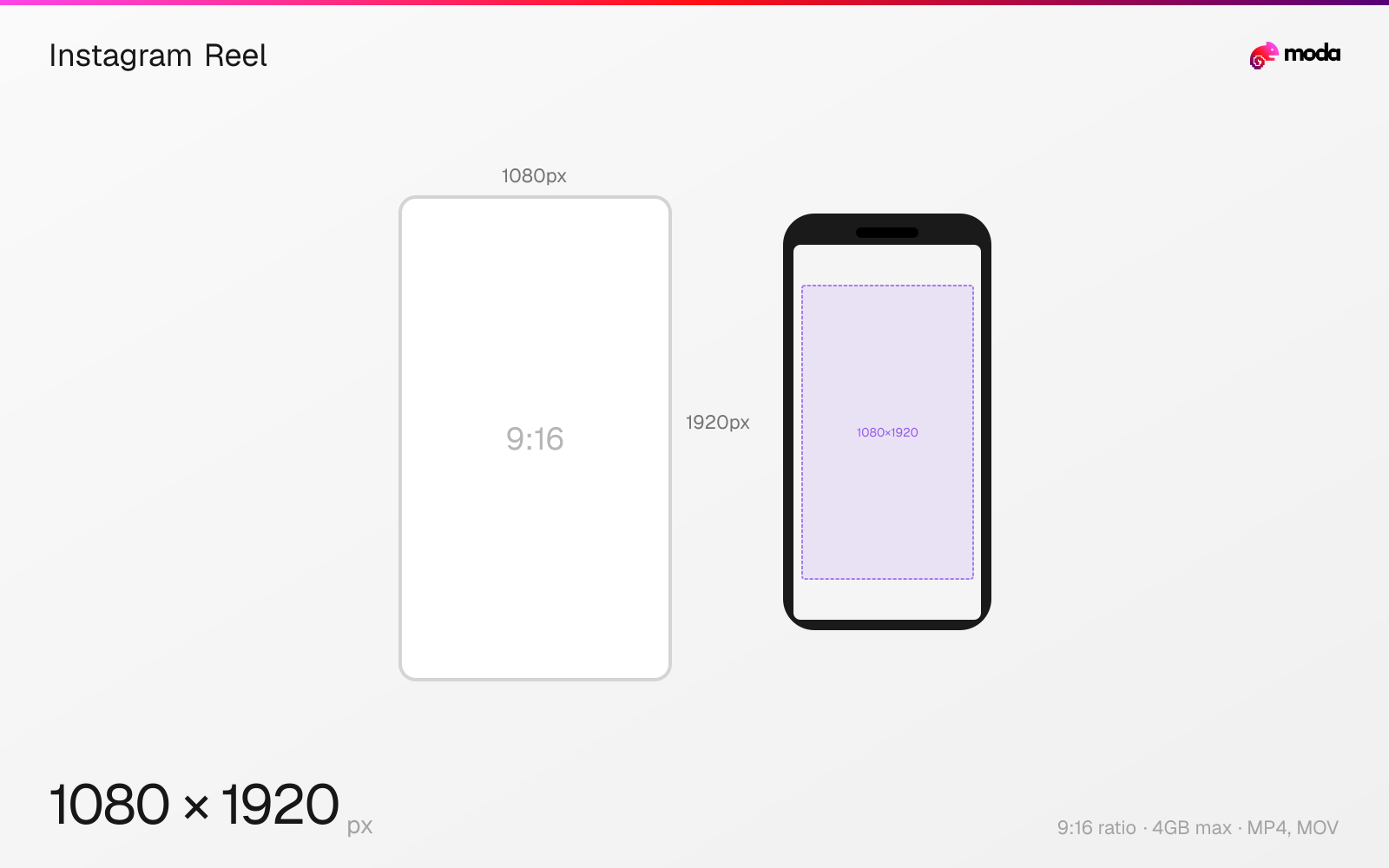
Specifications
| Spec | Value |
|---|---|
| Dimensions (px) | 1080 × 1920 px |
| Aspect ratio | 9:16 |
| Max file size | 4GB |
| Supported formats | MP4, MOV |
| Minimum resolution | 720x1280 |
| Color mode | sRGB |
Design at this size with Moda
Start with a canvas pre-set to 1080×1920px and let AI generate your design.
Create an Instagram reel →Design tips
Instagram Reels should be 1080×1920 pixels in a 9:16 vertical format. Reels can be up to 90 seconds long and are displayed full-screen when viewed. In the feed grid, Reels are cropped to a 4:5 preview, so keep central framing in mind.
- •Record or export at 1080×1920px (9:16) for full-screen display without letterboxing.
- •Keep text and faces away from the bottom 340px — the caption, audio bar, and action buttons overlay this area.
- •Reels are cropped to 4:5 in the feed grid — center your subject so it looks good in both views.
What you need to know
Reels use the same 1080×1920 (9:16) dimensions as Stories but have a heavier UI overlay. The bottom third of the screen is covered by the caption text, audio information, and a row of action buttons (like, comment, share, remix). The right edge has floating icons for these actions. This means your effective "safe zone" for important content is significantly smaller than Stories.
In the main feed, Reels appear as 4:5 previews — only the center portion of the 9:16 video is shown. Users tap to expand to full-screen. On your profile grid, Reels are further cropped to 1:1 squares. This triple-format display (full 9:16, feed 4:5, grid 1:1) means you need to keep your subject centered both horizontally and vertically for it to look good everywhere.
Getting Reel dimensions right is mostly about presentation and cropping. Incorrectly sized Reels can end up letterboxed, awkwardly framed, or hard to read once Instagram applies its various preview crops.
How to create an Instagram reel at the right size
- 1Open Moda and create a new canvas at 1080×1920 pixels.
- 2Design your Instagram reel using AI generation or start from a blank canvas.
- 3Export as MP4 and upload to Instagram.
Frequently asked questions
What size should Instagram Reels be?
Instagram Reels should be 1080×1920 pixels with a 9:16 vertical aspect ratio. This fills the full phone screen when viewed.
How long can an Instagram Reel be?
Instagram Reels can be up to 90 seconds long. The maximum file size is 4GB.
Are Reels and Stories the same size?
Yes, both use 1080×1920px (9:16), but Reels have more UI overlay at the bottom (caption, audio info, action buttons), so the safe zone is smaller.
Same format on other platforms
Specs last verified: March 15, 2026. Dimensions may change as platforms update their requirements.