Instagram story size
The recommended Instagram story size is 1080 × 1920 pixels (9:16 aspect ratio).
Last updated:
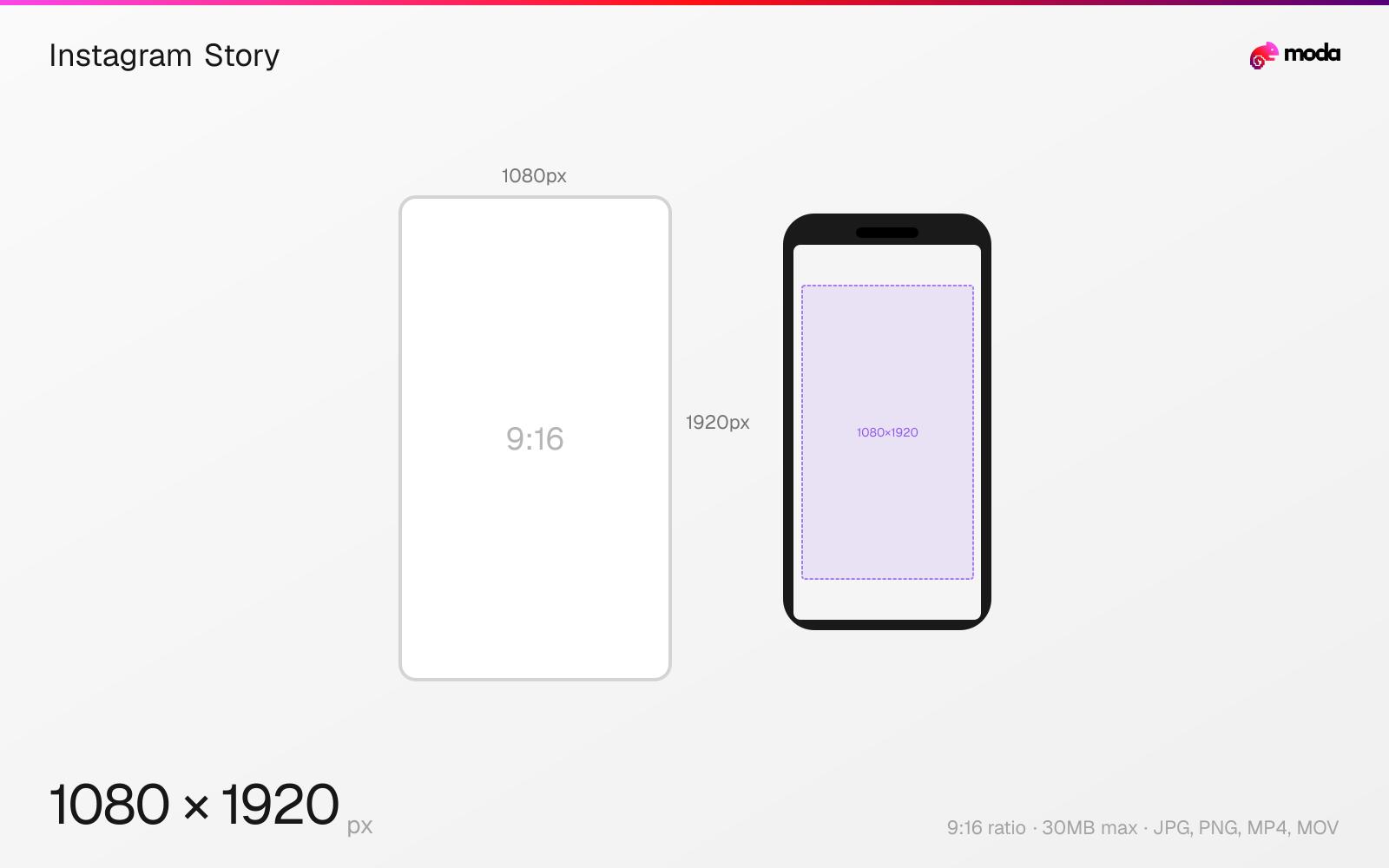
Specifications
| Spec | Value |
|---|---|
| Dimensions (px) | 1080 × 1920 px |
| Aspect ratio | 9:16 |
| Max file size | 30MB |
| Supported formats | JPG, PNG, MP4, MOV |
| Minimum resolution | 600x1067 |
| Color mode | sRGB |
Design at this size with Moda
Start with a canvas pre-set to 1080×1920px and let AI generate your design.
Create an Instagram story →Design tips
Instagram Stories display at 1080×1920 pixels in a full-screen 9:16 vertical format. Stories appear for 5 seconds (images) or up to 60 seconds (video), and the format is designed to fill the entire phone screen. Keep important content within the safe zone since Instagram overlays UI elements at the top and bottom.
- •Design at 1080×1920px — this fills the entire phone screen without cropping or letterboxing.
- •Keep critical text at least 250px from the top and bottom edges to avoid being covered by Instagram's UI.
- •Use MP4 for video stories — H.264 codec with AAC audio for best quality and compatibility.
What you need to know
Stories occupy the entire phone screen in a 9:16 vertical format. Unlike feed posts, there's no cropping or resizing choice — the full 1080×1920 canvas is displayed edge to edge. If you upload an image that doesn't match 9:16, Instagram will either letterbox it (adding blurred background bars) or zoom-crop it to fill the screen, often cutting off important content.
The most common mistake with Stories is placing text or key visuals too close to the edges. Instagram overlays the username, profile picture, and close button in the top ~250px, and the reply/message bar in the bottom ~250px. Content in these zones is obscured by UI elements and effectively invisible to viewers.
Stories disappear after 24 hours unless saved as Highlights. Image stories display for 5 seconds, while video stories can run up to 60 seconds (split into 15-second segments). For video, use MP4 with H.264 encoding and AAC audio — this combination gives the best quality after Instagram's compression.
How to create an Instagram story at the right size
- 1Open Moda and create a new canvas at 1080×1920 pixels.
- 2Design your Instagram story using AI generation or start from a blank canvas.
- 3Export as JPG and upload to Instagram.
Frequently asked questions
What size are Instagram Stories?
Instagram Stories are 1080×1920 pixels with a 9:16 aspect ratio, designed to fill the full phone screen in vertical orientation.
How long do Instagram Stories last?
Image stories display for 5 seconds. Video stories can be up to 60 seconds long and are split into 15-second segments automatically.
Where is the safe zone on Instagram Stories?
Keep important content at least 250px from the top (where the username and close button appear) and 250px from the bottom (where the reply bar appears).
Same format on other platforms
Specs last verified: March 15, 2026. Dimensions may change as platforms update their requirements.