Facebook story size
The recommended Facebook story size is 1080 × 1920 pixels (9:16 aspect ratio).
Last updated:
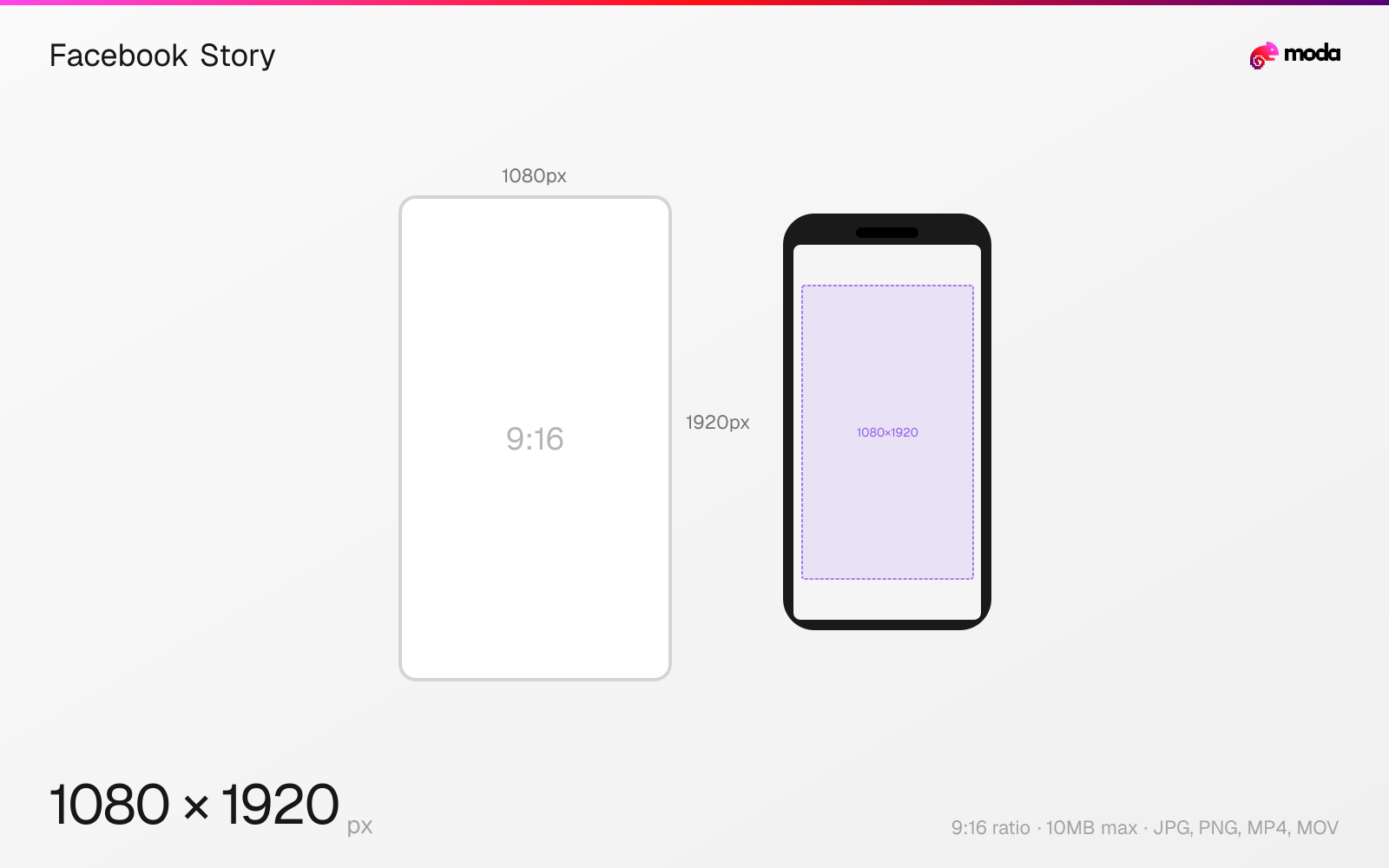
Specifications
| Spec | Value |
|---|---|
| Dimensions (px) | 1080 × 1920 px |
| Aspect ratio | 9:16 |
| Max file size | 10MB |
| Supported formats | JPG, PNG, MP4, MOV |
| Minimum resolution | 600x1067 |
| Color mode | sRGB |
Design at this size with Moda
Start with a canvas pre-set to 1080×1920px and let AI generate your design.
Create a Facebook story →Design tips
Facebook Stories are 1080×1920 pixels with a 9:16 vertical aspect ratio — identical to Instagram Stories. Stories display full-screen on mobile and are visible for 24 hours. Image stories display for 5 seconds; video stories can be up to 60 seconds.
- •Use 1080×1920px (9:16) — the same dimensions as Instagram Stories for easy cross-posting.
- •Keep critical content within the center 1080×1520 area to avoid being covered by UI elements.
- •Video stories auto-play muted — use text overlays or captions to convey your message without audio.
What you need to know
Facebook Stories use the same 1080×1920 (9:16) format as Instagram Stories, which makes cross-posting straightforward. In fact, you can share Instagram Stories directly to Facebook Stories from the Instagram app. The visual behavior is nearly identical — full-screen vertical on mobile, with UI overlays at the top and bottom.
The top ~200px is overlaid with your profile picture, name, and timestamp. The bottom ~200px shows the reply bar and forward/reaction buttons. Keep all critical text and visuals within the center 1080×1520 safe zone. Stories that aren't 9:16 will be letterboxed or zoomed to fill the screen.
Facebook Stories appear at the top of the News Feed on mobile and in a sidebar on desktop. They're visible for 24 hours and can be saved to Story Highlights (similar to Instagram). Video stories auto-play with sound off, so add captions or text overlays for viewers who don't unmute.
How to create a Facebook story at the right size
- 1Open Moda and create a new canvas at 1080×1920 pixels.
- 2Design your Facebook story using AI generation or start from a blank canvas.
- 3Export as JPG and upload to Facebook.
Frequently asked questions
What size are Facebook Stories?
1080×1920 pixels with a 9:16 aspect ratio — identical to Instagram Stories.
Are Facebook Story and Instagram Story the same size?
Yes, both use 1080×1920px (9:16). You can cross-post directly from Instagram to Facebook Stories.
How long do Facebook Stories last?
Facebook Stories are visible for 24 hours. Image stories display for 5 seconds; video stories can be up to 60 seconds.
Same format on other platforms
Specs last verified: March 19, 2026. Dimensions may change as platforms update their requirements.