Facebook post size
The recommended Facebook post size is 1080 × 1350 pixels (4:5 aspect ratio).
Last updated:
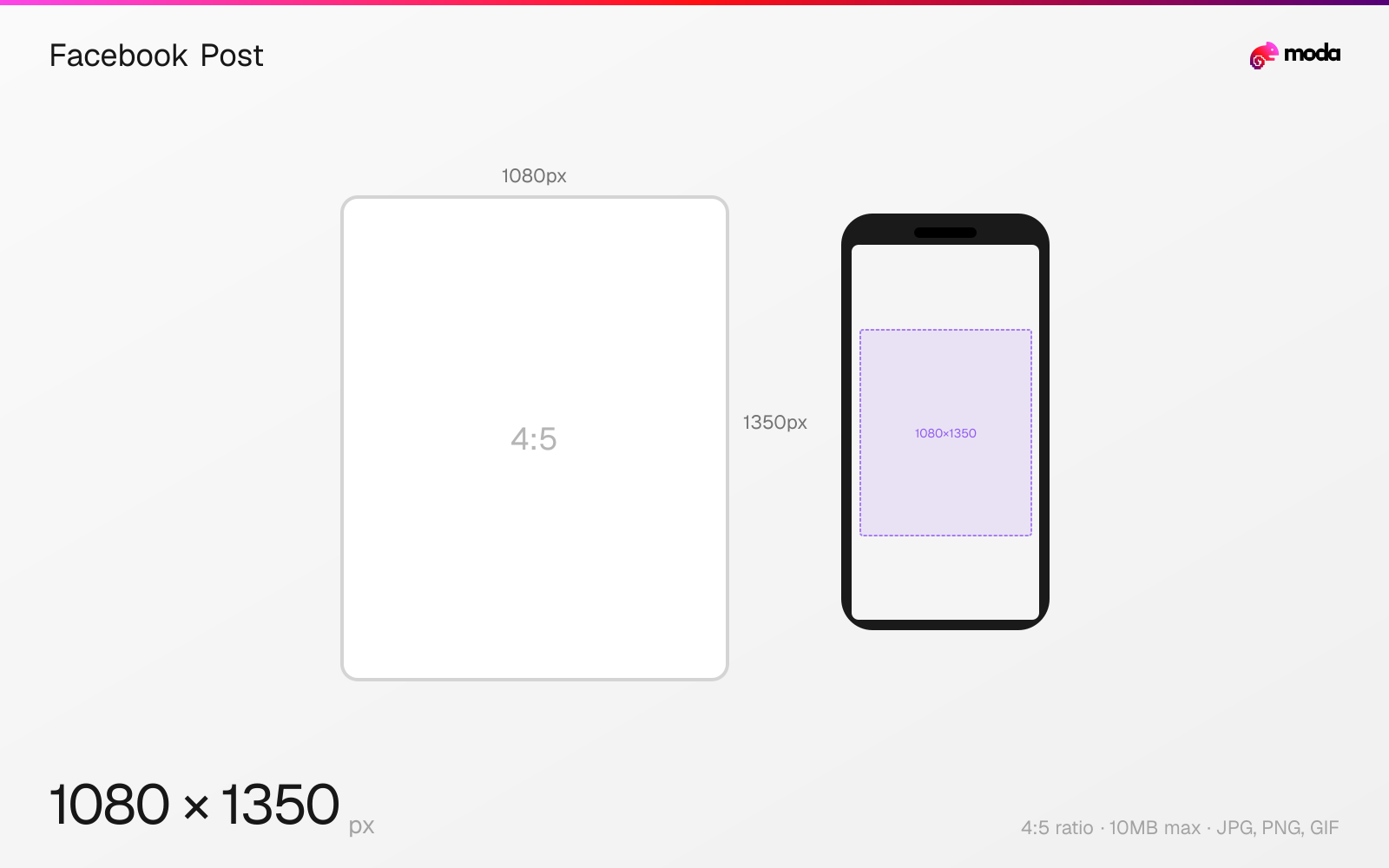
Specifications
| Spec | Value |
|---|---|
| Dimensions (px) | 1080 × 1350 px |
| Aspect ratio | 4:5 |
| Max file size | 10MB |
| Supported formats | JPG, PNG, GIF |
| Minimum resolution | 600x315 |
| Color mode | sRGB |
Other documented sizes
| Format | Dimensions | Aspect ratio |
|---|---|---|
| Square | 1080 × 1080 px | 1:1 |
| Link preview | 1200 × 630 px | 1.91:1 |
Design at this size with Moda
Start with a canvas pre-set to 1080×1350px and let AI generate your design.
Create a Facebook post →Design tips
Facebook feed posts support images from 1.91:1 landscape to 4:5 portrait. For maximum visibility in the mobile feed, use 1080×1350 pixels (4:5 portrait). Square posts (1080×1080) are also popular and display consistently across devices. Link posts with preview images work best at 1200×630 (1.91:1).
- •Use 1080×1350 (4:5) for photo posts to maximize mobile feed visibility.
- •For link posts, ensure your OG image is 1200×630 (1.91:1) to get the large preview card.
- •Upload at maximum resolution — Facebook compresses everything, so a higher-quality source yields better results.
What you need to know
Facebook's display behavior varies by aspect ratio. Portrait (4:5) posts take up the most mobile feed real estate, similar to Instagram. Square (1:1) posts are a reliable middle ground. Landscape images appear smaller in the feed.
Link posts — where you share a URL and Facebook generates a preview — use a different recommended dimension: 1200×630 (1.91:1). This is the Open Graph image format. If your link preview image is too small or the wrong ratio, Facebook will show a tiny thumbnail instead of a large preview card, drastically reducing click-through rate.
Facebook compresses all uploaded images. For photos, upload at the highest resolution available (up to 2048px wide for best results). For graphics with text, PNG preserves sharper edges than JPG. The maximum file size is 10MB for organic posts.
How to create a Facebook post at the right size
- 1Open Moda and create a new canvas at 1080×1350 pixels.
- 2Design your Facebook post using AI generation or start from a blank canvas.
- 3Export as JPG and upload to Facebook.
Frequently asked questions
What size should a Facebook post image be?
1080×1350 pixels (4:5 portrait) for maximum feed visibility. Square (1080×1080) also works well. Link posts should use 1200×630 (1.91:1).
What's the difference between a photo post and a link post size?
Photo posts work best at 1080×1350 (4:5) or 1080×1080 (1:1). Link posts need a 1200×630 (1.91:1) OG image for the large preview card.
Does Facebook compress images?
Yes. Upload at the highest resolution possible (up to 2048px wide). Use PNG for graphics with text, JPG for photographs.
Same format on other platforms
Specs last verified: March 19, 2026. Dimensions may change as platforms update their requirements.