Facebook cover photo size
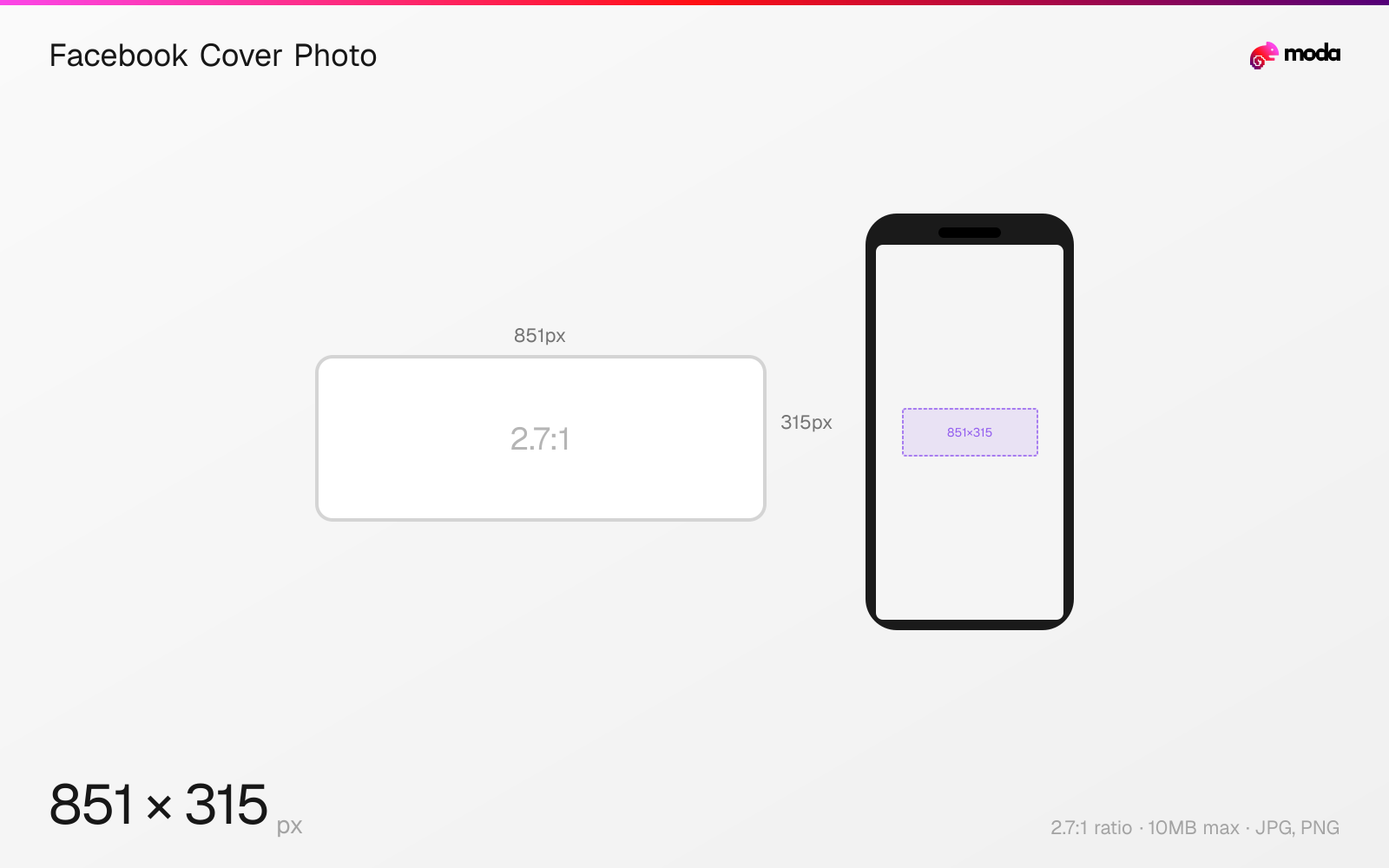
The recommended Facebook cover photo size is 851 × 315 pixels (2.7:1 aspect ratio).
Last updated:
Specifications
| Spec | Value |
|---|---|
| Dimensions (px) | 851 × 315 px |
| Aspect ratio | 2.7:1 |
| Max file size | 10MB |
| Supported formats | JPG, PNG |
| Minimum resolution | 400x150 |
| Color mode | sRGB |
Design at this size with Moda
Start with a canvas pre-set to 851×315px and let AI generate your design.
Create a Facebook cover photo →Design tips
Facebook cover photos display at 820×312 pixels on desktop and are center-cropped to roughly 640×360 on mobile. The recommended upload size is 851×315 pixels, though uploading at a higher resolution like 1640×624 ensures sharpness on retina displays. Cover photos are the largest branding element on your Facebook profile or page.
- •Upload at 851×315 minimum, or 1640×624 for retina quality. Keep critical content in the center 640×312 safe zone.
- •Test on both desktop and mobile — the cropping is significantly different between the two.
- •For images with text, use PNG for sharper rendering. Facebook recommends JPEG under 100KB for fastest loading.
What you need to know
The Facebook cover photo is one of the most confusing images to get right because it crops differently on every device. Desktop shows a wide, short strip at 820×312. Mobile shows a taller, narrower crop centered on the image. The only area guaranteed to be visible on both is approximately 640×312 pixels in the center.
Your profile picture overlaps the bottom-left of the cover photo on personal profiles, or the bottom-center on business pages. Keep important text and faces clear of these overlap zones. On business pages, the CTA button ("Book Now," "Contact Us") also sits at the bottom-right of the cover.
For business pages, consider uploading at 1958×745 (2x the display resolution) for retina sharpness. Facebook recommends sRGB JPEG under 100KB for fastest loading, but in practice, PNG files up to 10MB are accepted and look sharper for images with text or logos.
How to create a Facebook cover photo at the right size
- 1Open Moda and create a new canvas at 851×315 pixels.
- 2Design your Facebook cover photo using AI generation or start from a blank canvas.
- 3Export as JPG and upload to Facebook.
Frequently asked questions
What size is a Facebook cover photo?
851×315 pixels for standard upload. Desktop displays at 820×312, mobile crops to a taller center view. The safe zone is ~640×312 centered.
Why does my Facebook cover photo look different on mobile?
Facebook crops cover photos differently on mobile — showing a taller, narrower center crop. Keep important content in the center 640×312 area to ensure visibility on all devices.
Are Facebook page cover photos the same size as personal profile covers?
Yes, the dimensions are the same. The difference is where the profile picture overlaps — bottom-left on personal profiles, bottom-center on business pages.
Same format on other platforms
Specs last verified: March 19, 2026. Dimensions may change as platforms update their requirements.