Facebook event cover photo size
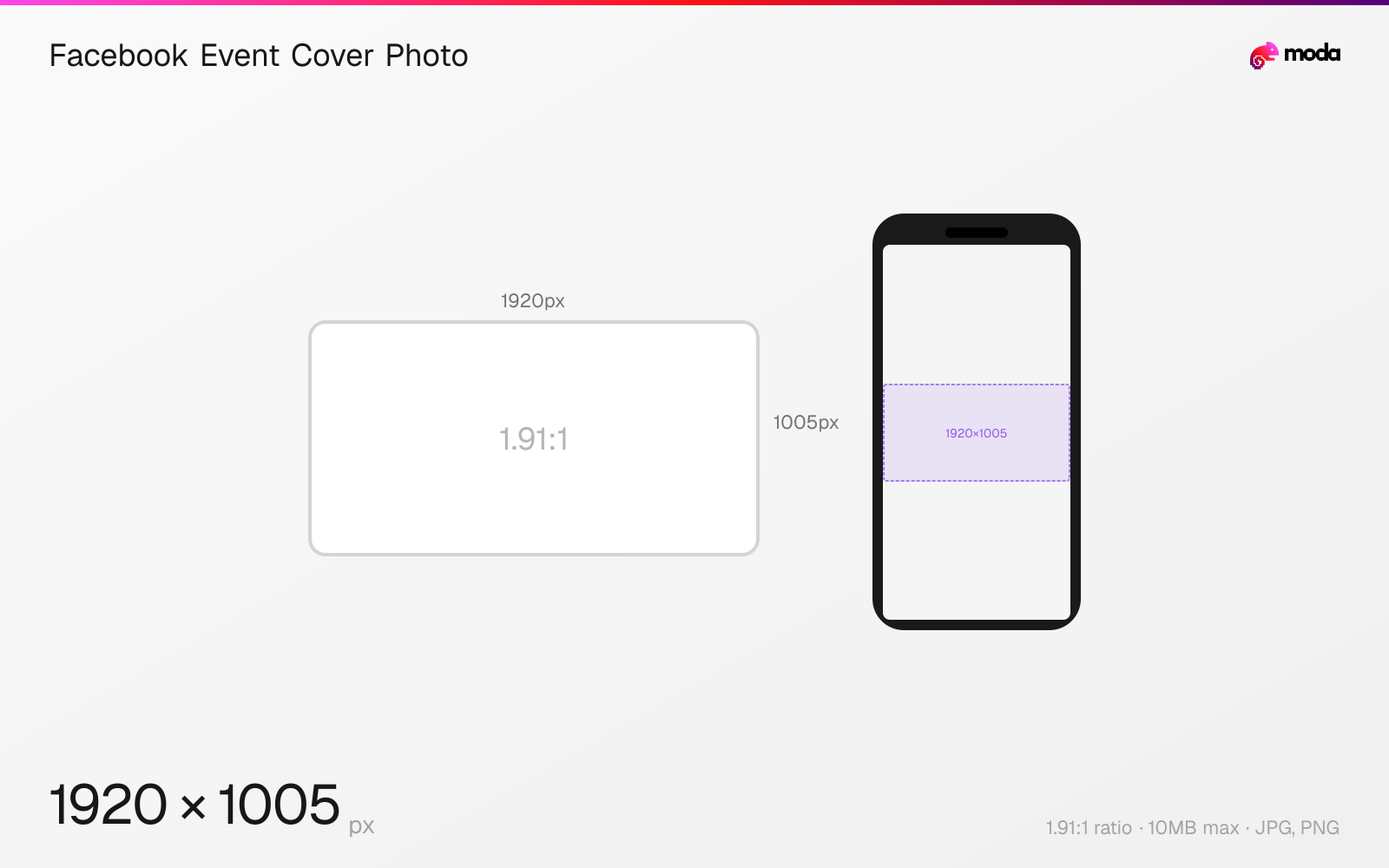
The recommended Facebook event cover photo size is 1920 × 1005 pixels (1.91:1 aspect ratio).
Last updated:
Specifications
| Spec | Value |
|---|---|
| Dimensions (px) | 1920 × 1005 px |
| Aspect ratio | 1.91:1 |
| Max file size | 10MB |
| Supported formats | JPG, PNG |
| Minimum resolution | 400x150 |
| Color mode | sRGB |
Design at this size with Moda
Start with a canvas pre-set to 1920×1005px and let AI generate your design.
Create a Facebook event cover photo →Design tips
Facebook event cover photos should be 1920×1005 pixels with a 1.91:1 aspect ratio. This is the updated dimension that prevents the awkward mobile cropping that occurred with the older 1920×1080 recommendation. The event cover is the first visual people see when they find your event, so getting the size right is essential.
- •Use 1920×1005px (1.91:1) instead of 1920×1080 (16:9) to avoid mobile cropping.
- •Keep critical content in the upper two-thirds — the bottom is covered by event details and buttons.
- •Test the cover on mobile before publishing since cropping behavior varies by device.
What you need to know
Facebook event covers display differently on desktop and mobile. On desktop, the full 1920×1005 image is visible as a wide banner above the event details. On mobile, the image is cropped to a taller aspect ratio, cutting the left and right edges. The 1.91:1 ratio (1920×1005) is the sweet spot that minimizes cropping across both views.
The older recommendation of 1920×1080 (16:9) causes visible cropping on mobile devices — the left and right edges get cut off. Facebook updated their recommendation to 1920×1005, which maps to the same 1.91:1 ratio used by link preview images and ad images across Meta's platforms.
The bottom of the event cover is overlaid with the event title, date, location, and RSVP buttons on both desktop and mobile. Keep important text and faces in the upper two-thirds of the image. Facebook's minimum accepted size is 400×150, but at that resolution the image will look blurry on modern screens.
How to create a Facebook event cover photo at the right size
- 1Open Moda and create a new canvas at 1920×1005 pixels.
- 2Design your Facebook event cover photo using AI generation or start from a blank canvas.
- 3Export as JPG and upload to Facebook.
Frequently asked questions
What size is a Facebook event cover photo?
The recommended size is 1920×1005 pixels with a 1.91:1 aspect ratio. This prevents cropping on mobile devices.
Why does my Facebook event cover look cropped on mobile?
If you used 1920×1080 (16:9), the sides get cropped on mobile. Switch to 1920×1005 (1.91:1) for consistent display across devices.
What's the minimum Facebook event cover size?
Facebook accepts images as small as 400×150 pixels, but 1920×1005 is recommended for sharp, full-quality display.
Specs last verified: March 19, 2026. Dimensions may change as platforms update their requirements.