Facebook group cover photo size
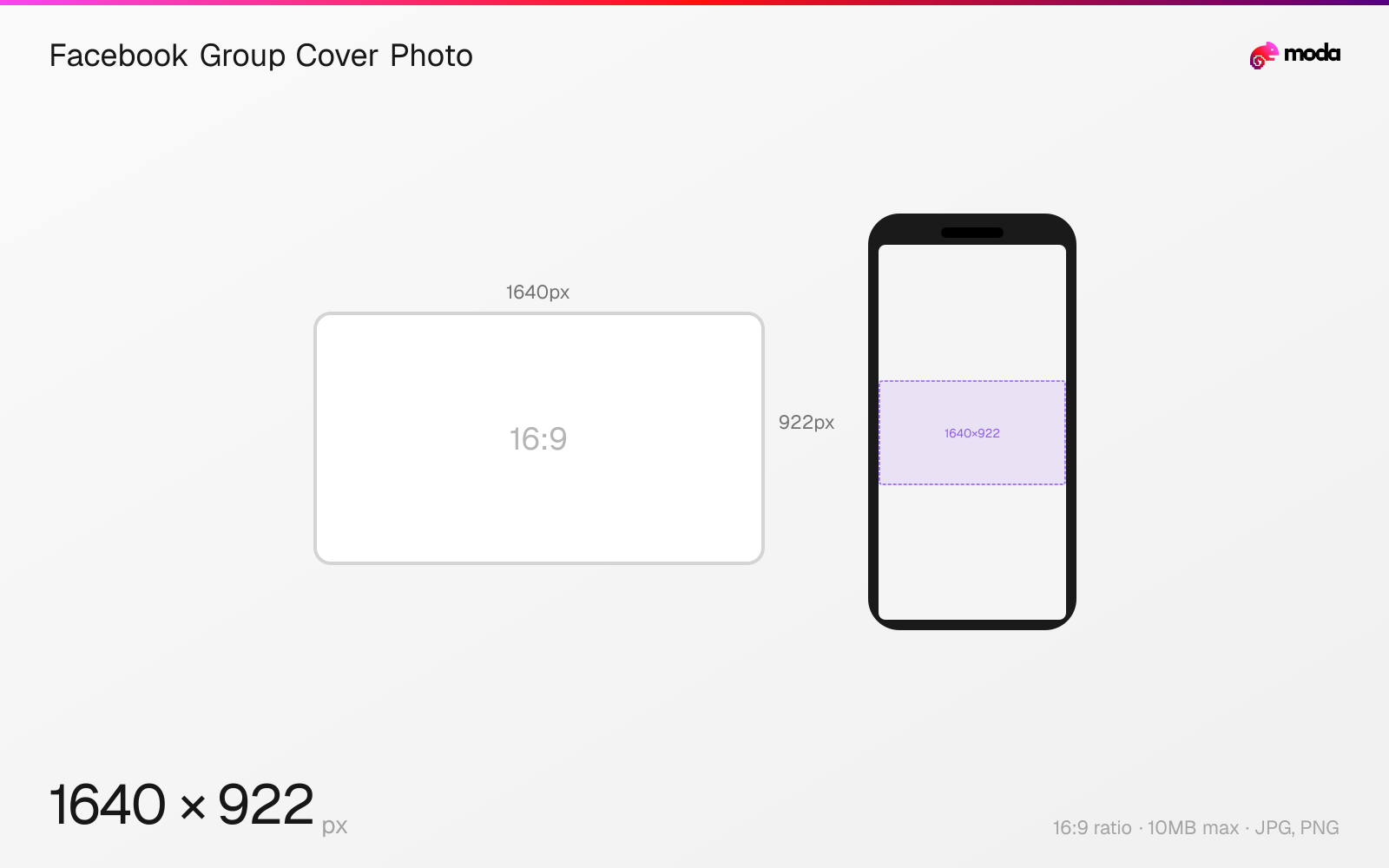
The recommended Facebook group cover photo size is 1640 × 922 pixels (16:9 aspect ratio).
Last updated:
Specifications
| Spec | Value |
|---|---|
| Dimensions (px) | 1640 × 922 px |
| Aspect ratio | 16:9 |
| Max file size | 10MB |
| Supported formats | JPG, PNG |
| Minimum resolution | 400x150 |
| Color mode | sRGB |
Design at this size with Moda
Start with a canvas pre-set to 1640×922px and let AI generate your design.
Create a Facebook group cover photo →Design tips
Facebook group cover photos are recommended at 1640×922 pixels (16:9 aspect ratio). The cover is the first visual people see when they visit or are invited to your group. On mobile, the bottom portion is overlaid with the group name and member count, so keep important content in the upper two-thirds.
- •Upload at 1640×922px (16:9) for the sharpest display across devices.
- •Keep text and key visuals in the upper two-thirds — the bottom is overlaid with group info on mobile.
- •Group covers are separate from page covers — they use different aspect ratios (16:9 vs 2.7:1).
What you need to know
Group covers display as a large header image at the top of the group page. On desktop, the full width is visible with the group name and description below. On mobile, the group name, privacy badge, and member count overlay the bottom portion of the cover image, obscuring roughly the lower 20%.
Unlike personal profile and page covers (which use a 2.7:1 ratio), group covers use a taller 16:9 aspect ratio. This gives you more vertical space to work with, but also means you can't reuse the same cover design between your page and your group without resizing.
Group covers can be changed by any group admin. For active communities, rotating the cover image seasonally or for events keeps the group feeling fresh. Some admins use the cover to communicate rules, upcoming events, or the group's mission.
How to create a Facebook group cover photo at the right size
- 1Open Moda and create a new canvas at 1640×922 pixels.
- 2Design your Facebook group cover photo using AI generation or start from a blank canvas.
- 3Export as JPG and upload to Facebook.
Frequently asked questions
What size is a Facebook group cover photo?
1640×922 pixels with a 16:9 aspect ratio. This is different from personal/page cover photos which use 851×315 (2.7:1).
Can any group member change the cover photo?
No, only group admins and moderators can change the group cover photo.
Specs last verified: March 19, 2026. Dimensions may change as platforms update their requirements.