Facebook profile picture size
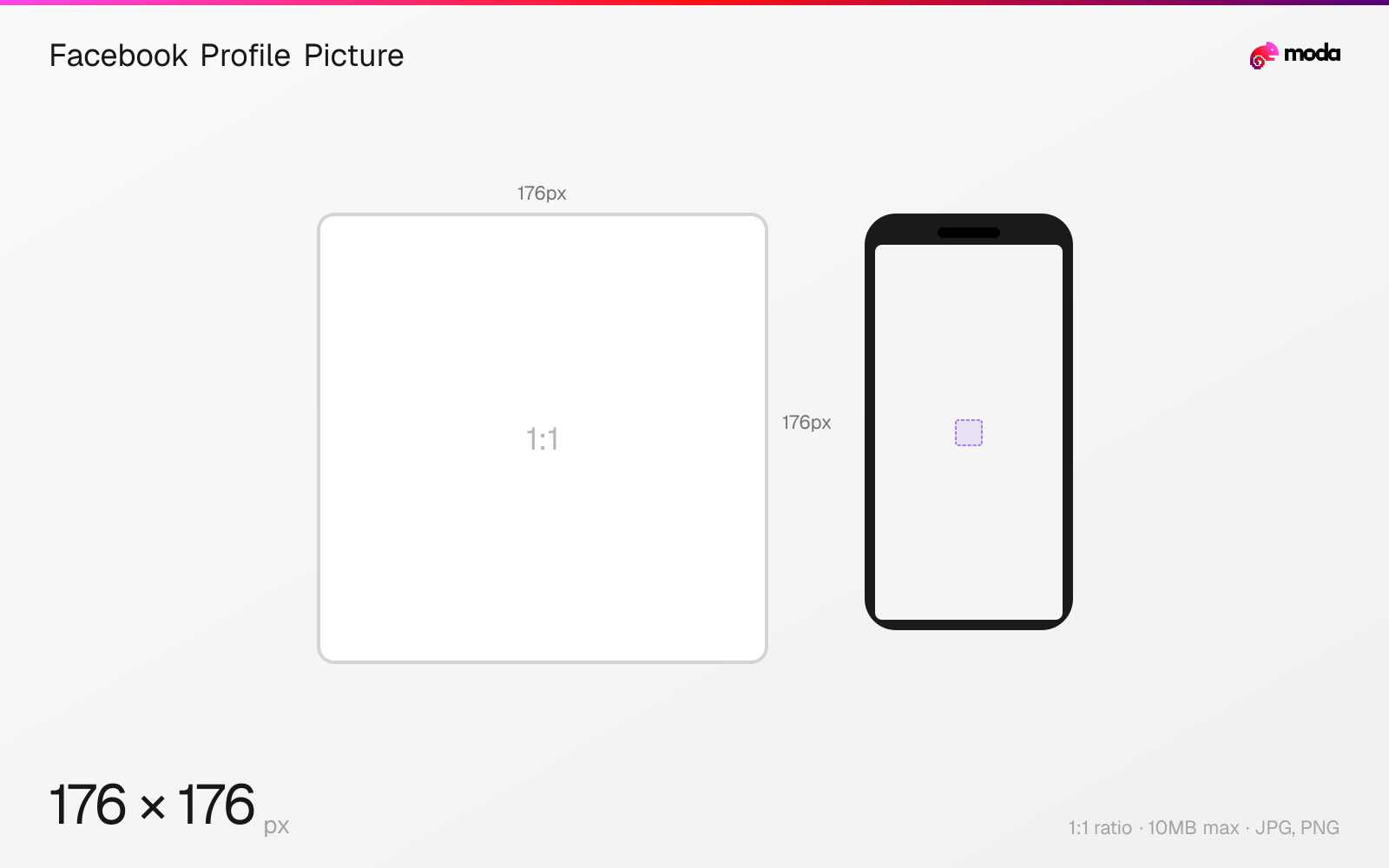
The recommended Facebook profile picture size is 176 × 176 pixels (1:1 aspect ratio).
Last updated:
Specifications
| Spec | Value |
|---|---|
| Dimensions (px) | 176 × 176 px |
| Aspect ratio | 1:1 |
| Max file size | 10MB |
| Supported formats | JPG, PNG |
| Minimum resolution | 176x176 |
| Color mode | sRGB |
Design at this size with Moda
Start with a canvas pre-set to 176×176px and let AI generate your design.
Create a Facebook profile picture →Design tips
Facebook profile pictures display at 176×176 pixels on desktop and 196×196 on mobile, always as a circle. For the sharpest result, upload at the maximum supported resolution of 2048×2048 pixels. Facebook will store the high-res version and scale it down for each display context.
- •Upload at 2048×2048 for the best quality — Facebook stores the high-res version and scales it down.
- •Design within a circular safe zone — corners are permanently cropped to a circle.
- •Use a close-up face or simple logo — the profile picture is as small as 36px in some contexts.
What you need to know
Facebook displays profile pictures as circles at multiple sizes across the platform: 36px on feature phones, 176×176 on desktop, 196×196 on smartphones, and larger in some contexts like tagged photos. Because the image scales to so many sizes, uploading at the highest quality possible (up to 2048×2048) ensures it looks sharp everywhere.
The profile picture overlaps the cover photo — bottom-left on personal profiles, bottom-center on business pages. It also appears next to every post, comment, message, and friend request you send. Since it's seen at very small sizes in most contexts, a close-cropped face or simple logo works better than a full-body shot or complex image.
Unlike Instagram, your Facebook profile picture is independent from other Meta services. Changing your Facebook profile picture doesn't affect your Instagram, WhatsApp, or Messenger avatar (though Messenger and Facebook may share the same image depending on your account linking settings).
How to create a Facebook profile picture at the right size
- 1Open Moda and create a new canvas at 176×176 pixels.
- 2Design your Facebook profile picture using AI generation or start from a blank canvas.
- 3Export as JPG and upload to Facebook.
Frequently asked questions
What size is a Facebook profile picture?
Facebook profile pictures display at 176×176px on desktop and 196×196px on mobile. Upload at 2048×2048 for the best quality across all devices.
Why does my Facebook profile picture look blurry?
Upload at the highest resolution possible (up to 2048×2048). Small images get upscaled and look pixelated. Use PNG for logos, JPG at maximum quality for photos.
Same format on other platforms
Specs last verified: March 19, 2026. Dimensions may change as platforms update their requirements.