LinkedIn profile picture size
The recommended LinkedIn profile picture size is 400 × 400 pixels (1:1 aspect ratio).
Last updated:
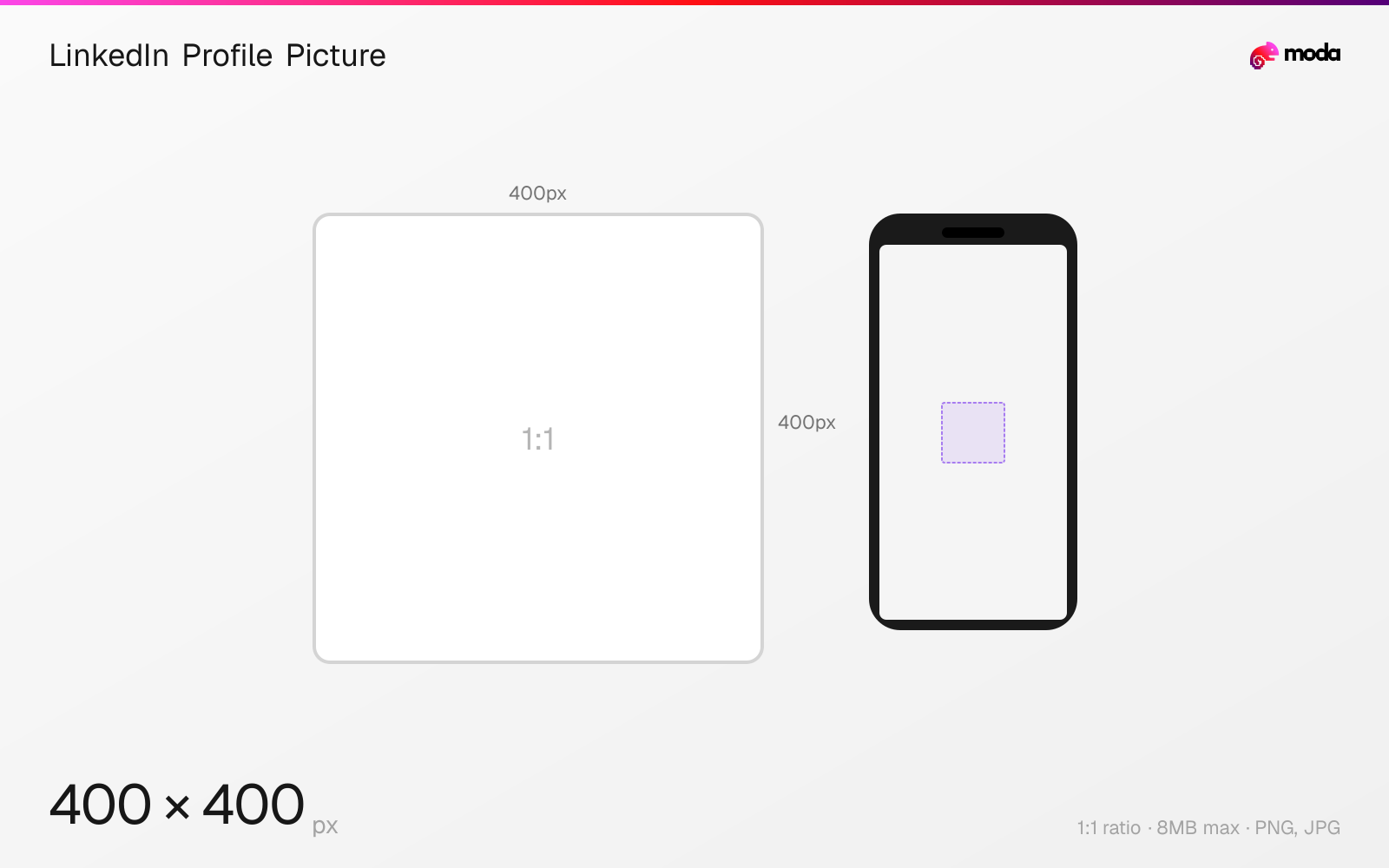
Specifications
| Spec | Value |
|---|---|
| Dimensions (px) | 400 × 400 px |
| Aspect ratio | 1:1 |
| Max file size | 8MB |
| Supported formats | PNG, JPG |
| Minimum resolution | 300x300 |
| Color mode | sRGB |
Design at this size with Moda
Start with a canvas pre-set to 400×400px and let AI generate your design.
Create a LinkedIn profile picture →Design tips
LinkedIn profile pictures are 400×400 pixels in a 1:1 square format, displayed as circles. The minimum accepted size is 300×300px. Your profile photo is the most viewed element on LinkedIn — it appears in search results, feed posts, messages, connection requests, and the 'People You May Know' section.
- •Upload at 400×400px minimum — your face should fill 60-70% of the frame for maximum recognition.
- •Design within a circular safe zone — LinkedIn masks all profile photos to circles.
- •Use a professional headshot with a clean background so your photo stays readable in small feed and search placements.
What you need to know
Your LinkedIn profile photo appears everywhere on the platform: next to every post and comment you make, in search results, connection requests, messaging threads, and the 'People You May Know' suggestions. Because it shows up across so many surfaces, clarity and recognizability matter more than decorative detail.
LinkedIn displays the profile photo as a circle at various sizes — from approximately 40px in the feed to 200px on the full profile page. Upload at 400×400px minimum (300×300 is the hard minimum). Design with a circular safe zone since the square upload is masked to a circle everywhere.
For professional headshots, LinkedIn recommends using a photo that won't require heavy cropping after upload. In practice, a simple background, good lighting, and a close crop on the face tend to read best at small sizes.
How to create a LinkedIn profile picture at the right size
- 1Open Moda and create a new canvas at 400×400 pixels.
- 2Design your LinkedIn profile picture using AI generation or start from a blank canvas.
- 3Export as PNG and upload to LinkedIn.
Frequently asked questions
What size is a LinkedIn profile picture?
LinkedIn profile pictures are 400×400 pixels (1:1 square), displayed as circles. The minimum accepted size is 300×300px.
What makes a good LinkedIn profile picture?
A professional headshot with good lighting, a clean background, and a crop that stays clear when the image is displayed as a circle.
Same format on other platforms
Specs last verified: March 19, 2026. Dimensions may change as platforms update their requirements.