Discord profile picture size
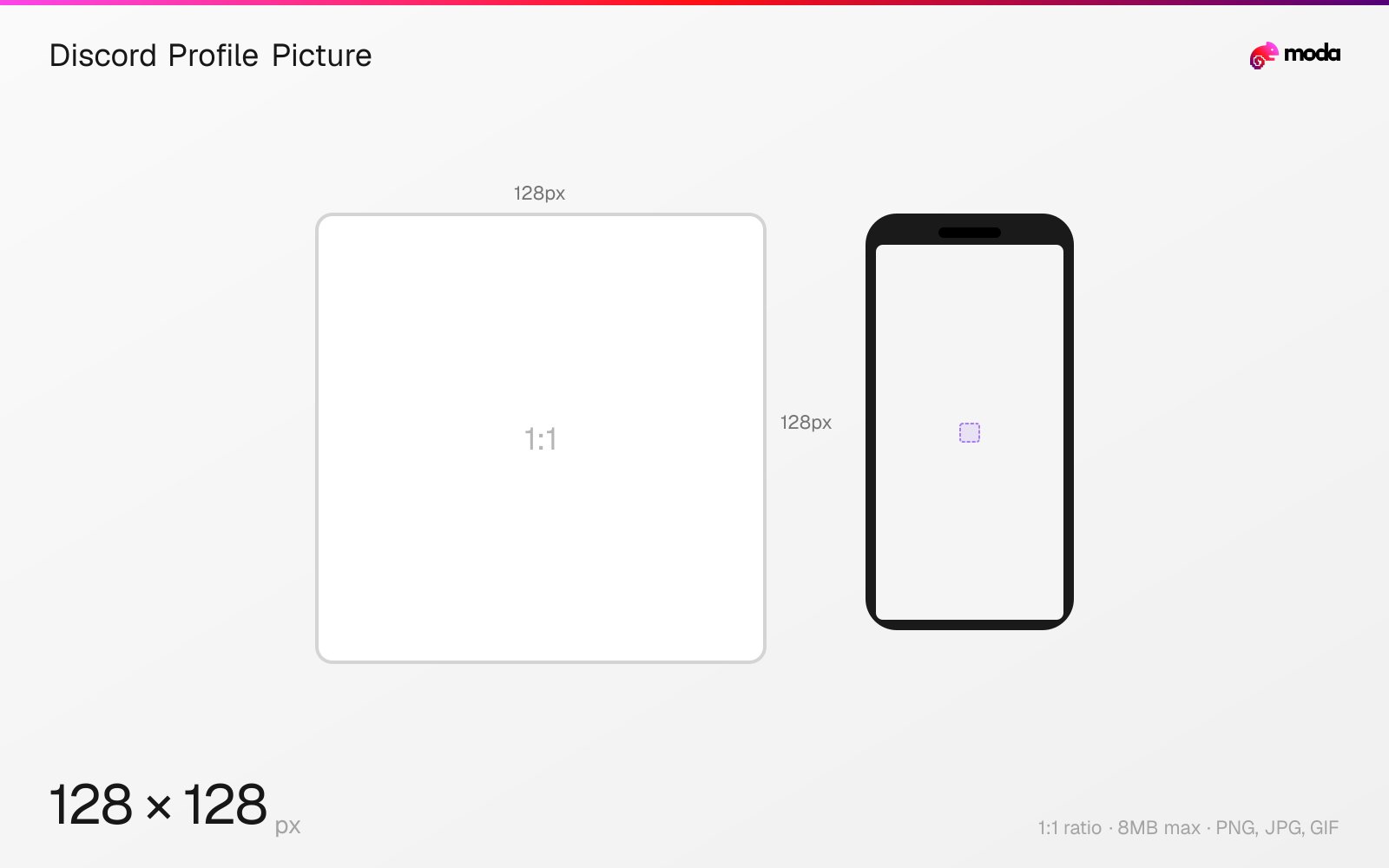
The recommended Discord profile picture size is 128 × 128 pixels (1:1 aspect ratio).
Last updated:
Specifications
| Spec | Value |
|---|---|
| Dimensions (px) | 128 × 128 px |
| Aspect ratio | 1:1 |
| Max file size | 8MB |
| Supported formats | PNG, JPG, GIF |
| Minimum resolution | 128x128 |
| Color mode | sRGB |
Design at this size with Moda
Start with a canvas pre-set to 128×128px and let AI generate your design.
Create a Discord profile picture →Design tips
Discord profile pictures (avatars) are 128×128 pixels in a 1:1 square format, displayed as circles throughout the app. Your avatar appears in messages, the member list, DMs, and friend requests. Animated GIF avatars are available with Discord Nitro or Nitro Basic.
- •Upload at 128×128px or higher — Discord will resize it. Higher-res uploads look sharper after compression.
- •Design within a circular safe zone — the square image is masked to a circle on all surfaces.
- •Animated GIF avatars require Nitro or Nitro Basic — the GIF plays on hover and in the profile popup.
What you need to know
Discord avatars are displayed as circles everywhere in the app — in chat messages, the member sidebar, DMs, voice channels, and friend lists. The base resolution is 128×128 pixels, but Discord stores and serves avatars at multiple sizes internally. Upload the sharpest image you can at 128×128 or higher.
Your avatar appears at different sizes across Discord: approximately 32px in compact chat messages, 40px in regular messages, 80px in the user profile popup, and 128px in the full profile view. At the smallest sizes, detailed images become unrecognizable. Use a simple, high-contrast design — a face, logo mark, or bold graphic that reads clearly at 32px.
Animated GIF avatars are available with any Nitro tier (including Nitro Basic). The GIF plays on hover in the member list and auto-plays in the full profile view. Per-server avatars (different avatar per server) require full Nitro. If you change your global avatar, it updates everywhere except servers where you've set a per-server override.
How to create a Discord profile picture at the right size
- 1Open Moda and create a new canvas at 128×128 pixels.
- 2Design your Discord profile picture using AI generation or start from a blank canvas.
- 3Export as PNG and upload to Discord.
Frequently asked questions
What size is a Discord profile picture?
Discord profile pictures are 128×128 pixels (1:1 square), displayed as circles. Upload at least 128×128 for best quality.
Can I have an animated Discord avatar?
Yes, with Discord Nitro or Nitro Basic. Upload a GIF file and it will animate on hover in the member list and auto-play in the profile view.
Can I have different avatars on different Discord servers?
Yes, with full Discord Nitro (not Nitro Basic). Per-server profiles let you set a unique avatar, banner, and bio for each server.
Same format on other platforms
Specs last verified: March 19, 2026. Dimensions may change as platforms update their requirements.