Discord banner size
The recommended Discord profile banner size is 600 × 240 pixels (5:2 aspect ratio).
Last updated:
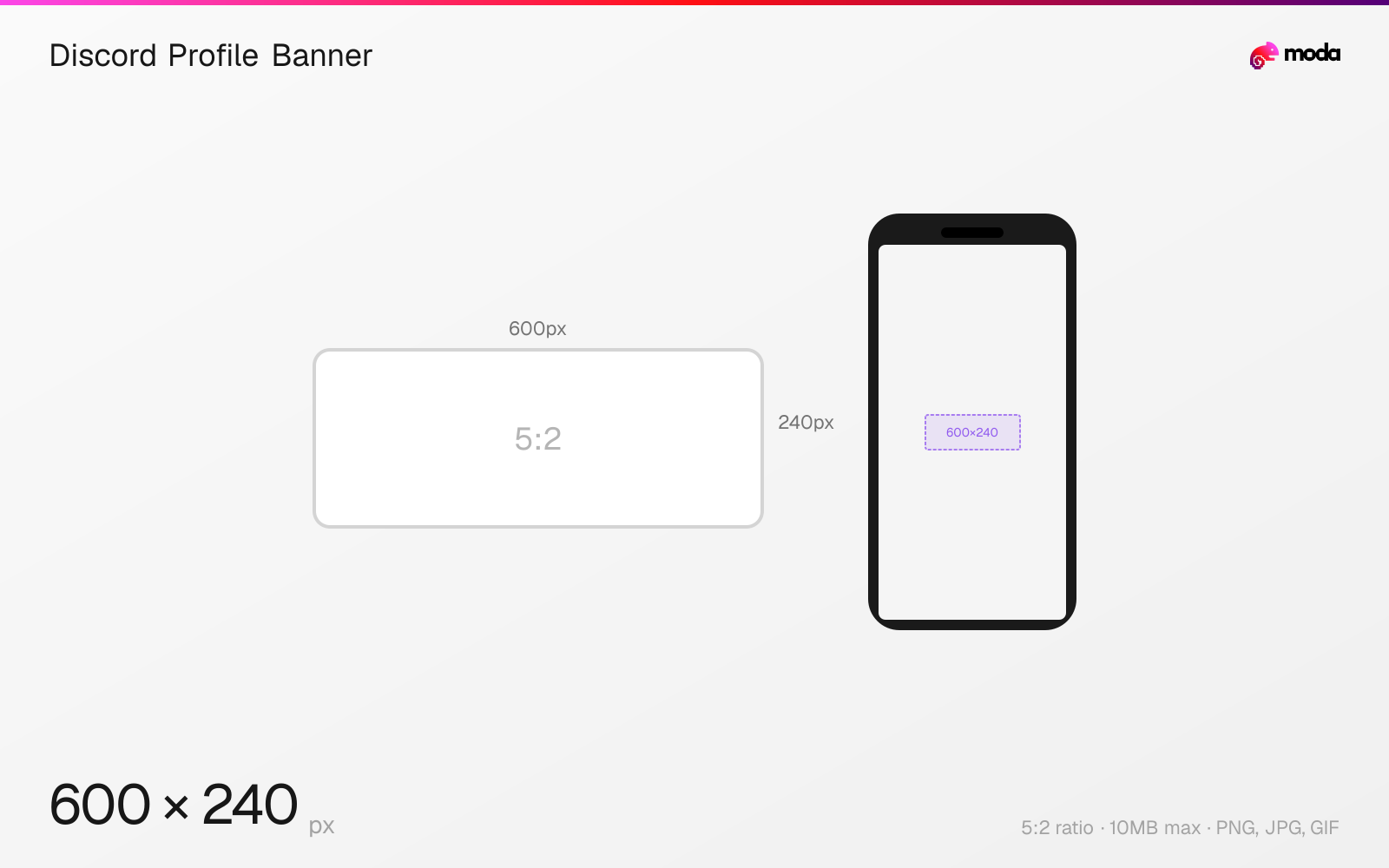
Specifications
| Spec | Value |
|---|---|
| Dimensions (px) | 600 × 240 px |
| Aspect ratio | 5:2 |
| Max file size | 10MB |
| Supported formats | PNG, JPG, GIF |
| Minimum resolution | 600x240 |
| Color mode | sRGB |
Design at this size with Moda
Start with a canvas pre-set to 600×240px and let AI generate your design.
Create a Discord profile banner →Design tips
Discord profile banners are 600×240 pixels with a 5:2 aspect ratio. Banners appear at the top of your user profile when someone clicks your name. This feature requires a Discord Nitro subscription — Nitro Basic does not include profile banners. Animated GIF banners are supported with Nitro.
- •Design at 600×240px minimum — higher resolution versions will be downscaled but look sharper after compression.
- •Avoid placing important content in the bottom-left quarter where your avatar overlaps the banner.
- •Animated GIF banners auto-play on profile view — keep file size under 10MB and loop smoothly.
What you need to know
Discord profile banners display as a wide horizontal strip at the top of your user profile card. The banner is visible whenever someone clicks on your username in a server, DM, or friend list. It sits behind your avatar, which overlaps the bottom-left corner of the banner. Keep important visual elements away from the bottom-left quadrant where the avatar crops into the banner.
Profile banners are a Nitro-exclusive feature — you need a full Discord Nitro subscription (not Nitro Basic) to set one. With Nitro, you can also upload animated GIF banners, which auto-play when someone views your profile. Without Nitro, the banner area shows either a solid color or your profile's accent color.
Per-server profiles (also a Nitro feature) let you set a different banner for each server you're in. This means you can have a professional banner in work servers and a casual one in gaming communities. The dimensions are the same 600×240 for per-server banners.
How to create a Discord profile banner at the right size
- 1Open Moda and create a new canvas at 600×240 pixels.
- 2Design your Discord profile banner using AI generation or start from a blank canvas.
- 3Export as PNG and upload to Discord.
Frequently asked questions
What size is a Discord banner?
Discord profile banners are 600×240 pixels with a 5:2 aspect ratio. Some sources recommend 680×240 for a slightly wider canvas. The maximum file size is 10MB.
Do you need Nitro for a Discord banner?
Yes. Discord profile banners require a full Nitro subscription. Nitro Basic does not include this feature. Without Nitro, your profile shows a solid accent color instead.
Can Discord banners be animated?
Yes. With Discord Nitro, you can upload animated GIF banners that auto-play when someone views your profile. Keep the file under 10MB.
What's the difference between a profile banner and a server banner?
A profile banner (600×240) appears on your personal user profile. A server banner (1920×1080) appears at the top of a server's channel list and requires Server Boost Level 2.
Same format on other platforms
Specs last verified: March 19, 2026. Dimensions may change as platforms update their requirements.