Discord server banner size
The recommended Discord server banner size is 1920 × 1080 pixels (16:9 aspect ratio).
Last updated:
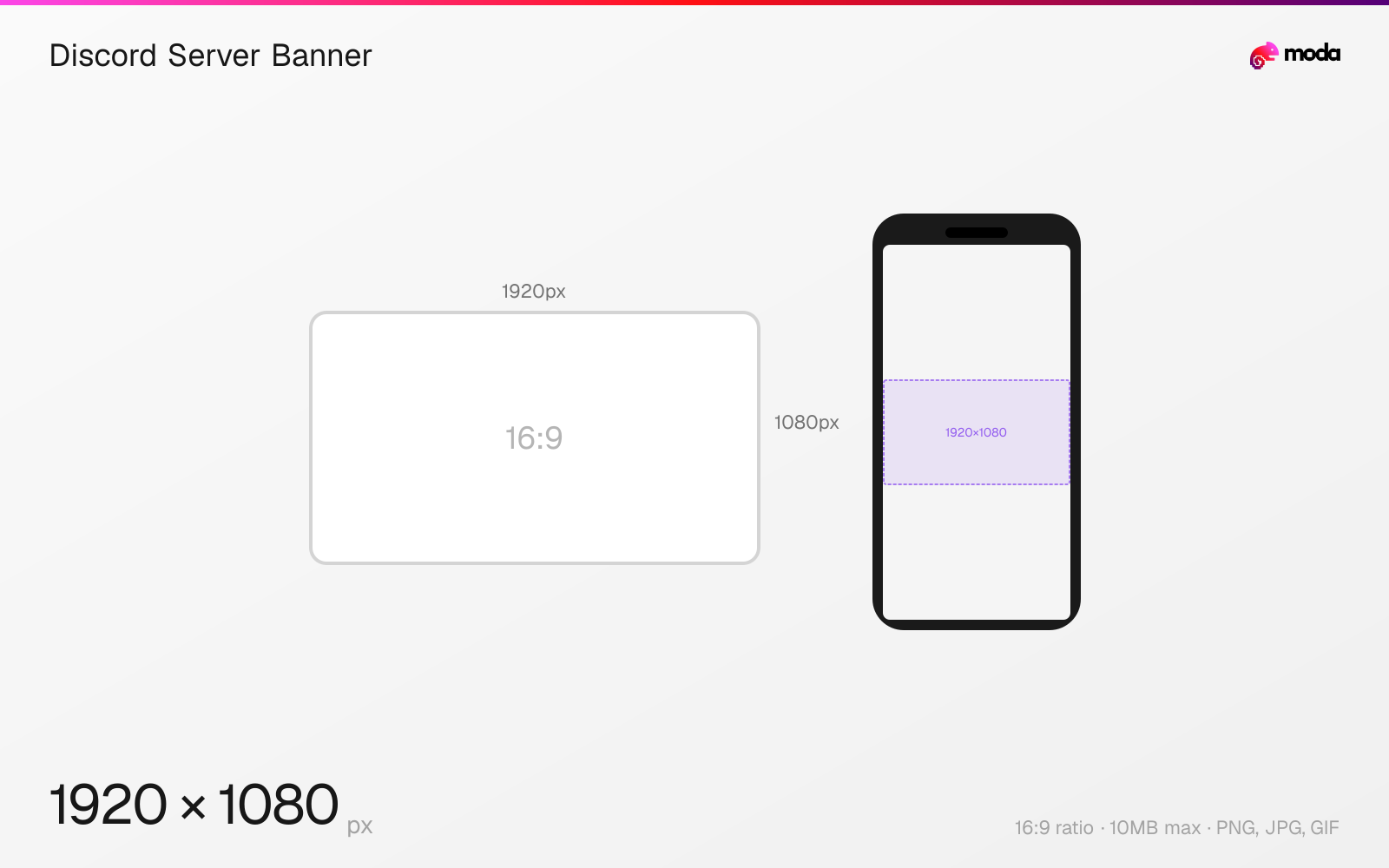
Specifications
| Spec | Value |
|---|---|
| Dimensions (px) | 1920 × 1080 px |
| Aspect ratio | 16:9 |
| Max file size | 10MB |
| Supported formats | PNG, JPG, GIF |
| Minimum resolution | 960x540 |
| Color mode | sRGB |
Design at this size with Moda
Start with a canvas pre-set to 1920×1080px and let AI generate your design.
Create a Discord server banner →Design tips
Discord server banners are 1920×1080 pixels with a 16:9 aspect ratio. The banner appears as a header image at the top of the server's channel list. This feature requires Server Boost Level 2 (7 boosts). Animated GIF banners require Level 3 (14 boosts).
- •Upload at 1920×1080px but keep critical content in the center ~680px vertical zone — Discord crops heavily.
- •Server banners require Boost Level 2 (7 boosts) — animated banners need Level 3 (14 boosts).
- •The banner also shows in invite link previews — make it recognizable at small sizes.
What you need to know
Server banners display as a wide header at the top of the channel sidebar. Discord crops the 1920×1080 image to show a horizontal strip — the exact visible area varies by window size, but typically only the center ~680px of vertical space is shown. Design with a vertically centered composition so the key visual elements stay visible regardless of how Discord crops it.
Server banners require Boost Level 2 (7 server boosts). Animated GIF banners require Level 3 (14 boosts). This makes server banners a premium feature that signals an active, invested community. Many large servers use the banner to showcase artwork, seasonal themes, or event promotions.
The server banner also appears in server invite link previews (when sharing a server link in chat or on the web), making it a key branding touchpoint for growing your community. Keep the design clean and recognizable at small sizes since invite previews are often quite compact. The minimum upload size is 960×540, but uploading at the full 1920×1080 ensures it looks sharp on larger displays.
How to create a Discord server banner at the right size
- 1Open Moda and create a new canvas at 1920×1080 pixels.
- 2Design your Discord server banner using AI generation or start from a blank canvas.
- 3Export as PNG and upload to Discord.
Frequently asked questions
What size is a Discord server banner?
Discord server banners are 1920×1080 pixels (16:9). The minimum upload size is 960×540. Only the center vertical portion is visible in the channel list.
How many boosts do you need for a Discord server banner?
Server banners require Boost Level 2 (7 boosts). Animated GIF banners require Level 3 (14 boosts).
Where does the Discord server banner appear?
At the top of the server's channel list sidebar and in server invite link previews when the link is shared.
Specs last verified: March 19, 2026. Dimensions may change as platforms update their requirements.