Discord server icon size
The recommended Discord server icon size is 512 × 512 pixels (1:1 aspect ratio).
Last updated:
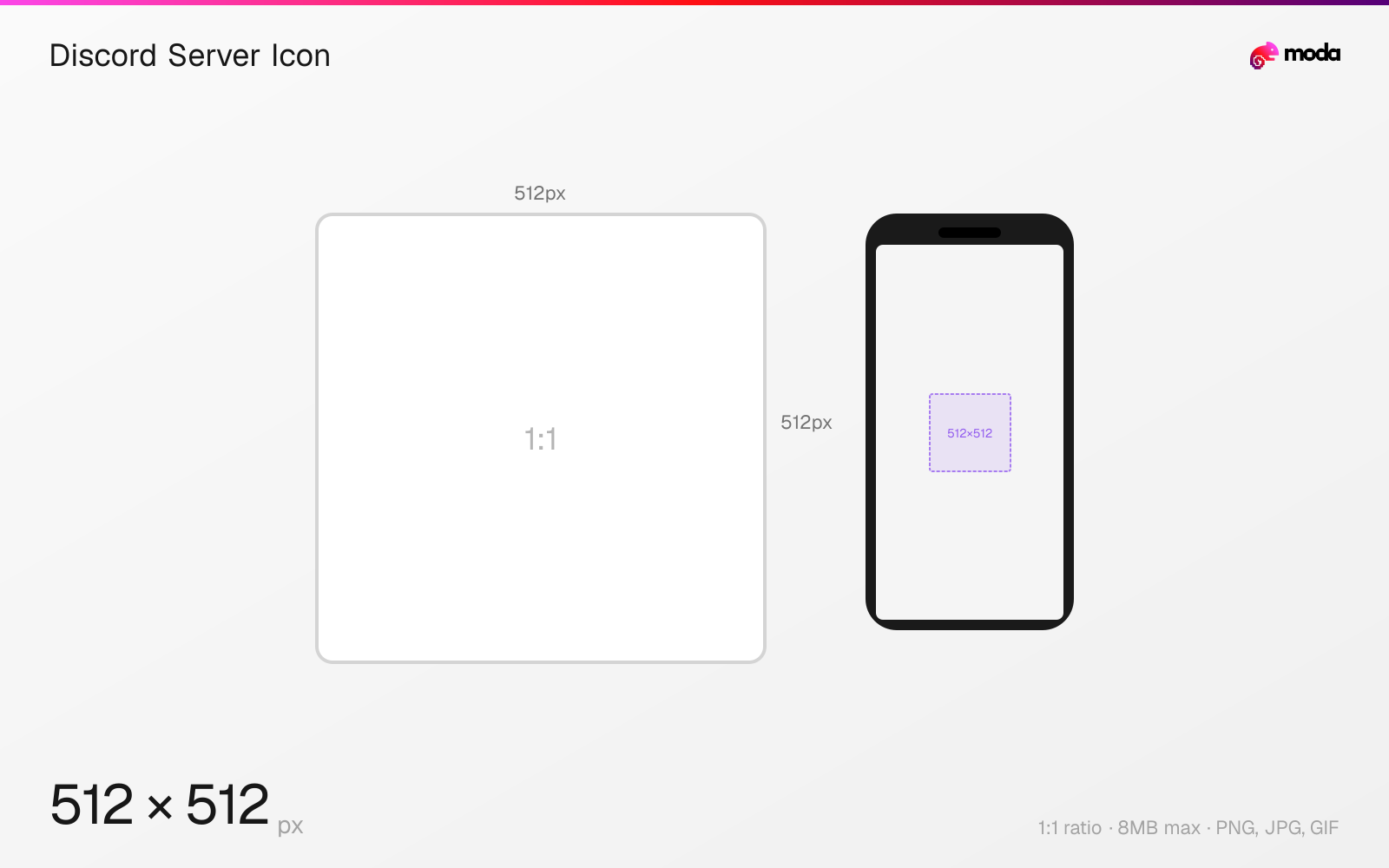
Specifications
| Spec | Value |
|---|---|
| Dimensions (px) | 512 × 512 px |
| Aspect ratio | 1:1 |
| Max file size | 8MB |
| Supported formats | PNG, JPG, GIF |
| Minimum resolution | 512x512 |
| Color mode | sRGB |
Design at this size with Moda
Start with a canvas pre-set to 512×512px and let AI generate your design.
Create a Discord server icon →Design tips
Discord server icons are 512×512 pixels in a 1:1 square format, displayed as circles in the server sidebar. The server icon is the most visible branding element for any Discord community — it appears in the left sidebar, invite links, server discovery, and notifications.
- •Upload at 512×512px — the icon displays at various sizes from 48px (sidebar) to 256px (invite previews).
- •Design within a circular safe zone — Discord masks server icons to circles with slightly rounded edges.
- •Keep the design simple and high-contrast — most users see it at 48px in a crowded sidebar.
What you need to know
The server icon is the primary visual identity of a Discord server. It appears in the left sidebar (at approximately 48px), in server invite previews, in the server discovery directory, in notifications, and at larger sizes when viewing server settings. Upload at the full 512×512px for maximum clarity across all these contexts.
Animated GIF server icons are available once a server reaches Boost Level 1 (2 boosts). The animation plays on hover in the sidebar and auto-plays in the server header. For non-boosted servers, static PNG or JPG only. The GIF animation should loop seamlessly and stay under 8MB.
Servers without a custom icon show the server name abbreviated to its initials on a colored background. Setting a custom icon is one of the first things server admins should do — it makes the server recognizable in a sidebar that might have dozens of servers competing for attention. Use a simple, bold design that's legible at 48px (the sidebar size).
How to create a Discord server icon at the right size
- 1Open Moda and create a new canvas at 512×512 pixels.
- 2Design your Discord server icon using AI generation or start from a blank canvas.
- 3Export as PNG and upload to Discord.
Frequently asked questions
What size is a Discord server icon?
Discord server icons are 512×512 pixels (1:1 square), displayed as circles. Upload at the full 512×512 resolution for best quality.
Can Discord server icons be animated?
Yes, once a server reaches Boost Level 1 (2 boosts). Upload an animated GIF under 8MB. It will play on hover in the sidebar.
What happens if I don't set a server icon?
Discord shows the server name's initials on a colored background. Setting a custom icon makes your server more recognizable.
Same format on other platforms
Specs last verified: March 19, 2026. Dimensions may change as platforms update their requirements.