WhatsApp sticker size
The recommended WhatsApp sticker size is 512 × 512 pixels (1:1 aspect ratio).
Last updated:
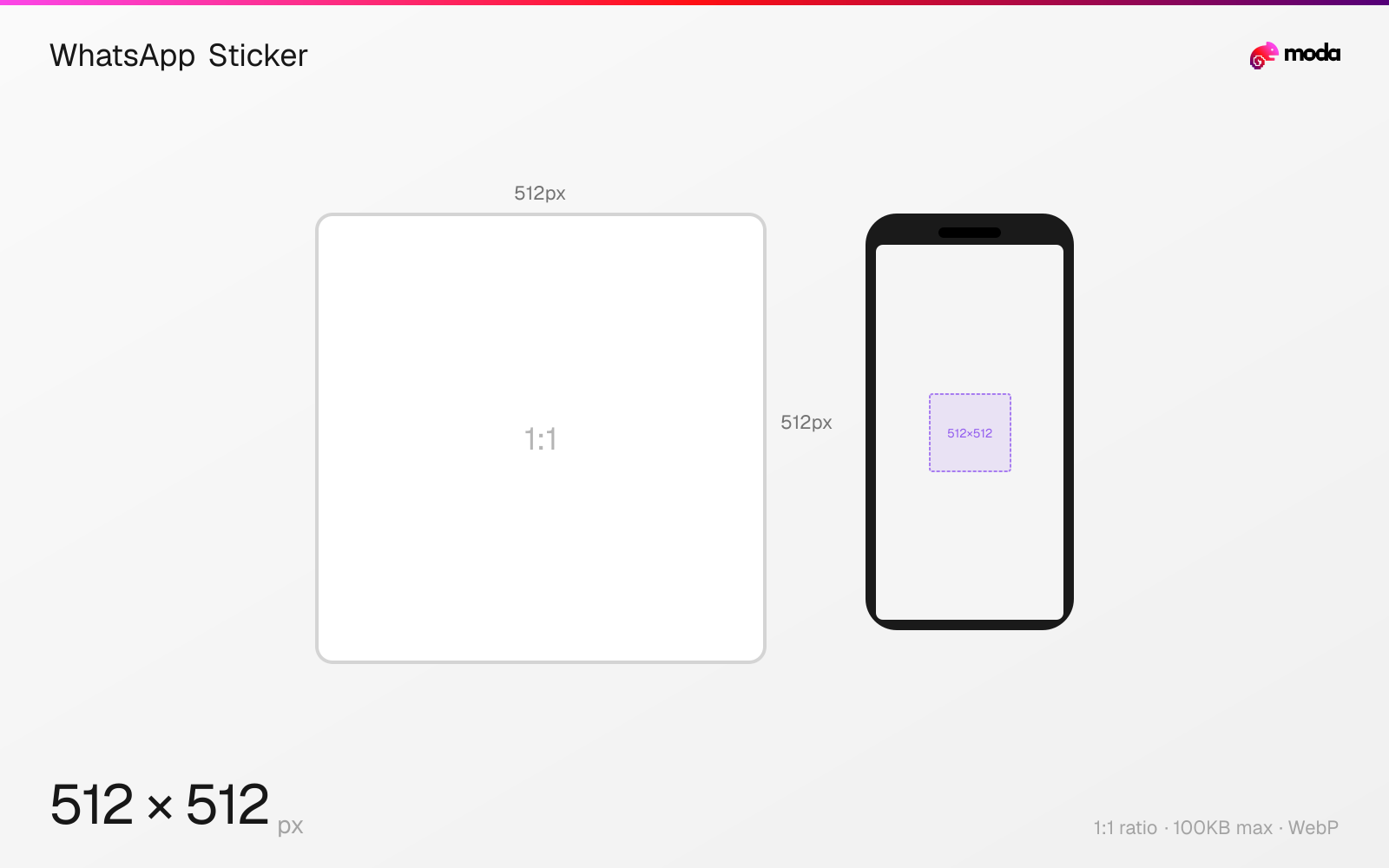
Specifications
| Spec | Value |
|---|---|
| Dimensions (px) | 512 × 512 px |
| Aspect ratio | 1:1 |
| Max file size | 100KB |
| Supported formats | WebP |
| Minimum resolution | 512x512 |
| Color mode | sRGB |
Design at this size with Moda
Start with a canvas pre-set to 512×512px and let AI generate your design.
Create a WhatsApp sticker →Design tips
WhatsApp stickers are 512×512 pixels in WebP format with a maximum file size of 100KB per sticker. Custom sticker packs can contain 3-30 stickers. The strict file size limit means stickers need to be optimized — simple designs with flat colors and limited detail work best.
- •Design at exactly 512×512px with a transparent background — WhatsApp is strict about dimensions.
- •Keep under 100KB per sticker — use flat colors and simple designs. Avoid photos and gradients.
- •Export as WebP format. PNG won't work. Use a WebP converter if your design tool doesn't export WebP natively.
What you need to know
WhatsApp stickers have very specific requirements: exactly 512×512 pixels, WebP format, maximum 100KB per sticker, and a transparent background. A sticker pack needs a minimum of 3 stickers and a maximum of 30. You also need a 96×96px tray icon (the small image that represents the pack in the sticker picker).
The 100KB file size limit is the main design constraint. Photographic or highly detailed stickers will exceed this limit. The format works best for illustrated characters, emoji-style graphics, bold text, and simple cartoon-style artwork with flat colors. Use as few colors as possible and avoid gradients to keep file sizes down.
To create a custom sticker pack, you can use WhatsApp's built-in sticker maker (on Android) or third-party apps like Sticker Maker Studio. For bulk creation, design 512×512px images with transparent backgrounds in a design tool, export as WebP, then import into a sticker maker app. Animated stickers (WebP animation) are also supported at 512×512px with a 500KB limit.
How to create a WhatsApp sticker at the right size
- 1Open Moda and create a new canvas at 512×512 pixels.
- 2Design your WhatsApp sticker using AI generation or start from a blank canvas.
- 3Export as WebP and upload to WhatsApp.
Frequently asked questions
What size are WhatsApp stickers?
512×512 pixels in WebP format with a transparent background. Maximum file size is 100KB per sticker.
What format do WhatsApp stickers use?
WebP only. PNG, JPG, and GIF are not accepted. The sticker must have a transparent background.
How many stickers are in a WhatsApp sticker pack?
Minimum 3, maximum 30 stickers per pack. You also need a 96×96px tray icon for the pack.
Can WhatsApp stickers be animated?
Yes. Animated stickers use WebP animation at 512×512px with a maximum file size of 500KB.
Sources
Specs last verified: March 19, 2026. Dimensions may change as platforms update their requirements.