WhatsApp profile picture size
The recommended WhatsApp profile picture size is 640 × 640 pixels (1:1 aspect ratio).
Last updated:
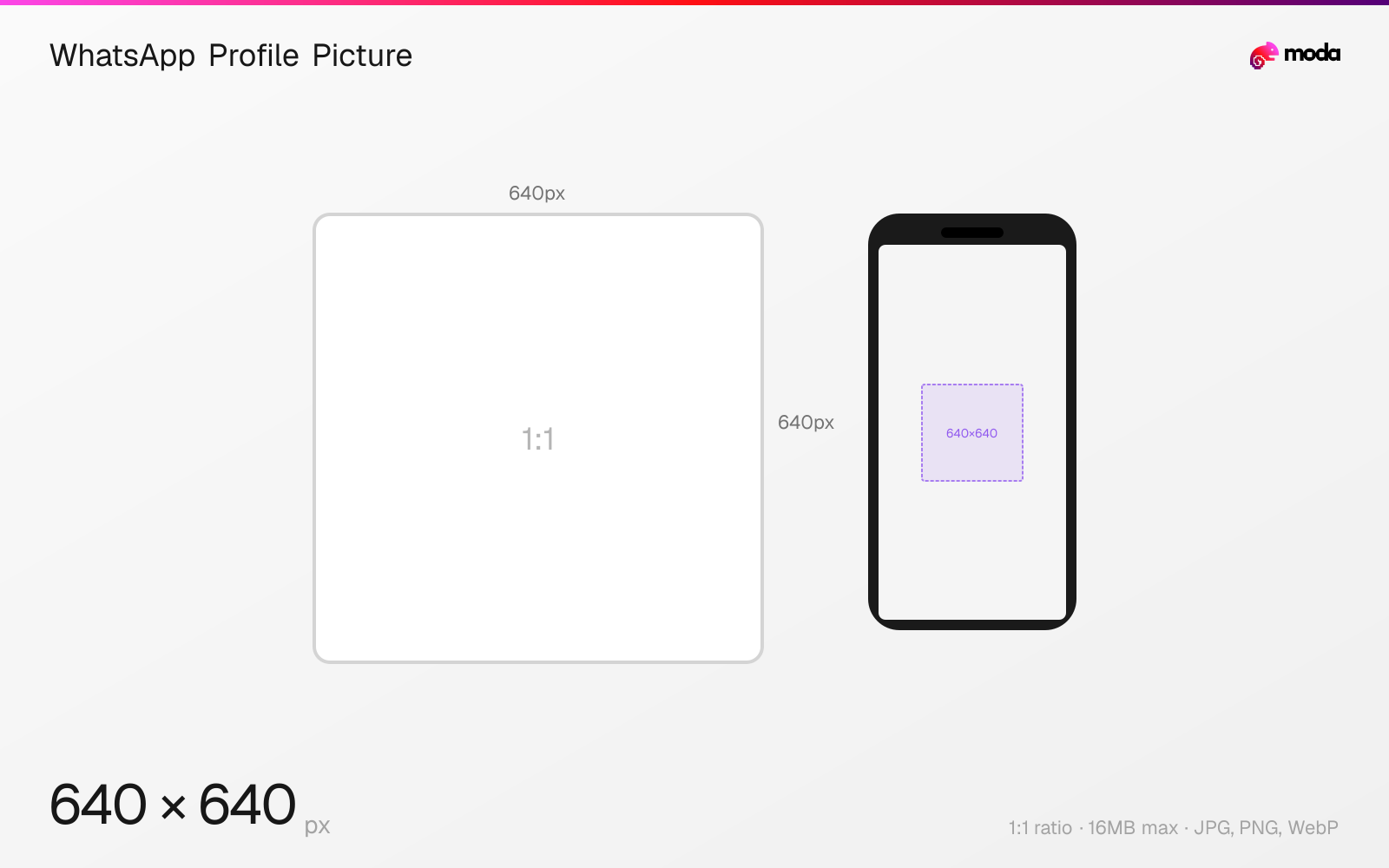
Specifications
| Spec | Value |
|---|---|
| Dimensions (px) | 640 × 640 px |
| Aspect ratio | 1:1 |
| Max file size | 16MB |
| Supported formats | JPG, PNG, WebP |
| Minimum resolution | 192x192 |
| Color mode | sRGB |
Other documented sizes
| Format | Dimensions | Aspect ratio |
|---|---|---|
| High-res (1080×1080) | 1080 × 1080 px | 1:1 |
Design at this size with Moda
Start with a canvas pre-set to 640×640px and let AI generate your design.
Create a WhatsApp profile picture →Design tips
WhatsApp profile pictures (DPs) should be 640×640 pixels in a 1:1 square format. They're displayed as circles throughout the app — in chats, contact lists, and group info. For the sharpest result on modern high-DPI phones, upload at 1080×1080 pixels. WhatsApp will downscale but retain more detail after compression.
- •Upload at 1080×1080px for the sharpest result — WhatsApp stores it at 640×640 but benefits from the higher-res source.
- •Keep faces and logos within the center 80% — the outer edges are cropped by the circular mask.
- •Use JPG for photos and PNG for logos/graphics to minimize compression artifacts.
What you need to know
WhatsApp profile pictures display as circles everywhere in the app: in the chat list, inside conversations, contact info, and group member lists. The image is stored at 640×640 pixels, but uploading at 1080×1080 gives WhatsApp more data to work with during compression, resulting in a sharper displayed image on modern phones with high-DPI screens.
The circular crop means roughly 20% of each edge is clipped. Keep faces, text, and logos centered within the inner ~500×500px area of a 640×640 canvas. A common mistake is placing important content at the edges of the square frame where it gets hidden by the circle mask.
WhatsApp compresses all uploaded profile pictures significantly. For photos, JPG at 90%+ quality produces the best results after WhatsApp's compression. For logos or graphics with sharp edges, PNG preserves clarity better. WebP is also accepted and offers a good balance of quality and file size.
How to create a WhatsApp profile picture at the right size
- 1Open Moda and create a new canvas at 640×640 pixels.
- 2Design your WhatsApp profile picture using AI generation or start from a blank canvas.
- 3Export as JPG and upload to WhatsApp.
Frequently asked questions
What size is a WhatsApp profile picture?
WhatsApp profile pictures are 640×640 pixels (1:1 square), displayed as circles. Uploading at 1080×1080 gives the sharpest result.
Why does my WhatsApp DP look blurry?
WhatsApp compresses all profile pictures. Upload at 1080×1080px (not 640×640) to give the compressor more data. Use JPG at 90%+ quality or PNG.
What is the minimum WhatsApp DP size?
192×192 pixels minimum, but this looks blurry on modern phones. Use 640×640 or ideally 1080×1080 for best quality.
Can I use a rectangular image as my WhatsApp DP?
Yes, but WhatsApp will crop it to a square and then display it as a circle. Upload a square image to control the framing.
Same format on other platforms
Specs last verified: March 19, 2026. Dimensions may change as platforms update their requirements.