WhatsApp Status size
The recommended WhatsApp status size is 1080 × 1920 pixels (9:16 aspect ratio).
Last updated:
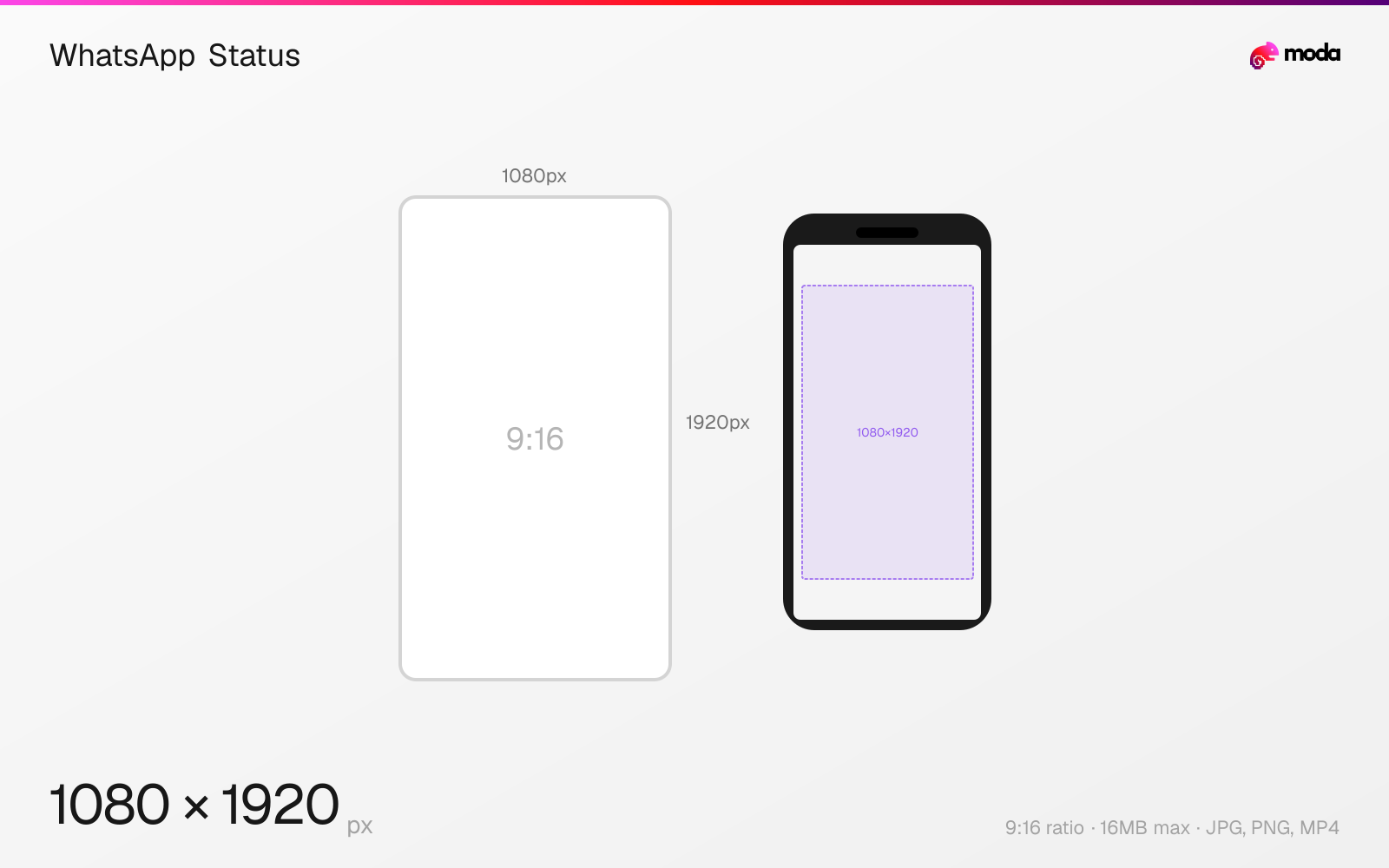
Specifications
| Spec | Value |
|---|---|
| Dimensions (px) | 1080 × 1920 px |
| Aspect ratio | 9:16 |
| Max file size | 16MB |
| Supported formats | JPG, PNG, MP4 |
| Minimum resolution | 480x848 |
| Color mode | sRGB |
Design at this size with Moda
Start with a canvas pre-set to 1080×1920px and let AI generate your design.
Create a WhatsApp status →Design tips
WhatsApp Status images and videos should be 1080×1920 pixels in a 9:16 vertical format — the same full-screen dimensions as Instagram Stories. Status updates disappear after 24 hours. Images are limited to 16MB and videos can be up to 90 seconds long.
- •Design at 1080×1920px (9:16) for full-screen display — same dimensions as Instagram Stories.
- •Keep important content at least 120px from the top and 200px from the bottom to avoid UI overlays.
- •WhatsApp compresses heavily — upload at the highest quality possible to survive compression.
What you need to know
WhatsApp Status uses the same 9:16 vertical format as Instagram Stories, Snapchat, and TikTok — all designed for full-screen phone viewing. The status fills the entire screen, with WhatsApp overlaying the sender's name and timestamp at the top and a reply bar at the bottom. Design within the center ~1080×1600px area to keep content clear of these overlays.
Image statuses display for the viewer's chosen duration (typically until they tap to advance). Video statuses can be up to 90 seconds long. WhatsApp compresses both significantly — images are typically reduced to around 1600px on the longest side, and videos are transcoded to lower bitrates. Upload at the full 1080×1920 resolution to retain the most quality after compression.
Unlike Instagram Stories, WhatsApp Status doesn't support stickers, polls, or interactive elements natively (though you can design these into the image itself). The simplicity of the format means the image or video quality matters more — there are no distracting UI elements. Status is primarily used for personal updates, not marketing, so the audience expects authentic, high-quality content.
How to create a WhatsApp status at the right size
- 1Open Moda and create a new canvas at 1080×1920 pixels.
- 2Design your WhatsApp status using AI generation or start from a blank canvas.
- 3Export as JPG and upload to WhatsApp.
Frequently asked questions
What size is a WhatsApp Status?
1080×1920 pixels (9:16 vertical), the same as Instagram Stories. Maximum file size is 16MB for images.
How long can a WhatsApp Status video be?
Up to 90 seconds. Videos are compressed significantly by WhatsApp during upload.
Are WhatsApp Status and Instagram Story the same size?
Yes — both use 1080×1920px (9:16). You can use the same designs for both, though the UI overlay positions differ slightly.
Same format on other platforms
Sources
Specs last verified: March 19, 2026. Dimensions may change as platforms update their requirements.