WhatsApp group icon size
The recommended WhatsApp group icon size is 640 × 640 pixels (1:1 aspect ratio).
Last updated:
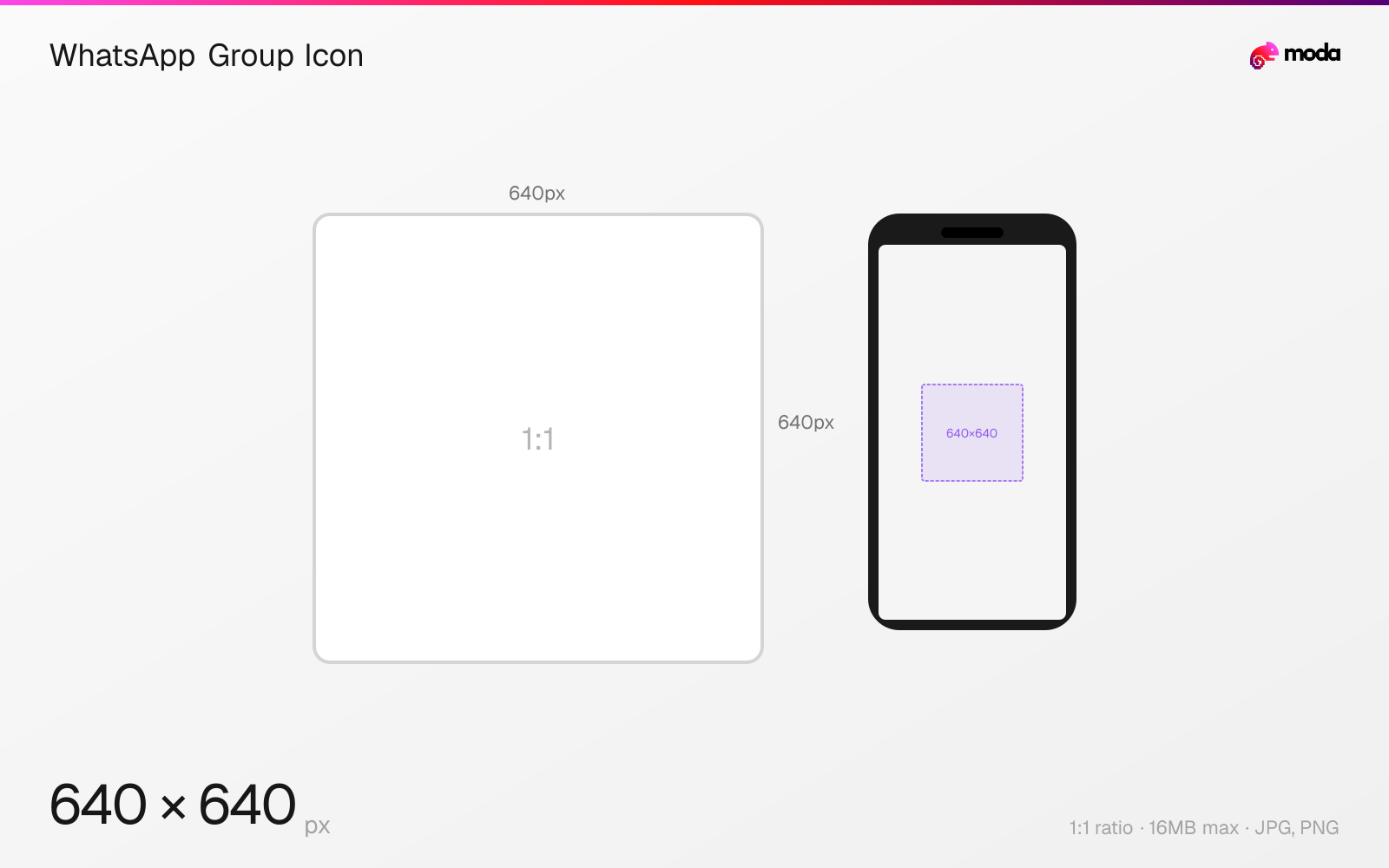
Specifications
| Spec | Value |
|---|---|
| Dimensions (px) | 640 × 640 px |
| Aspect ratio | 1:1 |
| Max file size | 16MB |
| Supported formats | JPG, PNG |
| Minimum resolution | 192x192 |
| Color mode | sRGB |
Design at this size with Moda
Start with a canvas pre-set to 640×640px and let AI generate your design.
Create a WhatsApp group icon →Design tips
WhatsApp group icons follow the same dimensions as profile pictures: 640×640 pixels in a 1:1 square format, displayed as a circle. The group icon appears in the chat list and group info screen. Any group admin can change the icon.
- •Upload at 640×640px or higher — displayed as a circle, same rules as profile pictures.
- •Use a simple, bold design that's recognizable at 48px — most people see it in the chat list at tiny sizes.
- •Any group admin can change the icon — no approval process needed.
What you need to know
WhatsApp group icons use the same 640×640px format as personal profile pictures. They display as circles in the chat list (at roughly 48-60px), in the group info screen (larger, about 120px), and in notifications. The same circular crop rules apply — keep important elements centered.
Group icons are visible to all group members and appear alongside every notification from that group. For communities and organizations, a clear, recognizable icon helps members identify the group at a glance in a chat list that might have dozens of conversations. Use a simple logo, emoji-style graphic, or bold text that's legible at small sizes.
Any group admin can change the group icon. To update it, open the group, tap the group name at the top, then tap the existing icon to upload a new one. The change takes effect immediately for all members. There's no approval process or delay.
How to create a WhatsApp group icon at the right size
- 1Open Moda and create a new canvas at 640×640 pixels.
- 2Design your WhatsApp group icon using AI generation or start from a blank canvas.
- 3Export as JPG and upload to WhatsApp.
Frequently asked questions
What size is a WhatsApp group icon?
640×640 pixels (1:1 square), displayed as a circle. Same dimensions as WhatsApp profile pictures.
Who can change a WhatsApp group icon?
Any group admin can change the icon. Open the group → tap the group name → tap the icon to upload a new image.
Same format on other platforms
Sources
Specs last verified: March 19, 2026. Dimensions may change as platforms update their requirements.