Twitch banner size
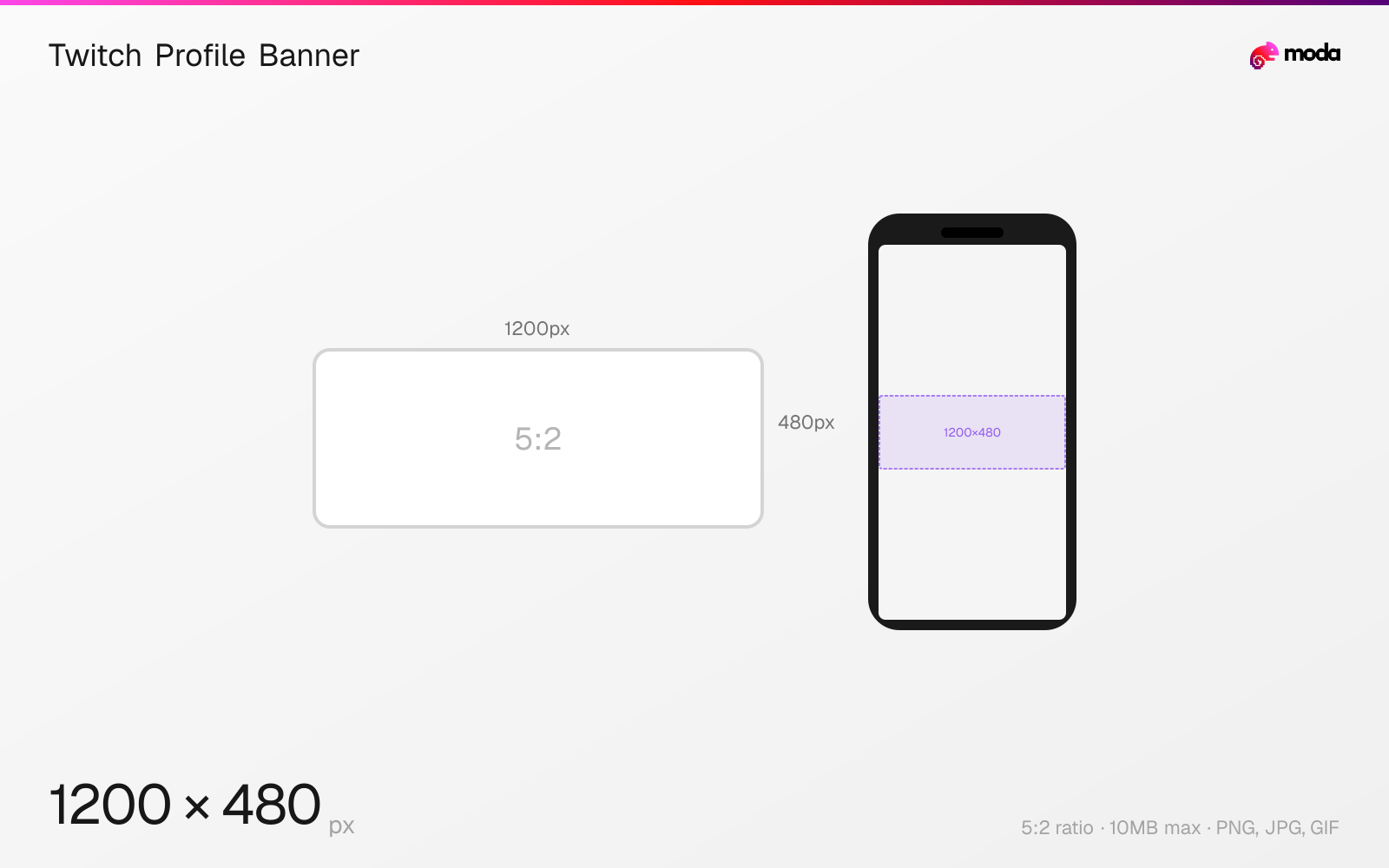
The recommended Twitch profile banner size is 1200 × 480 pixels (5:2 aspect ratio).
Last updated:
Specifications
| Spec | Value |
|---|---|
| Dimensions (px) | 1200 × 480 px |
| Aspect ratio | 5:2 |
| Max file size | 10MB |
| Supported formats | PNG, JPG, GIF |
| Minimum resolution | 900x480 |
| Color mode | sRGB |
Design at this size with Moda
Start with a canvas pre-set to 1200×480px and let AI generate your design.
Create a Twitch profile banner →Design tips
Twitch profile banners are 1200×480 pixels with a 5:2 aspect ratio. The banner appears at the top of your channel page behind your profile picture and channel info. It's the largest branding surface on your Twitch channel and the first thing viewers see when visiting your page.
- •Keep important content on the right side and center — the left is covered by your avatar and channel info.
- •Test on mobile where the banner is cropped to a narrower strip than desktop.
- •Upload at 1200×480px minimum — the minimum accepted width is 900px.
What you need to know
The Twitch profile banner spans the full width of your channel page header. On desktop, it displays behind your avatar, username, follower count, and category tags. The left side of the banner is partially obscured by your profile picture and channel info overlay, so place your most important visual content on the right side or center.
On mobile, the banner is cropped more aggressively — typically showing a narrower horizontal strip of the center portion. Test your banner on both desktop and mobile to ensure critical elements remain visible. Avoid placing text too close to any edge since the visible area varies by screen size and browser window width.
The minimum width is 900px, but uploading at the full 1200×480 resolution ensures the banner stays sharp on high-DPI displays. GIF banners are supported but rarely used — the file plays once when the page loads and can feel distracting. Most successful streamers use a clean static banner that complements their stream overlay aesthetic.
How to create a Twitch profile banner at the right size
- 1Open Moda and create a new canvas at 1200×480 pixels.
- 2Design your Twitch profile banner using AI generation or start from a blank canvas.
- 3Export as PNG and upload to Twitch.
Frequently asked questions
What size is a Twitch banner?
Twitch profile banners are 1200×480 pixels with a 5:2 aspect ratio. The minimum width is 900px. Maximum file size is 10MB.
What's the difference between a Twitch profile banner and an offline screen?
The profile banner (1200×480) appears on your channel page header. The offline screen (1920×1080) appears in the video player when you're not streaming.
Can Twitch banners be animated?
Yes, Twitch accepts GIF banners up to 10MB. However, the animation only plays once when the page loads and can be distracting — most streamers use static images.
Same format on other platforms
Specs last verified: March 19, 2026. Dimensions may change as platforms update their requirements.