YouTube banner size
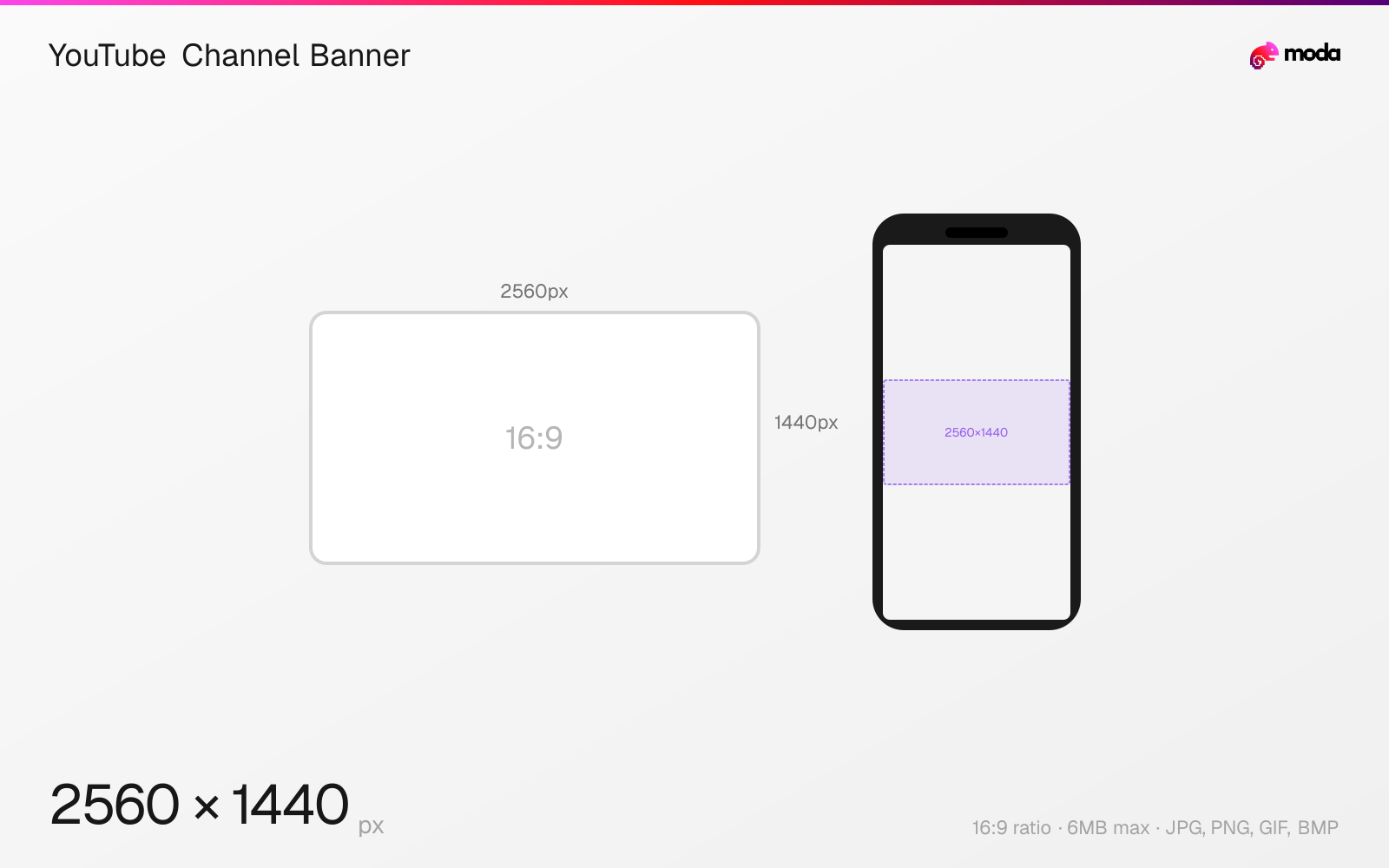
The recommended YouTube channel banner size is 2560 × 1440 pixels (16:9 aspect ratio).
Last updated:
Specifications
| Spec | Value |
|---|---|
| Dimensions (px) | 2560 × 1440 px |
| Aspect ratio | 16:9 |
| Max file size | 6MB |
| Supported formats | JPG, PNG, GIF, BMP |
| Minimum resolution | 2048x1152 |
| Color mode | sRGB |
Design at this size with Moda
Start with a canvas pre-set to 2560×1440px and let AI generate your design.
Create a YouTube channel banner →Design tips
YouTube channel banners should be uploaded at 2560×1440 pixels, but the visible area varies dramatically by device. Only the center 1546×423px is safe on all screens (mobile). Desktop shows a wider strip, and only TVs display the full image. Design within the safe zone and use the outer area for background texture or color.
- •Upload at 2560×1440px but keep all critical text and logos within the center 1546×423px safe area.
- •Preview your banner at all three crop zones (mobile, desktop, TV) before publishing.
- •Use the outer areas for ambient background — patterns, gradients, or extended imagery that looks fine when cropped.
What you need to know
The YouTube channel banner is the most complex image on the platform because it's cropped differently on every device. The full 2560×1440 canvas is only visible on TVs. Desktop browsers show a horizontal strip roughly 2560×423px. Tablets show approximately 1855×423px. Mobile phones show the narrowest view at approximately 1546×423px. Only content within the center 1546×423px "safe area" is guaranteed to be visible everywhere.
This variable cropping means you should design the banner in layers: put your channel name, tagline, and upload schedule in the center safe zone, then extend the design outward with background imagery, patterns, or color that looks fine when cropped. YouTube provides a channel art template overlay that shows the safe zones for each device — use it during design.
Channel banners also display social media links as small clickable icons overlaid on the bottom-right corner on desktop. If you have important visual content in that area, the link icons will cover it. The banner updates instantly after upload with no approval process, so you can swap it for seasonal promotions, event announcements, or milestone celebrations.
How to create a YouTube channel banner at the right size
- 1Open Moda and create a new canvas at 2560×1440 pixels.
- 2Design your YouTube channel banner using AI generation or start from a blank canvas.
- 3Export as JPG and upload to YouTube.
Frequently asked questions
What size is a YouTube banner?
YouTube banners should be 2560×1440 pixels. The safe area visible on all devices is the center 1546×423px.
Why does my YouTube banner look cropped?
YouTube crops the banner differently on mobile (1546×423px), desktop (~2560×423px), and TV (full 2560×1440px). Keep important content in the center safe zone.
What's the minimum YouTube banner size?
The minimum upload size is 2048×1152 pixels, but 2560×1440px is recommended for the best quality across all devices.
Same format on other platforms
Sources
Specs last verified: March 15, 2026. Dimensions may change as platforms update their requirements.