Spotify artist banner size
The recommended Spotify artist header image size is 2660 × 1140 pixels (7:3 aspect ratio).
Last updated:
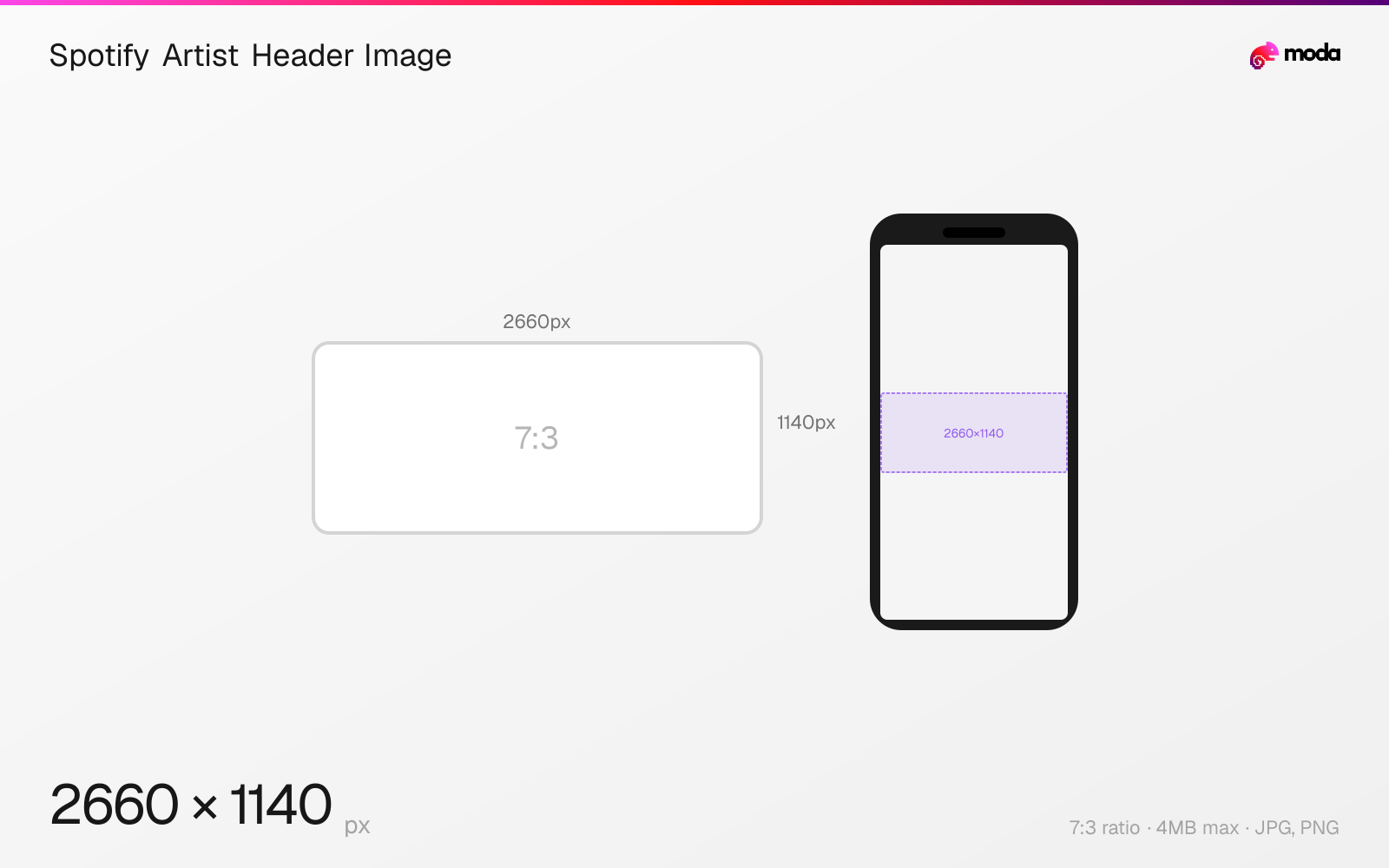
Specifications
| Spec | Value |
|---|---|
| Dimensions (px) | 2660 × 1140 px |
| Aspect ratio | 7:3 |
| Max file size | 4MB |
| Supported formats | JPG, PNG |
| Minimum resolution | 2660x1140 |
| Color mode | sRGB |
Design at this size with Moda
Start with a canvas pre-set to 2660×1140px and let AI generate your design.
Create a Spotify artist header image →Design tips
Spotify artist header images should be at least 2660×1140 pixels with a roughly 7:3 aspect ratio. The header appears at the top of your artist page on desktop and mobile. The bottom portion is overlaid by your artist name and action buttons, so keep important content in the upper two-thirds.
- •Upload at 2660×1140px minimum. Keep important content in the upper two-thirds — the bottom is overlaid by UI.
- •Use a wide landscape photo or abstract texture that works when partially covered by text.
- •Test on both desktop and mobile — mobile crops more aggressively to the center.
What you need to know
The artist header image is the large banner that spans the top of your Spotify artist page. On desktop, it's displayed as a wide panoramic strip. On mobile, it's cropped more aggressively — only the center portion is visible. Spotify recommends keeping important elements centered and in the upper third of the image for the best display across both formats.
Upload your header image through Spotify for Artists. The minimum resolution is 2660×1140 pixels. Use JPEG or PNG format, maximum 4MB, in sRGB color space. The image should be high resolution to avoid pixelation — Spotify displays it at large sizes on desktop browsers and TV apps.
The bottom ~35% of the header is covered by the artist name, monthly listeners count, play/follow/share buttons, and a gradient overlay. Don't place faces, text, or important visual elements in this zone. Many artists use wide landscape photos, abstract textures, or live concert shots that look good even when partially obscured.
How to create a Spotify artist header image at the right size
- 1Open Moda and create a new canvas at 2660×1140 pixels.
- 2Design your Spotify artist header image using AI generation or start from a blank canvas.
- 3Export as JPG and upload to Spotify.
Frequently asked questions
What size is a Spotify artist banner?
2660×1140 pixels minimum, roughly 7:3 aspect ratio. Maximum file size is 4MB. Upload through Spotify for Artists.
Why is my Spotify banner cropped differently on mobile?
Mobile shows a narrower crop focused on the center of the image. Keep important elements centered and avoid placing them near the edges.
Same format on other platforms
Specs last verified: March 19, 2026. Dimensions may change as platforms update their requirements.