Spotify artist profile picture size
The recommended Spotify artist profile picture size is 750 × 750 pixels (1:1 aspect ratio).
Last updated:
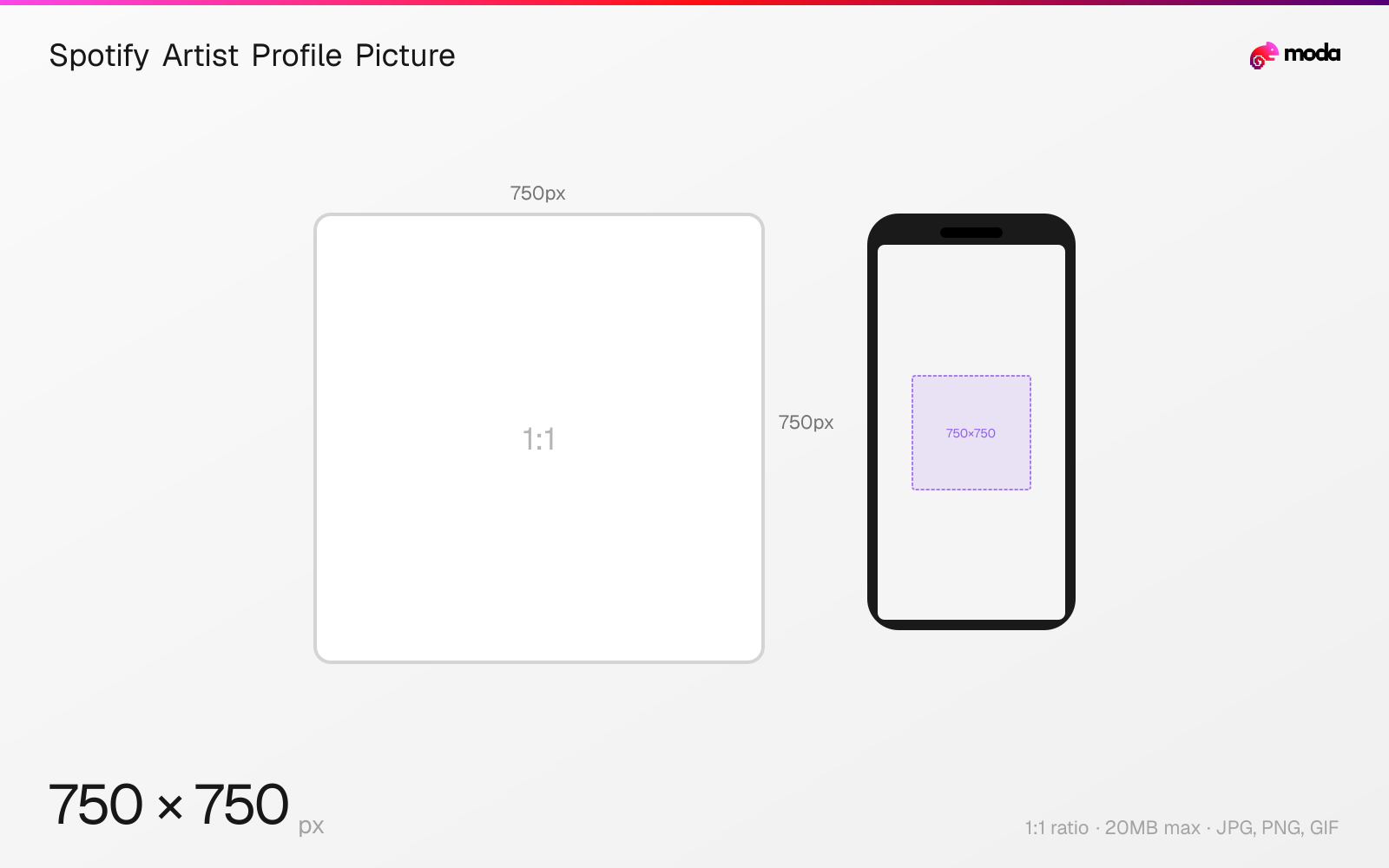
Specifications
| Spec | Value |
|---|---|
| Dimensions (px) | 750 × 750 px |
| Aspect ratio | 1:1 |
| Max file size | 20MB |
| Supported formats | JPG, PNG, GIF |
| Minimum resolution | 750x750 |
| Color mode | sRGB |
Design at this size with Moda
Start with a canvas pre-set to 750×750px and let AI generate your design.
Create a Spotify artist profile picture →Design tips
Spotify artist profile pictures must be at least 750×750 pixels in a 1:1 square format. The image is displayed as a circle on the artist page and in search results. Upload through Spotify for Artists — keep the subject centered with wide margins since the circular crop cuts the corners.
- •Upload at 750×750px minimum — higher resolution (1500×1500+) is better for TVs and high-DPI screens.
- •Design within a circular safe zone — Spotify crops the square image to a circle.
- •Use a centered face or portrait. Avoid text — it becomes illegible at small display sizes.
What you need to know
The artist profile picture is your primary identity on Spotify. It appears as a circle on your artist page, in search results, the 'Artists' section of listeners' libraries, and in the 'About' section. It's always cropped to a circle, so design within a circular safe zone and keep faces or logos centered.
Upload your profile picture through Spotify for Artists (artists.spotify.com). The minimum size is 750×750 pixels, but uploading at a higher resolution (1500×1500 or more) is recommended for sharp display on high-DPI screens and TV apps. Spotify accepts JPEG, PNG, and GIF formats up to 20MB.
Spotify's artist image guidelines state that the image should have the subject centered with wide margins, avoid text overlays, and not contain offensive or misleading content. For musicians, a professional headshot or stylized portrait works best. For bands, a group photo with all members visible. Avoid logos as your profile picture — use the header image for branding instead.
How to create a Spotify artist profile picture at the right size
- 1Open Moda and create a new canvas at 750×750 pixels.
- 2Design your Spotify artist profile picture using AI generation or start from a blank canvas.
- 3Export as JPG and upload to Spotify.
Frequently asked questions
What size is a Spotify artist profile picture?
Minimum 750×750 pixels (1:1 square), displayed as a circle. Upload through Spotify for Artists.
How do I change my Spotify artist picture?
Log in to Spotify for Artists (artists.spotify.com), go to your profile, and upload a new image. Changes are usually live within 24 hours.
Same format on other platforms
Specs last verified: March 19, 2026. Dimensions may change as platforms update their requirements.