Spotify playlist cover size
The recommended Spotify playlist cover size is 640 × 640 pixels (1:1 aspect ratio).
Last updated:
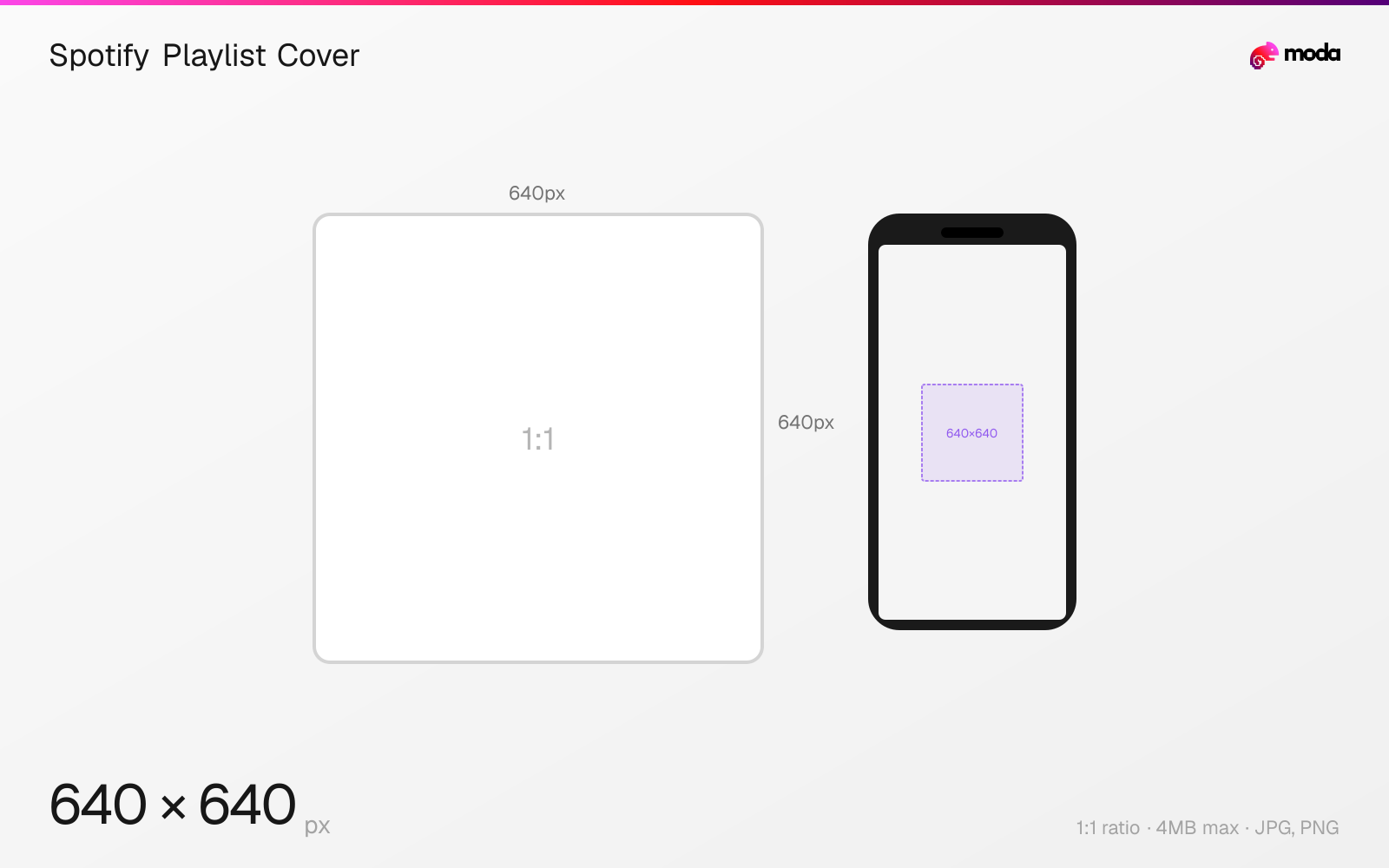
Specifications
| Spec | Value |
|---|---|
| Dimensions (px) | 640 × 640 px |
| Aspect ratio | 1:1 |
| Max file size | 4MB |
| Supported formats | JPG, PNG |
| Minimum resolution | 300x300 |
| Color mode | sRGB |
Design at this size with Moda
Start with a canvas pre-set to 640×640px and let AI generate your design.
Create a Spotify playlist cover →Design tips
Spotify playlist covers should be at least 300×300 pixels, though 640×640 or higher is recommended for sharp display across devices. The image must be a 1:1 square. Playlist covers appear in search results, your library, and on the playlist page itself.
- •Upload at 640×640px or higher for best quality. Minimum is 300×300px.
- •Use bold, simple designs — playlist covers are often viewed at 40-60px in the library.
- •Setting a custom cover makes shared and public playlists more recognizable.
What you need to know
Spotify playlist covers are displayed as square thumbnails throughout the app — in your library, search results, the browse section, and on the playlist page. The image appears at various sizes from about 40px (library list view) up to 300px (playlist header on desktop). Uploading at 640×640 or higher ensures it stays sharp at all display sizes.
If you don't set a custom cover, Spotify auto-generates one from the album art of the first four tracks in the playlist. This mosaic updates as you add or remove songs. Setting a custom cover overrides this and gives your playlist a distinct identity — especially important for playlists you share publicly or embed on websites.
Playlist covers can be changed at any time on both desktop and mobile. On desktop, hover over the existing cover art on the playlist page and click the edit icon. On mobile, tap the three-dot menu and select 'Edit.' Keep the design simple and high-contrast since the image is often viewed at very small sizes.
How to create a Spotify playlist cover at the right size
- 1Open Moda and create a new canvas at 640×640 pixels.
- 2Design your Spotify playlist cover using AI generation or start from a blank canvas.
- 3Export as JPG and upload to Spotify.
Frequently asked questions
What size is a Spotify playlist cover?
Spotify playlist covers should be at least 300×300 pixels (1:1 square). 640×640 or higher is recommended for sharp display.
How do I change a Spotify playlist cover?
On desktop, hover over the cover art and click the edit icon. On mobile, tap the three-dot menu and select 'Edit.' Upload a 1:1 square image.
What happens if I don't set a playlist cover?
Spotify auto-generates a mosaic from the album art of the first four tracks. This updates automatically as the playlist changes.
Specs last verified: March 19, 2026. Dimensions may change as platforms update their requirements.