Podcast cover art size
The recommended Spotify podcast cover size is 3000 × 3000 pixels (1:1 aspect ratio).
Last updated:
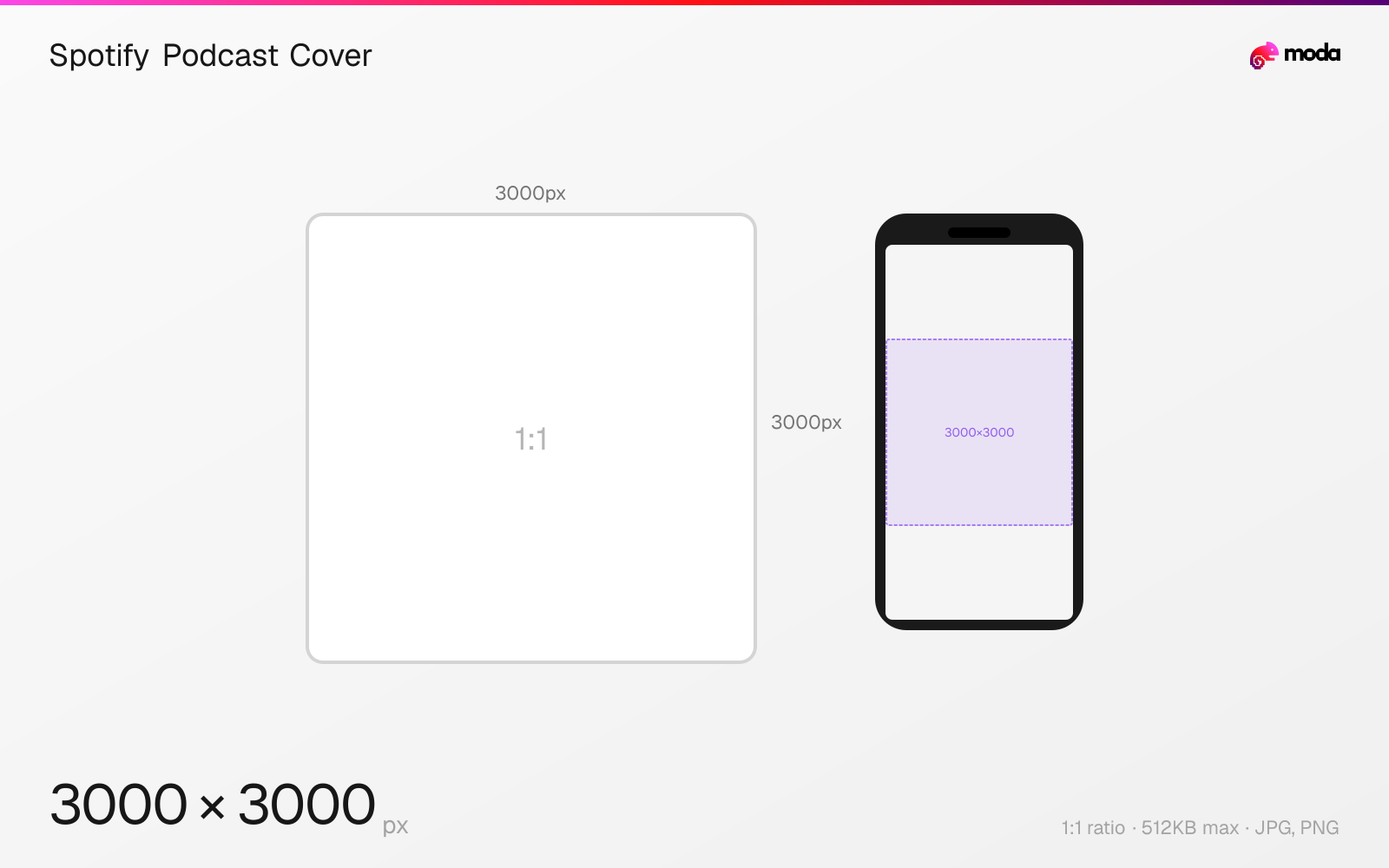
Specifications
| Spec | Value |
|---|---|
| Dimensions (px) | 3000 × 3000 px |
| Aspect ratio | 1:1 |
| Max file size | 512KB |
| Supported formats | JPG, PNG |
| Minimum resolution | 1400x1400 |
| Color mode | RGB |
Design at this size with Moda
Start with a canvas pre-set to 3000×3000px and let AI generate your design.
Create a Spotify podcast cover →Design tips
Podcast cover art should be 3000×3000 pixels in a 1:1 square format. This size works across all major platforms — Spotify, Apple Podcasts, YouTube Music, and Google Podcasts. The minimum is 1400×1400 pixels for Apple Podcasts and 640×640 for Spotify, but 3000×3000 is the universal safe choice.
- •Design at 3000×3000px — this satisfies Apple Podcasts, Spotify, and all other platforms simultaneously.
- •Export as JPEG at 80-90% quality to stay under the 512KB file size limit.
- •Use bold text and high-contrast colors — podcast covers are often viewed at very small sizes.
What you need to know
Podcast cover art is the single most important visual asset for your show. It appears in search results, the browse directory, episode listings, and as the main image when someone views your podcast page. On Spotify, it displays at sizes ranging from 40px (library) to 300px (podcast page header). On Apple Podcasts, it can display even larger on iPad and desktop.
The 3000×3000 pixel recommendation comes from Apple Podcasts, which is the strictest platform. Apple requires minimum 1400×1400, maximum 3000×3000, in JPEG or PNG, RGB color space, under 512KB. Spotify is more lenient (640px minimum, up to 10,000px), but designing at 3000×3000 satisfies all platforms simultaneously.
The 512KB file size limit is the trickiest constraint. At 3000×3000, a PNG will almost certainly exceed this — use JPEG at 80-90% quality to stay under the limit while maintaining visual clarity. Keep your design simple: bold text for the show name, a recognizable image or icon, and high-contrast colors that pop at small sizes. Avoid fine details that disappear at 40px.
How to create a Spotify podcast cover at the right size
- 1Open Moda and create a new canvas at 3000×3000 pixels.
- 2Design your Spotify podcast cover using AI generation or start from a blank canvas.
- 3Export as JPG and upload to Spotify.
Frequently asked questions
What size should podcast cover art be?
3000×3000 pixels (1:1 square) is recommended. Minimum 1400×1400 for Apple Podcasts, 640×640 for Spotify. Maximum file size is 512KB.
Does podcast cover art need to be the same on all platforms?
Most hosting platforms (Buzzsprout, Anchor, Podbean) distribute the same cover to all platforms. If you submit at 3000×3000 JPEG under 512KB, it works everywhere.
Why is my podcast cover blurry on Spotify?
Upload at 3000×3000px minimum. Images under 1400×1400 will look blurry, especially on tablets and desktop. Use JPEG at high quality rather than a heavily compressed file.
Specs last verified: March 19, 2026. Dimensions may change as platforms update their requirements.