Spotify album cover size
The recommended Spotify album cover size is 3000 × 3000 pixels (1:1 aspect ratio).
Last updated:
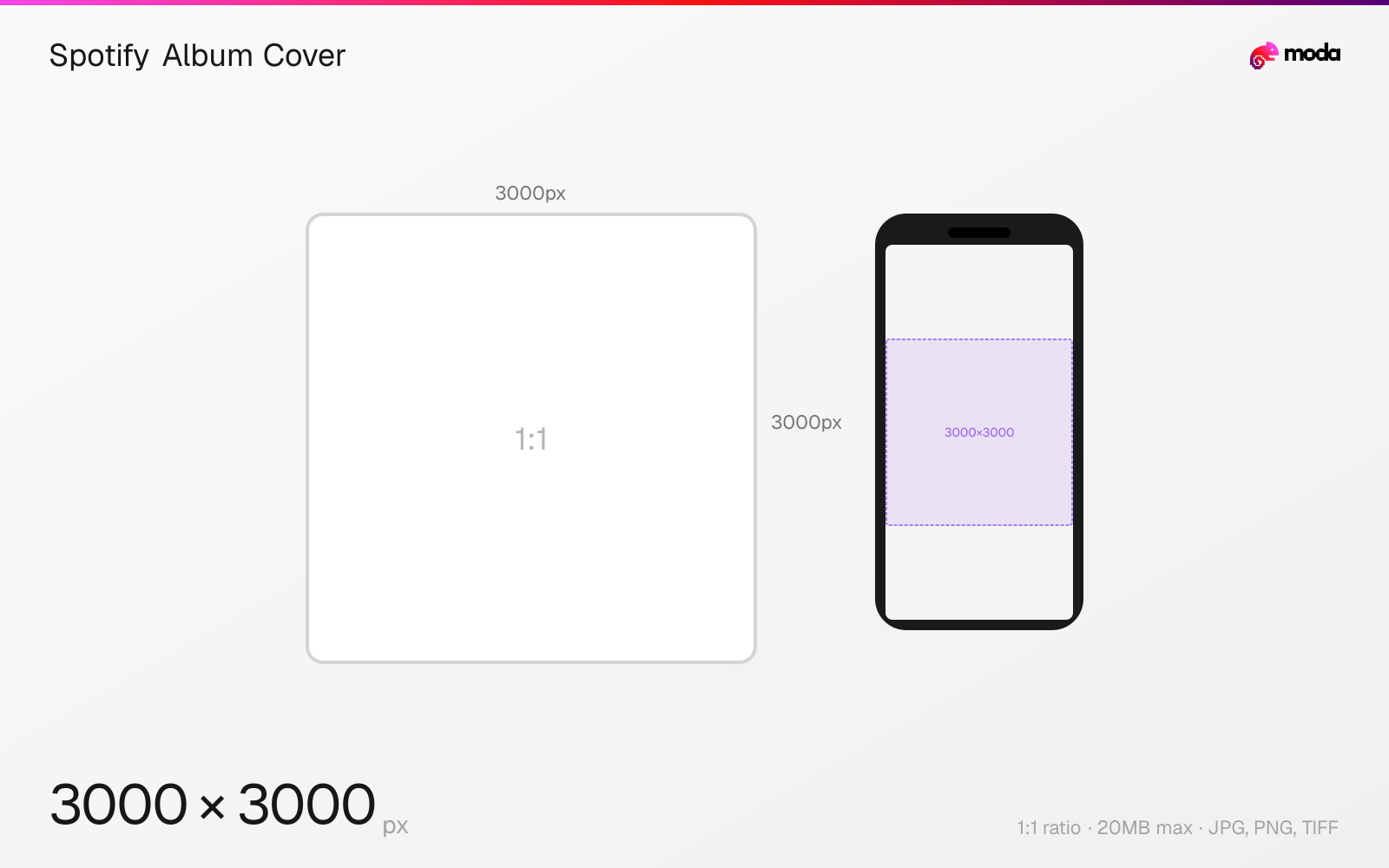
Specifications
| Spec | Value |
|---|---|
| Dimensions (px) | 3000 × 3000 px |
| Aspect ratio | 1:1 |
| Max file size | 20MB |
| Supported formats | JPG, PNG, TIFF |
| Minimum resolution | 640x640 |
| Color mode | sRGB |
Design at this size with Moda
Start with a canvas pre-set to 3000×3000px and let AI generate your design.
Create a Spotify album cover →Design tips
Spotify album covers should be 3000×3000 pixels in a 1:1 square format. The minimum accepted resolution is 640×640 pixels, but Spotify strongly recommends the full 3000×3000 for optimal display across all devices including TVs and car dashboards. Use sRGB color space with 24-bit depth.
- •Submit at 3000×3000px for best quality across all devices including TVs and car dashboards.
- •Use sRGB color space, 24 bits per pixel. Don't upscale low-res images — they may be rejected.
- •Album art is submitted through your distributor, not directly to Spotify.
What you need to know
Album covers are the most prominent visual on Spotify — they appear on the album page, in the Now Playing screen, on smart speakers, car dashboards, TV apps, and as lock screen art on mobile devices. At the largest display sizes (TV apps, desktop Now Playing), covers render at up to 640×640 pixels or larger on high-DPI screens. Submitting at 3000×3000 ensures future-proof quality.
Spotify requires album art to be between 640 and 10,000 pixels on each side, in 1:1 square format, sRGB color space, and 24 bits per pixel. They explicitly state not to upscale low-resolution images — a blurry upscaled cover may be rejected by distributors. TIFF files must use lossless encoding.
Album art is typically submitted through your distributor (DistroKid, TuneCore, CD Baby, etc.), not directly to Spotify. Each distributor may have slightly different upload requirements, but submitting at 3000×3000 JPEG at maximum quality satisfies all of them. Once submitted, the cover art is locked — changing it requires going through your distributor.
How to create a Spotify album cover at the right size
- 1Open Moda and create a new canvas at 3000×3000 pixels.
- 2Design your Spotify album cover using AI generation or start from a blank canvas.
- 3Export as JPG and upload to Spotify.
Frequently asked questions
What size should Spotify album art be?
3000×3000 pixels (1:1 square) is recommended. Minimum is 640×640. Use sRGB, 24-bit color. Don't upscale low-resolution images.
Can I change album art on Spotify?
Yes, but you need to update it through your distributor (DistroKid, TuneCore, etc.), not directly on Spotify. Changes may take a few days to propagate.
What format should Spotify album art be?
JPEG or PNG. TIFF with lossless encoding is also accepted. Submit at maximum quality to minimize compression artifacts.
Specs last verified: March 19, 2026. Dimensions may change as platforms update their requirements.