YouTube profile picture size
The recommended YouTube profile picture size is 800 × 800 pixels (1:1 aspect ratio).
Last updated:
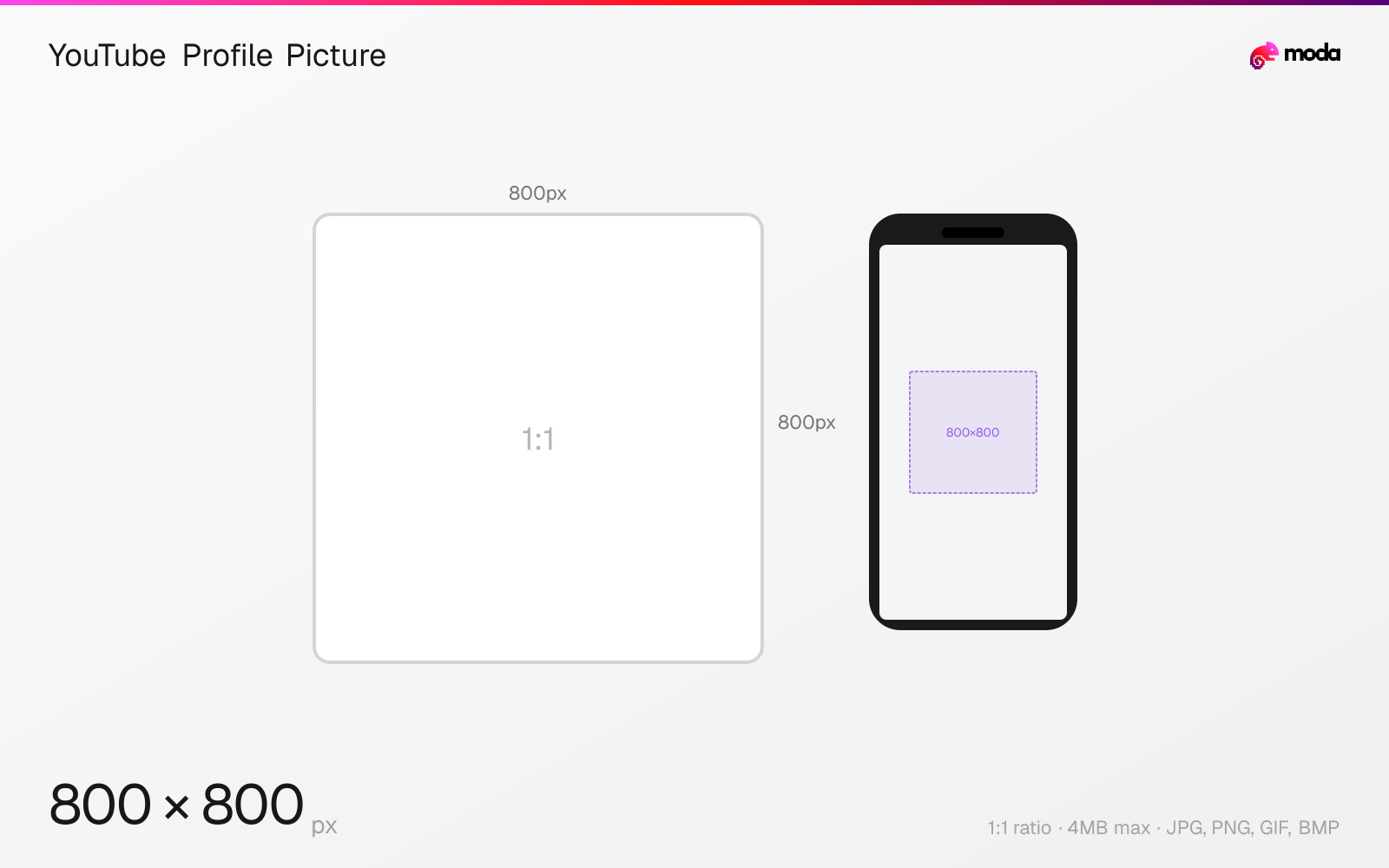
Specifications
| Spec | Value |
|---|---|
| Dimensions (px) | 800 × 800 px |
| Aspect ratio | 1:1 |
| Max file size | 4MB |
| Supported formats | JPG, PNG, GIF, BMP |
| Minimum resolution | 98x98 |
| Color mode | sRGB |
Design at this size with Moda
Start with a canvas pre-set to 800×800px and let AI generate your design.
Create a YouTube profile picture →Design tips
YouTube profile pictures (channel icons) should be 800×800 pixels in a 1:1 square format. Like most platforms, YouTube displays them as circles. The image appears next to every video, comment, and community post, so clarity at small sizes is crucial. If you use a Google account, the profile picture syncs across all Google services.
- •Upload at 800×800px — it displays at various sizes from 36px (comments) to 120px (channel page) but is stored at full resolution.
- •Design within a circular safe zone — YouTube crops to a circle on all surfaces.
- •Your YouTube profile picture syncs with your Google account — changing one changes all Google services.
What you need to know
YouTube profile pictures (channel icons) are tied to your Google account — changing your YouTube profile picture also changes it across Gmail, Google Drive, Google Maps, and all other Google services. This is a key difference from platforms like Instagram or TikTok where profile pictures are independent.
The channel icon appears throughout YouTube at various sizes: approximately 36px in comment threads, 48px in the subscriber feed, 80px on the channel page, and 120px in the About section. It's always displayed as a circle. Design within a circular safe zone and test readability at the smallest size — if your logo isn't recognizable at 36px, simplify it.
For brand channels, use your logo mark (not the full wordmark with company name) since the text will be illegible at small sizes. For personal channels, a close-cropped, well-lit face shot with a contrasting background stands out best in comment sections and subscription feeds where the icon is smallest.
How to create a YouTube profile picture at the right size
- 1Open Moda and create a new canvas at 800×800 pixels.
- 2Design your YouTube profile picture using AI generation or start from a blank canvas.
- 3Export as JPG and upload to YouTube.
Frequently asked questions
What size is a YouTube profile picture?
YouTube profile pictures should be 800×800 pixels (1:1 square). They display as circles at various sizes across the platform.
Does my YouTube profile picture sync with Google?
Yes. Your YouTube channel icon uses your Google account profile picture. Changing it in one place changes it everywhere.
Same format on other platforms
Sources
Specs last verified: March 15, 2026. Dimensions may change as platforms update their requirements.