TikTok profile picture size
The recommended TikTok profile picture size is 200 × 200 pixels (1:1 aspect ratio).
Last updated:
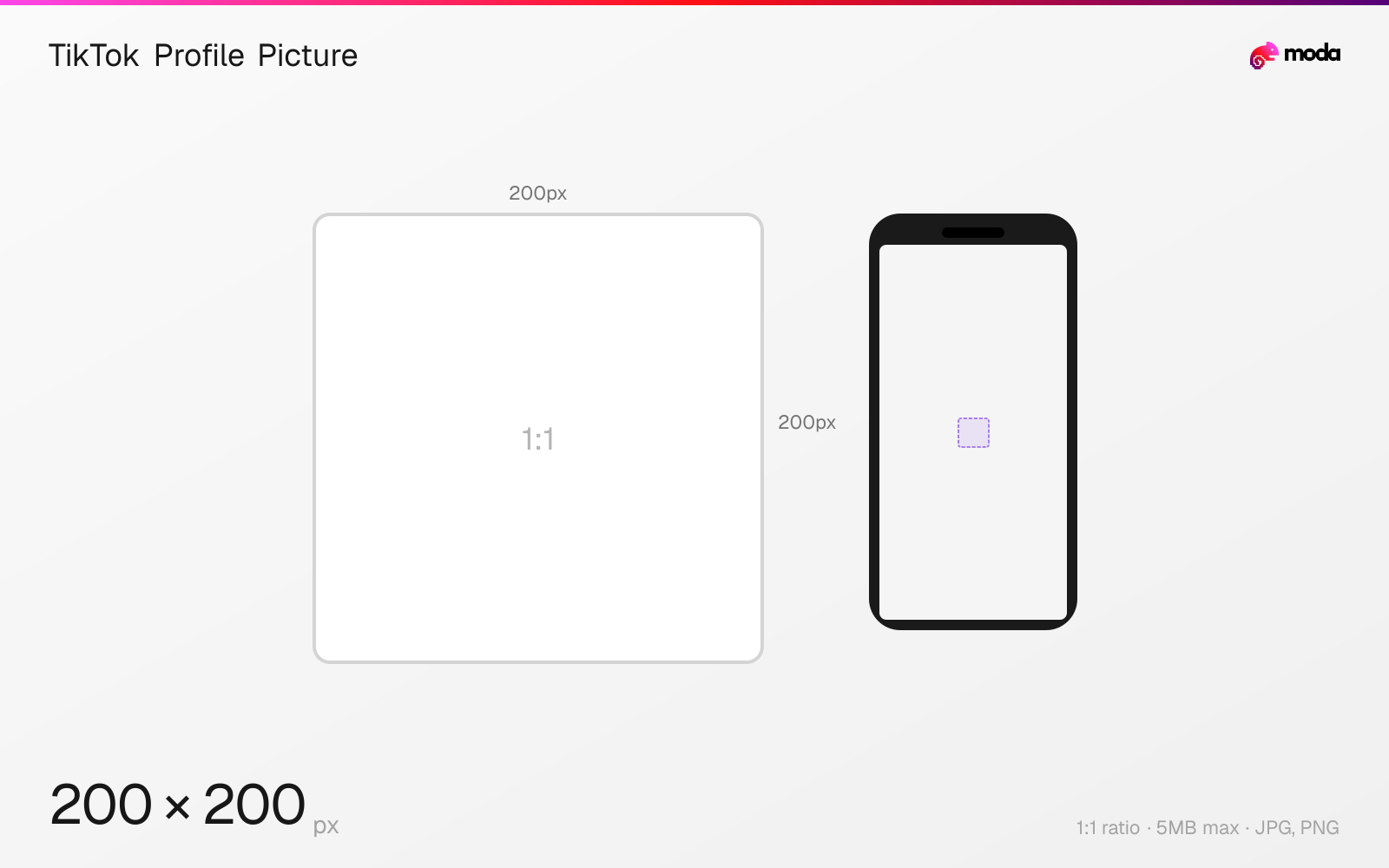
Specifications
| Spec | Value |
|---|---|
| Dimensions (px) | 200 × 200 px |
| Aspect ratio | 1:1 |
| Max file size | 5MB |
| Supported formats | JPG, PNG |
| Minimum resolution | 200x200 |
| Color mode | sRGB |
Design at this size with Moda
Start with a canvas pre-set to 200×200px and let AI generate your design.
Create a TikTok profile picture →Design tips
TikTok profile pictures should be at least 200×200 pixels in a 1:1 square format, displayed as circles throughout the app. Your avatar appears on every video you post, in comments, in search results, and on your profile page. A clear, recognizable profile picture is essential for building a TikTok presence.
- •Upload at 200×200px minimum — higher resolution (400×400+) looks sharper on retina screens.
- •Design within a circular safe zone — TikTok crops to a circle on all surfaces.
- •TikTok also supports a 6-second video profile picture that plays on your profile page.
What you need to know
TikTok profile pictures display as circles at various sizes across the app: approximately 32-40px in comment threads and the Following feed, 80px on the For You page overlay, and 120px on the profile page. The minimum upload size is 200×200 pixels, but uploading a higher-resolution image (400×400 or even 1000×1000) is recommended for clarity on high-DPI screens.
Unlike some platforms, TikTok doesn't support animated GIF profile pictures — static JPG or PNG only. The circular crop means corners are permanently hidden, so design within a circle guide. For personal accounts, a tightly cropped face works best. For brand accounts, use a simple logo mark (not a full wordmark) that's recognizable at 32px.
TikTok profile pictures are separate from other platforms — changing your TikTok avatar doesn't affect Instagram, YouTube, or any other service. You can also record a short video profile picture (up to 6 seconds) that plays on loop when someone visits your profile, though this doesn't replace the static avatar used elsewhere in the app.
How to create a TikTok profile picture at the right size
- 1Open Moda and create a new canvas at 200×200 pixels.
- 2Design your TikTok profile picture using AI generation or start from a blank canvas.
- 3Export as JPG and upload to TikTok.
Frequently asked questions
What size is a TikTok profile picture?
TikTok profile pictures are 200×200 pixels minimum (1:1 square), displayed as circles. Upload at higher resolution for best quality.
Can TikTok profile pictures be animated?
Not as a GIF. TikTok does support a 6-second video avatar that plays on your profile page, but the static avatar throughout the app is JPG/PNG only.
Why does my TikTok profile picture look blurry?
Upload at least 200×200px (400×400 recommended). Smaller images get upscaled and look pixelated, especially on high-DPI phone screens.
Same format on other platforms
Specs last verified: March 19, 2026. Dimensions may change as platforms update their requirements.