TikTok thumbnail size
The recommended TikTok thumbnail size is 1080 × 1920 pixels (9:16 aspect ratio).
Last updated:
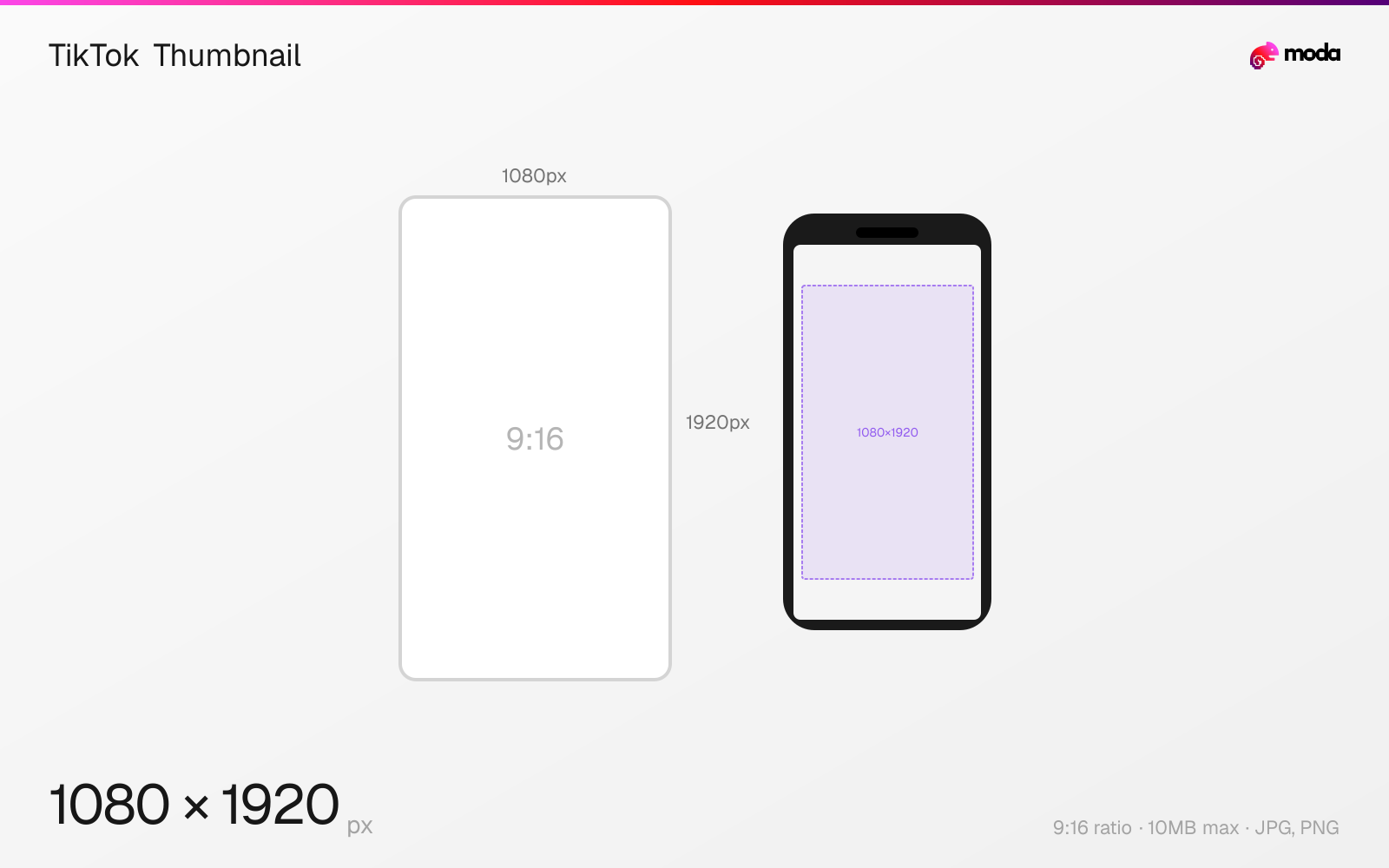
Specifications
| Spec | Value |
|---|---|
| Dimensions (px) | 1080 × 1920 px |
| Aspect ratio | 9:16 |
| Max file size | 10MB |
| Supported formats | JPG, PNG |
| Minimum resolution | 720x1280 |
| Color mode | sRGB |
Design at this size with Moda
Start with a canvas pre-set to 1080×1920px and let AI generate your design.
Create a TikTok thumbnail →Design tips
TikTok thumbnails (cover images) are 1080×1920 pixels in a 9:16 vertical format — the same dimensions as the video itself. The thumbnail is what appears on your profile grid when someone visits your page. You can select a frame from the video or upload a custom cover image.
- •Use 1080×1920px for custom cover images — same dimensions as the video itself.
- •Keep important text centered vertically — the profile grid crops to ~3:4, trimming the top and bottom.
- •Custom thumbnails make your profile grid look professional — use consistent fonts and colors across all covers.
What you need to know
TikTok thumbnails appear in two main places: your profile grid (where all your videos are displayed in a 3-column layout) and in search results. On the profile grid, thumbnails are cropped to a roughly 3:4 vertical rectangle, so the top and bottom edges of your 9:16 cover image may be slightly trimmed. Keep key text and visuals centered vertically.
You can set a custom thumbnail when uploading a video by tapping 'Select cover' on the posting screen. You can either choose a frame from the video or upload a completely separate image. Custom thumbnails are a huge advantage for making your profile grid look cohesive and professional — consistent fonts, colors, and layout across thumbnails signals quality to new visitors.
Unlike YouTube, where thumbnails are the primary click driver, TikTok's For You feed auto-plays videos without showing thumbnails first. Thumbnails matter primarily for your profile page (where visitors browse your content) and for search results. If you're optimizing for search-driven discovery, treat thumbnails like YouTube — bold text, clear subject, high contrast.
How to create a TikTok thumbnail at the right size
- 1Open Moda and create a new canvas at 1080×1920 pixels.
- 2Design your TikTok thumbnail using AI generation or start from a blank canvas.
- 3Export as JPG and upload to TikTok.
Frequently asked questions
What size is a TikTok thumbnail?
1080×1920 pixels (9:16), the same dimensions as the video. You can select a video frame or upload a custom cover image.
Can I upload a custom TikTok thumbnail?
Yes. When posting a video, tap 'Select cover' to choose a frame or upload a custom image in JPG/PNG format.
How are TikTok thumbnails displayed on the profile grid?
In a 3-column grid, cropped to roughly 3:4 vertical rectangles. The top and bottom edges of the 9:16 image may be trimmed.
Same format on other platforms
Specs last verified: March 19, 2026. Dimensions may change as platforms update their requirements.