TikTok video size
The recommended TikTok video size is 1080 × 1920 pixels (9:16 aspect ratio).
Last updated:
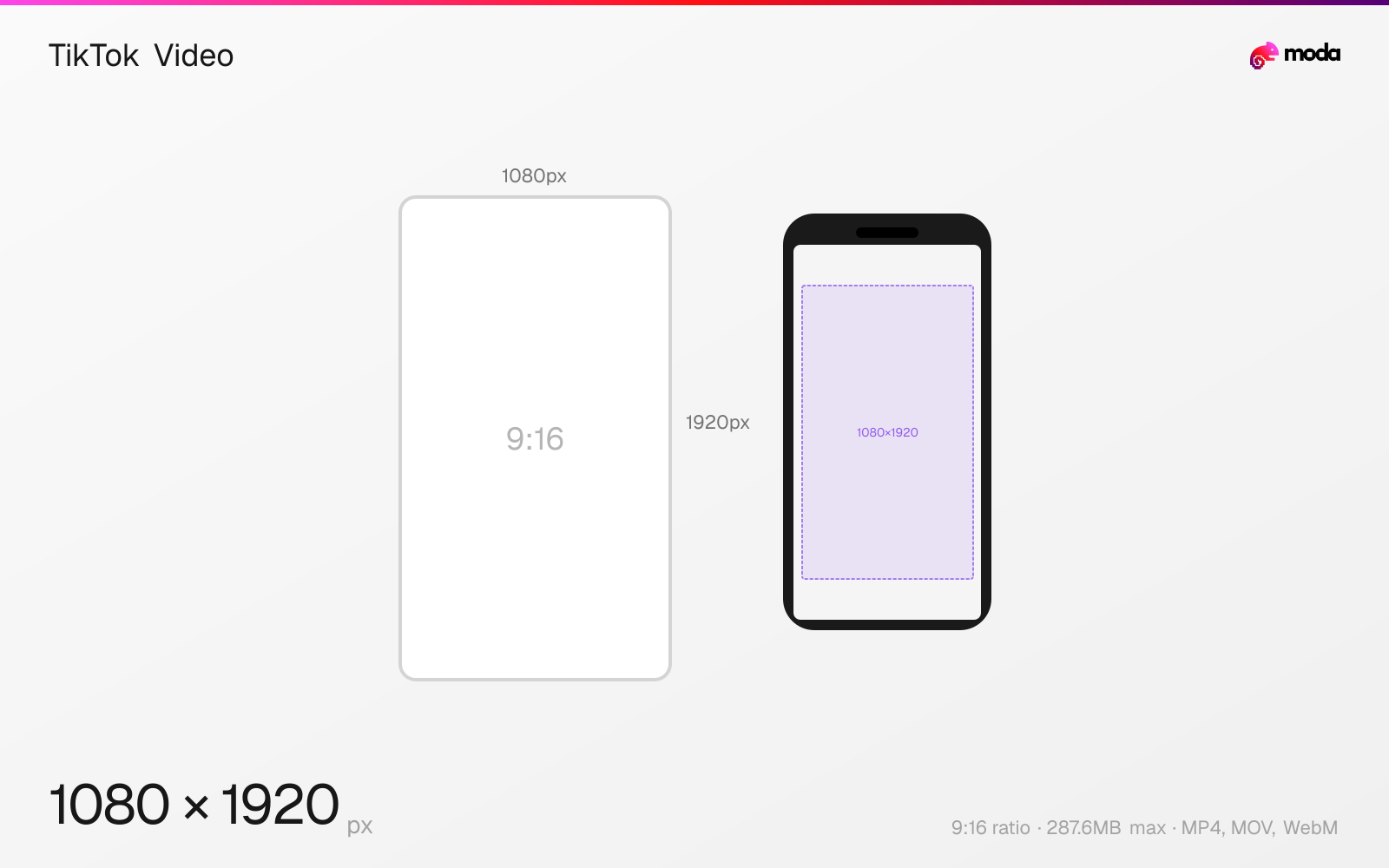
Specifications
| Spec | Value |
|---|---|
| Dimensions (px) | 1080 × 1920 px |
| Aspect ratio | 9:16 |
| Max file size | 287.6MB |
| Supported formats | MP4, MOV, WebM |
| Minimum resolution | 720x1280 |
| Color mode | sRGB |
Other documented sizes
| Format | Dimensions | Aspect ratio |
|---|---|---|
| Square | 1080 × 1080 px | 1:1 |
| Horizontal | 1920 × 1080 px | 16:9 |
Design at this size with Moda
Start with a canvas pre-set to 1080×1920px and let AI generate your design.
Create a TikTok video →Design tips
TikTok videos should be 1080×1920 pixels in a 9:16 vertical aspect ratio. This fills the entire phone screen in the For You feed. TikTok also supports horizontal (16:9) and square (1:1) videos, but vertical content matches the platform's full-screen viewing layout best.
- •Record or export at 1080×1920px (9:16) for full-screen display.
- •Keep critical content away from the bottom 270px and right 100px where TikTok's UI elements appear.
- •Front-load your hook in the first 2 seconds so the video is easy to understand immediately.
What you need to know
TikTok's entire interface is built around 9:16 vertical video. When you upload a 1080×1920 video, it fills the full screen with no cropping or letterboxing. Horizontal (16:9) videos are displayed with black bars above and below, so they usually feel less native to the platform's layout.
The maximum video file size varies by upload method: 287.6MB via the web uploader, and 72MB from the iOS or Android app. Videos can be up to 10 minutes long (30 minutes for some accounts). In practice, many creators keep TikTok videos much shorter so the message lands quickly in-feed.
TikTok's UI overlays are aggressive: the bottom ~270px is covered by the caption, hashtags, music info, and sound attribution. The right edge has like, comment, share, and bookmark buttons stacked vertically. Keep your subject centered and your key content above the lower third. For text overlays, test visibility with the TikTok overlay template before posting.
How to create a TikTok video at the right size
- 1Open Moda and create a new canvas at 1080×1920 pixels.
- 2Design your TikTok video using AI generation or start from a blank canvas.
- 3Export as MP4 and upload to TikTok.
Frequently asked questions
What size should TikTok videos be?
1080×1920 pixels with a 9:16 vertical aspect ratio. This fills the entire phone screen in the For You feed.
How long can TikTok videos be?
Up to 10 minutes for most accounts (30 minutes for some). Many creators keep TikTok videos shorter so they work well in-feed.
What is the maximum file size for TikTok?
287.6MB via web upload, 72MB from the mobile app. Use H.264 MP4 for the best quality-to-size ratio.
Can I upload horizontal videos to TikTok?
Yes, but they'll display with black bars. TikTok is designed around 9:16 vertical video.
Same format on other platforms
Specs last verified: March 19, 2026. Dimensions may change as platforms update their requirements.