YouTube Shorts size
The recommended YouTube shorts size is 1080 × 1920 pixels (9:16 aspect ratio).
Last updated:
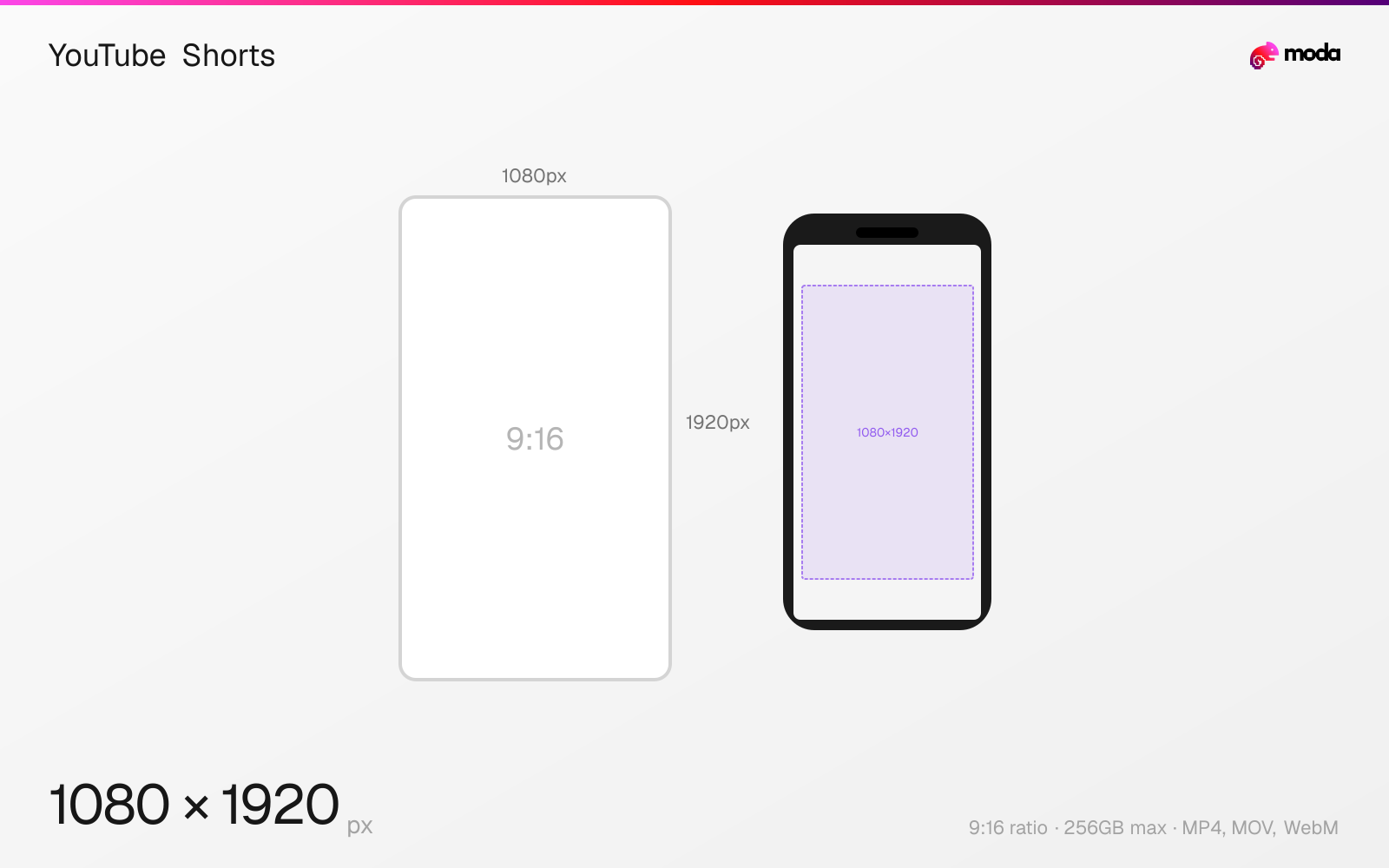
Specifications
| Spec | Value |
|---|---|
| Dimensions (px) | 1080 × 1920 px |
| Aspect ratio | 9:16 |
| Max file size | 256GB |
| Supported formats | MP4, MOV, WebM |
| Minimum resolution | 720x1280 |
| Color mode | sRGB |
Design at this size with Moda
Start with a canvas pre-set to 1080×1920px and let AI generate your design.
Create a YouTube shorts →Design tips
YouTube Shorts should be 1080×1920 pixels in a 9:16 vertical aspect ratio. Shorts can be up to 3 minutes long and are designed for mobile-first, full-screen viewing. They're YouTube's answer to TikTok and Instagram Reels, sharing the same vertical format but with YouTube's broader distribution through the Shorts shelf and search.
- •Record or export at 1080×1920px (9:16) for full-screen vertical playback.
- •Keep important content away from the bottom 300px where the channel info and action buttons appear.
- •Shorts under 60 seconds are common because they are easy to watch quickly in a vertical feed.
What you need to know
YouTube Shorts share the 9:16 vertical format (1080×1920) with Instagram Reels and TikTok, making it easy to cross-post content across platforms. However, the UI overlay positions differ slightly — YouTube places the channel name, description, and music info at the bottom-left, with like/dislike/comment/share buttons stacked vertically on the right side.
Shorts can be up to 3 minutes long, though many creators still publish shorter videos for quicker pacing. Unlike regular YouTube videos, Shorts don't support mid-roll ads, end screens, or info cards. Revenue comes from the Shorts feed ad revenue sharing program, which distributes based on view count.
When a Short is discovered through the Shorts shelf or Shorts tab, it plays in a vertical full-screen feed (like TikTok). But Shorts also appear in regular search results and suggested videos as standard thumbnails — where they're displayed at 9:16 rather than 16:9. This means your Short's first frame (or custom thumbnail, if available) needs to work as a vertical preview card.
How to create a YouTube shorts at the right size
- 1Open Moda and create a new canvas at 1080×1920 pixels.
- 2Design your YouTube shorts using AI generation or start from a blank canvas.
- 3Export as MP4 and upload to YouTube.
Frequently asked questions
What size are YouTube Shorts?
YouTube Shorts are 1080×1920 pixels with a 9:16 vertical aspect ratio, designed for full-screen mobile viewing.
How long can YouTube Shorts be?
YouTube Shorts can be up to 3 minutes long. Many Shorts are still published under 60 seconds because that format is common across short-form platforms.
Are YouTube Shorts the same size as Instagram Reels?
Yes — both use 1080×1920px (9:16). The safe zones differ slightly due to different UI overlay positions.
Same format on other platforms
Sources
Specs last verified: March 15, 2026. Dimensions may change as platforms update their requirements.