YouTube video size
The recommended YouTube video size is 1920 × 1080 pixels (16:9 aspect ratio).
Last updated:
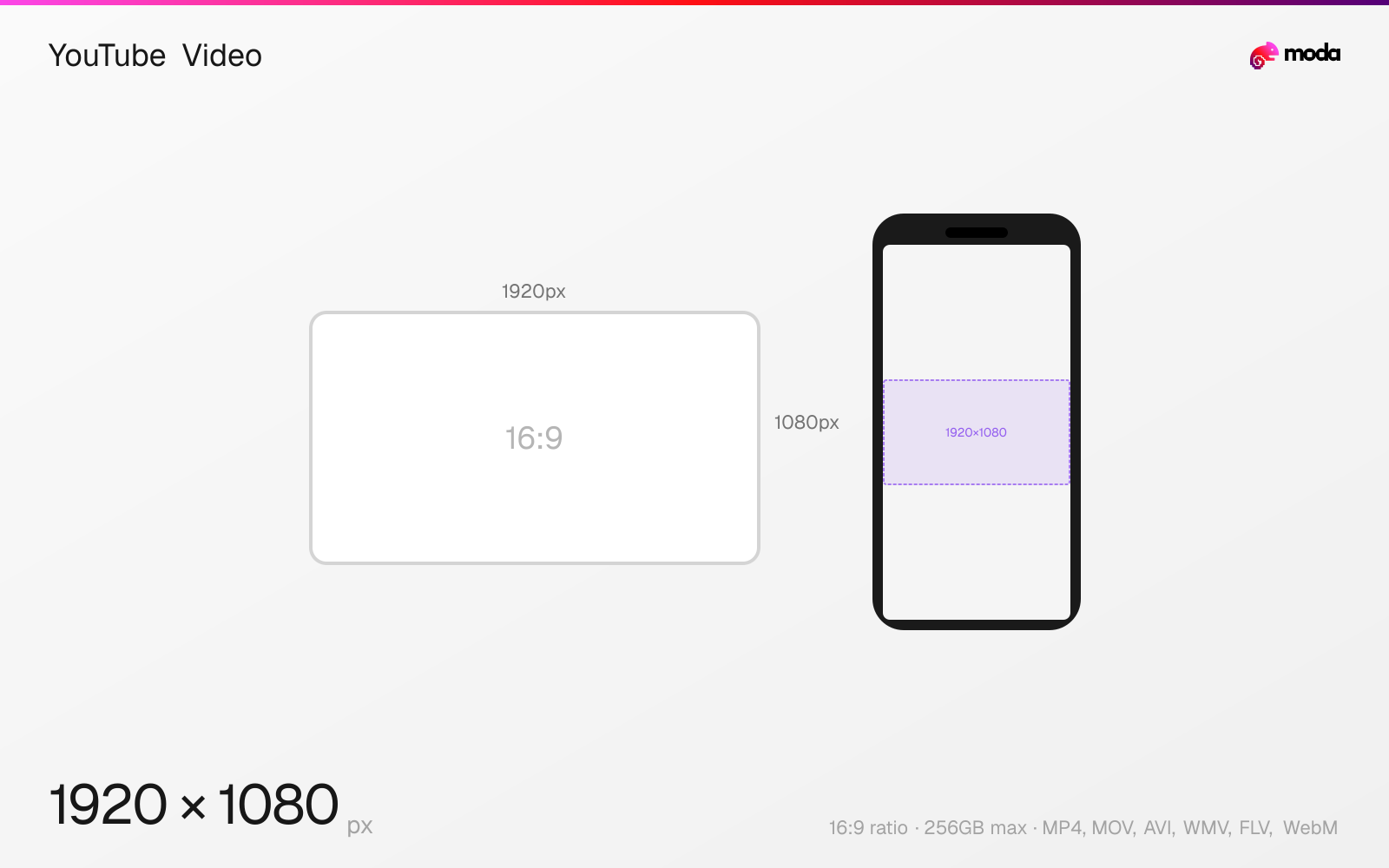
Specifications
| Spec | Value |
|---|---|
| Dimensions (px) | 1920 × 1080 px |
| Aspect ratio | 16:9 |
| Max file size | 256GB |
| Supported formats | MP4, MOV, AVI, WMV, FLV, WebM |
| Minimum resolution | 426x240 |
| Color mode | sRGB |
Other documented sizes
| Format | Dimensions | Aspect ratio |
|---|---|---|
| 1440p (2K) | 2560 × 1440 px | 16:9 |
| 4K | 3840 × 2160 px | 16:9 |
| 720p | 1280 × 720 px | 16:9 |
Design at this size with Moda
Start with a canvas pre-set to 1920×1080px and let AI generate your design.
Create a YouTube video →Design tips
YouTube videos should be uploaded at 1920×1080 pixels (1080p) minimum in a 16:9 widescreen aspect ratio. YouTube supports resolutions up to 8K (7680×4320) and accepts a wide range of formats, though MP4 with H.264 is recommended. Videos can be up to 12 hours long or 256GB, whichever is reached first.
- •Export at 1920×1080px (1080p) minimum — 2560×1440 (1440p) or 3840×2160 (4K) are better if your source supports it.
- •Use MP4 with H.264 video codec and AAC audio for the best compatibility and processing speed.
- •Upload at the highest quality possible — YouTube will compress it. A higher-quality source means a better compressed result.
What you need to know
YouTube supports video uploads from 240p all the way up to 8K (7680×4320), but the platform processes and re-encodes everything regardless of upload quality. Higher-quality uploads result in better output after compression — so uploading a 4K video will produce a noticeably sharper 1080p stream than uploading a native 1080p file. If your source material supports it, always upload at the highest resolution available.
The recommended export settings are MP4 container with H.264 video codec, AAC audio at 128kbps+, and a variable bitrate of 8-12 Mbps for 1080p (or 35-45 Mbps for 4K). YouTube accepts nearly every video format (MOV, AVI, WMV, FLV, WebM, and more), but H.264 MP4 processes fastest and retains the most quality through YouTube's transcoding pipeline.
YouTube videos can be up to 12 hours long or 256GB, whichever limit is reached first. However, videos over 15 minutes require a verified account (phone number verification). In practice, many creators choose a length based on the topic, pacing, and whether they want room for mid-roll ads on videos over 8 minutes.
How to create a YouTube video at the right size
- 1Open Moda and create a new canvas at 1920×1080 pixels.
- 2Design your YouTube video using AI generation or start from a blank canvas.
- 3Export as MP4 and upload to YouTube.
Frequently asked questions
What resolution should I upload to YouTube?
1920×1080 (1080p) minimum. YouTube supports up to 8K (7680×4320). Higher upload quality results in better compressed output.
What is the best video format for YouTube?
MP4 with H.264 video codec and AAC audio. This gives the fastest processing time and best quality retention.
How large can a YouTube video file be?
YouTube accepts files up to 256GB or 12 hours long, whichever limit is reached first.
Same format on other platforms
Sources
Specs last verified: March 15, 2026. Dimensions may change as platforms update their requirements.