YouTube thumbnail size
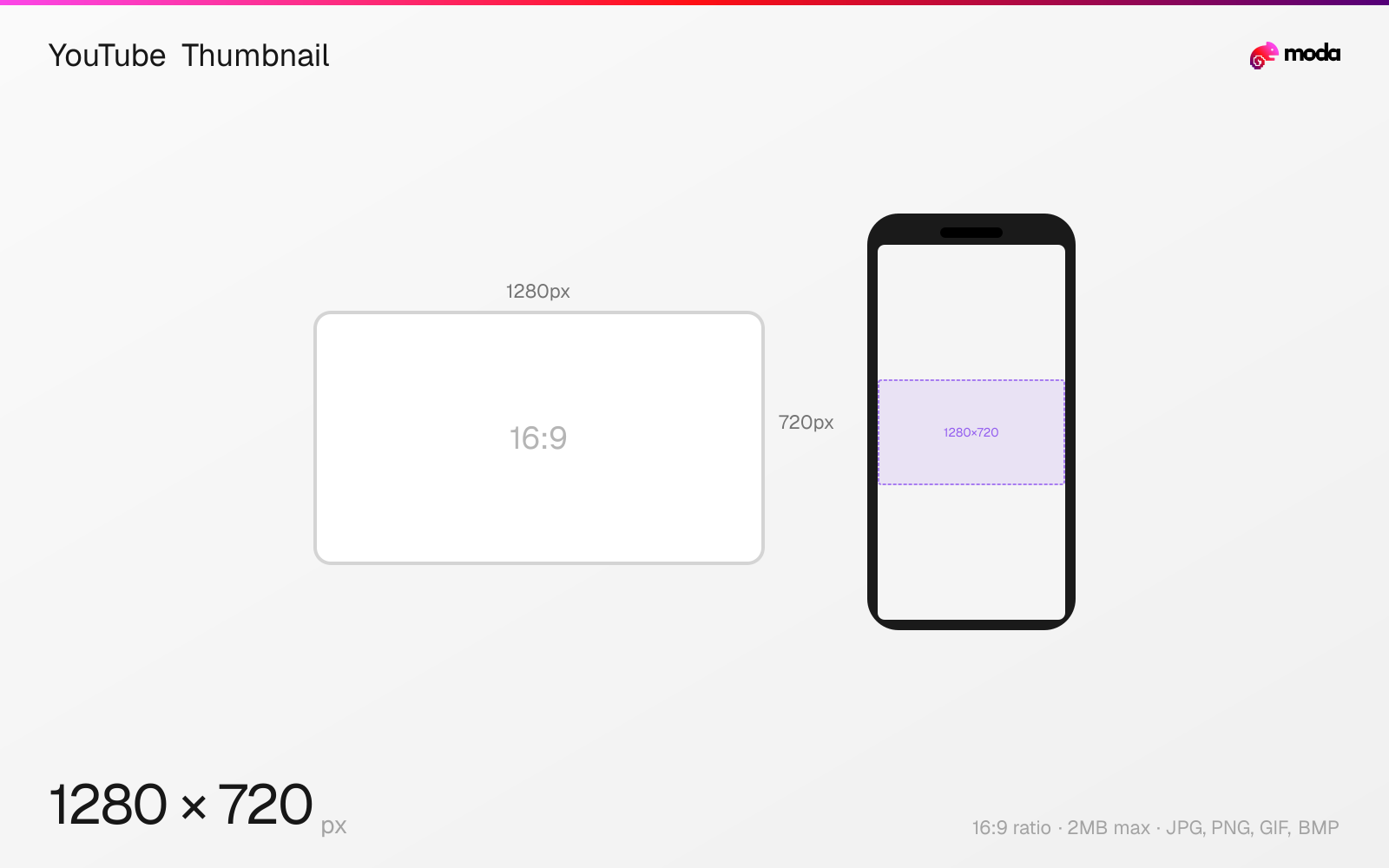
The recommended YouTube thumbnail size is 1280 × 720 pixels (16:9 aspect ratio).
Last updated:
Specifications
| Spec | Value |
|---|---|
| Dimensions (px) | 1280 × 720 px |
| Aspect ratio | 16:9 |
| Max file size | 2MB |
| Supported formats | JPG, PNG, GIF, BMP |
| Minimum resolution | 640x360 |
| Color mode | sRGB |
Design at this size with Moda
Start with a canvas pre-set to 1280×720px and let AI generate your design.
Create a YouTube thumbnail →Design tips
YouTube thumbnails should be 1280×720 pixels with a 16:9 aspect ratio — the same widescreen format as YouTube videos. A strong thumbnail is the single biggest factor in click-through rate, so it's worth getting the dimensions and clarity right. YouTube requires a minimum width of 640px and accepts JPG, PNG, GIF, or BMP under 2MB.
- •Design at exactly 1280×720px — YouTube will scale it everywhere from mobile to TV.
- •Avoid placing text or faces in the bottom-right corner where the video duration badge appears.
- •Use high-contrast text and a close-up face to maximize click-through rate at small sizes.
What you need to know
YouTube thumbnails are arguably the most important visual asset on the platform. They appear in search results, suggested videos, the home feed, subscription feed, and embedded players — and they're the primary factor in whether a viewer clicks your video. A well-designed thumbnail can double or triple a video's click-through rate compared to an auto-generated frame.
YouTube displays thumbnails at wildly different sizes across devices: as small as 168×94px in sidebar suggestions on desktop, up to 480×270px in the main feed on a large monitor, and full-width on mobile (typically 360px wide). Design at the recommended 1280×720 and test readability by viewing it at the smallest size — if you can't read the text at 168px wide, it's too detailed.
The video duration timestamp badge is automatically overlaid in the bottom-right corner of every thumbnail. This badge is approximately 60px tall and 120px wide at the full 1280×720 size. Placing text or faces in this area means they'll be partially hidden. Many top creators also avoid the bottom-left corner since YouTube sometimes places "Watch Later" and queue buttons there on hover.
How to create a YouTube thumbnail at the right size
- 1Open Moda and create a new canvas at 1280×720 pixels.
- 2Design your YouTube thumbnail using AI generation or start from a blank canvas.
- 3Export as JPG and upload to YouTube.
Frequently asked questions
What size should a YouTube thumbnail be?
YouTube thumbnails should be 1280×720 pixels with a 16:9 aspect ratio and a minimum width of 640px. The maximum file size is 2MB.
What format is best for YouTube thumbnails?
JPG or PNG. Use JPG for photos (smaller file size) and PNG for graphics with text (sharper edges). The maximum file size is 2MB.
How do I make my YouTube thumbnail stand out?
Use high-contrast colors, large readable text (3-5 words max), and a close-up face showing emotion. Avoid clutter — thumbnails are often viewed at small sizes.
Where does the timestamp appear on YouTube thumbnails?
YouTube places the video duration badge in the bottom-right corner. Keep important text and faces away from this area.
Same format on other platforms
Sources
Specs last verified: March 15, 2026. Dimensions may change as platforms update their requirements.