Instagram video size
The recommended Instagram video size is 1080 × 1920 pixels (9:16 aspect ratio).
Last updated:
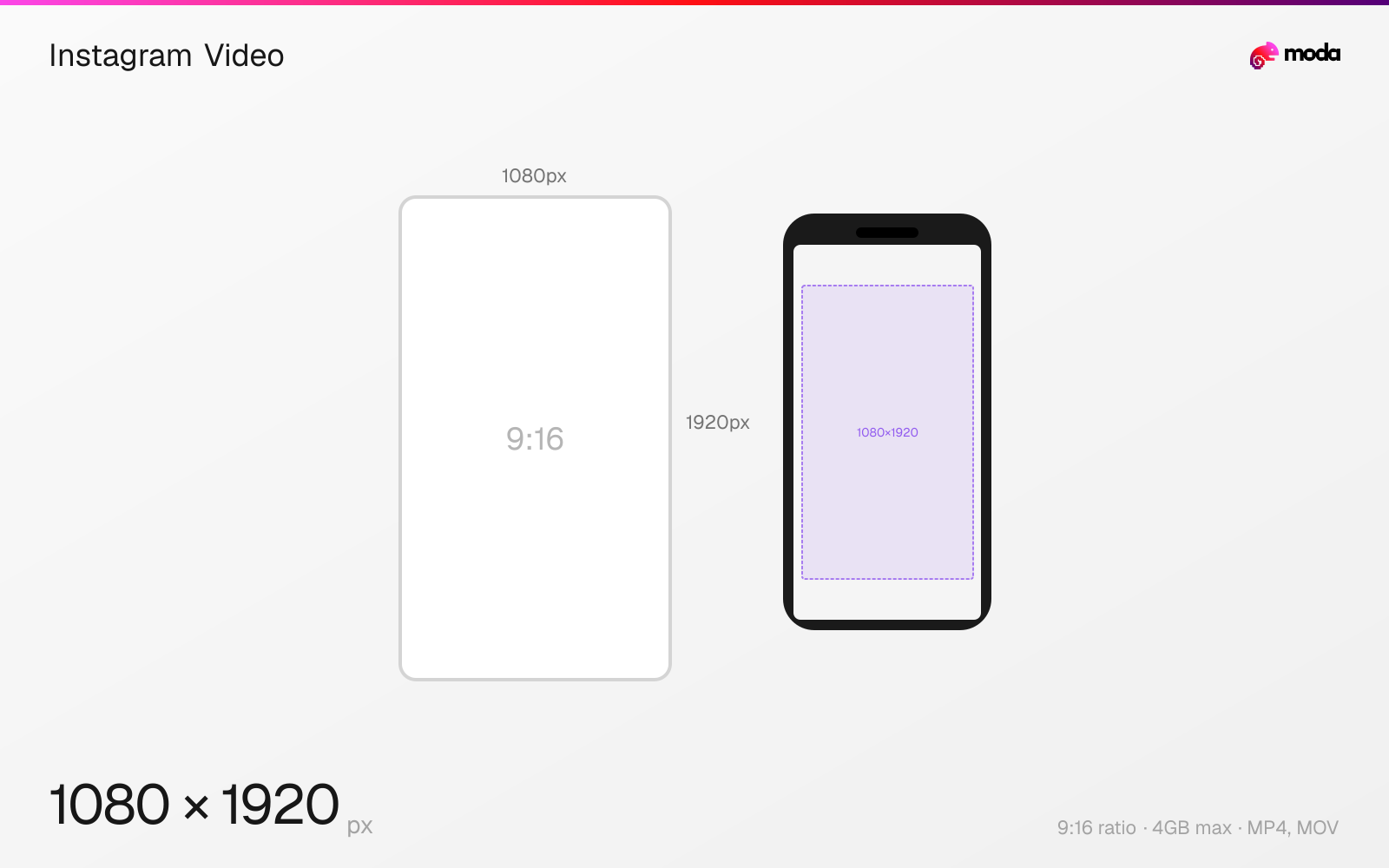
Specifications
| Spec | Value |
|---|---|
| Dimensions (px) | 1080 × 1920 px |
| Aspect ratio | 9:16 |
| Max file size | 4GB |
| Supported formats | MP4, MOV |
| Minimum resolution | 720p |
| Color mode | sRGB |
Other documented sizes
| Format | Dimensions | Aspect ratio |
|---|---|---|
| Portrait feed | 1080 × 1350 px | 4:5 |
| Square | 1080 × 1080 px | 1:1 |
| Landscape | 1920 × 1080 px | 16:9 |
Design at this size with Moda
Start with a canvas pre-set to 1080×1920px and let AI generate your design.
Create an Instagram video →Design tips
Instagram videos can be posted as feed posts, Reels, or Stories — each displayed slightly differently but all supporting 1080×1920px (9:16) as the ideal vertical format. Feed videos also support 1:1 and 4:5 aspect ratios. Use H.264 MP4 with AAC audio for the best quality-to-file-size ratio across all placements.
- •Export as MP4 with H.264 codec and AAC audio for the best compatibility across all Instagram placements.
- •Vertical 9:16 (1080×1920px) gets the most screen real estate — use it for Reels and Stories.
- •For feed video posts, 4:5 (1080×1350px) is a good middle ground between visibility and cinematic framing.
What you need to know
Instagram video can appear in three contexts — feed posts, Reels, and Stories — each with different display behavior. Feed video posts support aspect ratios from 1.91:1 (landscape) to 9:16 (vertical), but the feed displays them at a maximum of 4:5. If you upload a 9:16 video as a feed post, it appears in-feed at 4:5 with a "tap to expand" option for full-screen.
The recommended video codec is H.264 with AAC audio at 128kbps or higher. Instagram accepts MP4 and MOV containers. Avoid VP9, AV1, or ProRes — while Instagram may accept them, the server-side transcoding from these formats introduces more quality loss than uploading H.264 directly. Export at the highest bitrate your file size allows.
Feed videos can be up to 60 minutes long, though videos over 60 seconds no longer appear in the Reels tab. In practice, many creators use Reels (9:16, under 90 seconds) for vertical short-form publishing and feed video (4:5 or 1:1) when they want a more traditional in-feed presentation.
How to create an Instagram video at the right size
- 1Open Moda and create a new canvas at 1080×1920 pixels.
- 2Design your Instagram video using AI generation or start from a blank canvas.
- 3Export as MP4 and upload to Instagram.
Frequently asked questions
What is the best video size for Instagram?
9:16 vertical (1080×1920px) for Reels and Stories, or 4:5 (1080×1350px) for feed posts. Use MP4 with H.264 codec.
What's the maximum video length on Instagram?
Feed videos can be up to 60 minutes. Reels can be up to 90 seconds. Stories play in 15-second segments up to 60 seconds total.
What resolution should I use for Instagram videos?
1080p minimum (1080×1920 for vertical, 1920×1080 for landscape). Higher resolutions are accepted but will be downscaled by Instagram.
Same format on other platforms
Specs last verified: March 15, 2026. Dimensions may change as platforms update their requirements.