X (Twitter) video size
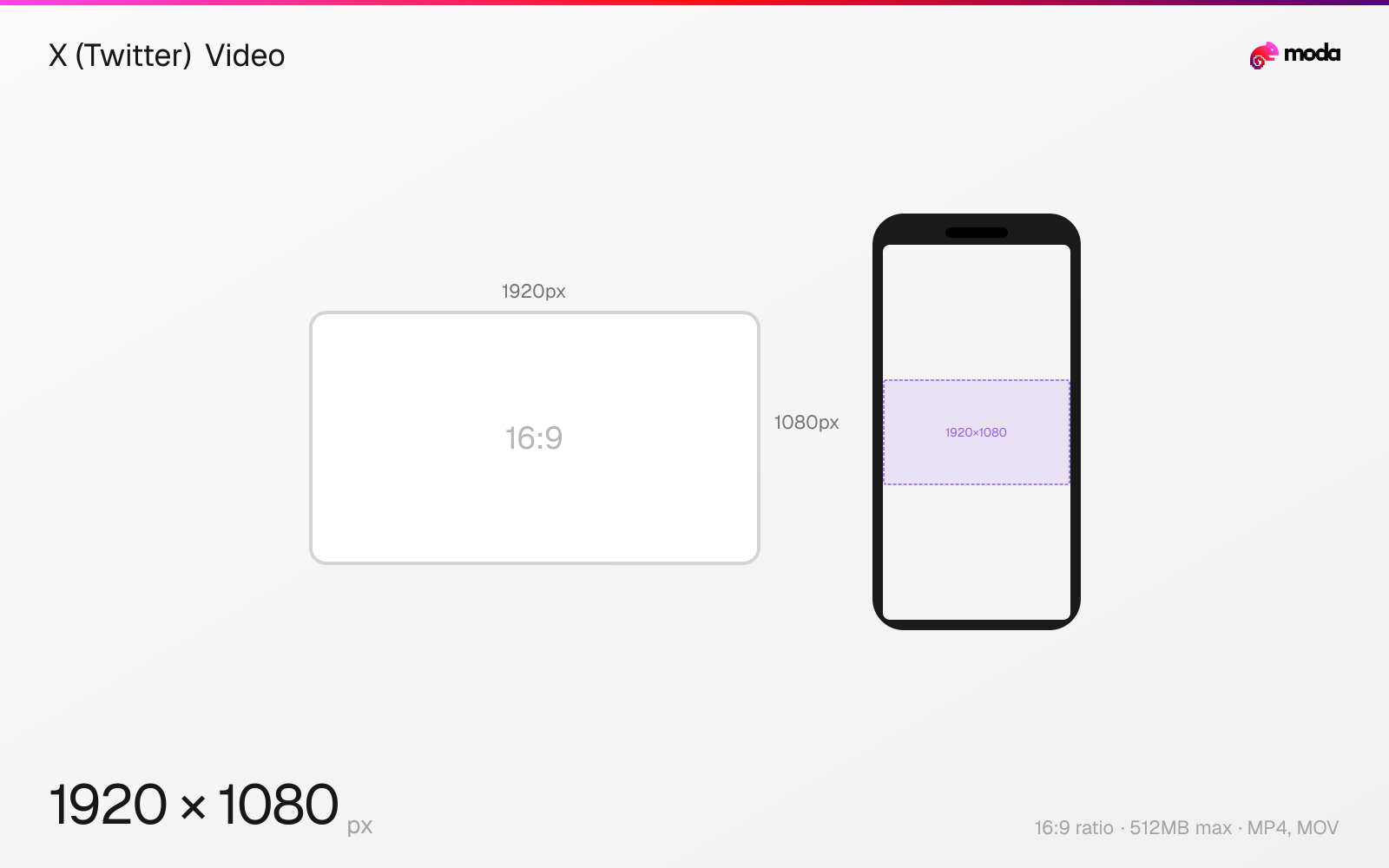
The recommended X (Twitter) video size is 1920 × 1080 pixels (16:9 aspect ratio).
Last updated:
Specifications
| Spec | Value |
|---|---|
| Dimensions (px) | 1920 × 1080 px |
| Aspect ratio | 16:9 |
| Max file size | 512MB |
| Supported formats | MP4, MOV |
| Minimum resolution | 720x720 |
| Color mode | sRGB |
Other documented sizes
| Format | Dimensions | Aspect ratio |
|---|---|---|
| Square | 1080 × 1080 px | 1:1 |
| Vertical | 1080 × 1920 px | 9:16 |
Design at this size with Moda
Start with a canvas pre-set to 1920×1080px and let AI generate your design.
Create a X (Twitter) video →Design tips
The recommended X video size is 1920×1080 pixels in a 16:9 landscape format. X also supports 1:1 square (1080×1080) and 9:16 vertical (1080×1920) video. Non-premium users can upload up to 512MB and 2 minutes 20 seconds. Premium Plus subscribers can upload up to 16GB and 4 hours.
- •Upload at 1920×1080 (16:9) for landscape or 1080×1920 (9:16) for vertical — vertical plays full-screen in X's Immersive Media Viewer.
- •Keep videos under 60 seconds if you want them to auto-loop in the timeline. For ads, X's guidance favors short videos with branding introduced early.
- •Use H.264 MP4 with AAC audio. Non-premium users max out at 512MB and 2:20 duration.
What you need to know
X supports three video aspect ratios: 16:9 landscape (1920×1080 recommended), 1:1 square (1080×1080), and 9:16 vertical (1080×1920). Landscape is the most common in-feed format. Vertical video plays in X's Immersive Media Viewer — a full-screen, sound-on experience similar to TikTok or Instagram Reels — which is accessed through the Video tab or by tapping any video and swiping up.
Video limits differ significantly by subscription tier. Free users can upload up to 512MB and 2 minutes 20 seconds. Premium subscribers get up to 2 hours at 1080p on web/iOS (10 minutes on Android). Premium Plus subscribers can upload up to 16GB and 4 hours at 1080p (or 720p for videos over 2 hours). All tiers require MP4 or MOV with H.264 video codec and AAC audio.
Videos under 60 seconds auto-loop in the timeline. X recommends 30fps but supports up to 60fps. For ads, X's own guidance emphasizes short videos that introduce branding early. Captions are strongly recommended because many users watch video with sound off.
How to create a X (Twitter) video at the right size
- 1Open Moda and create a new canvas at 1920×1080 pixels.
- 2Design your X (Twitter) video using AI generation or start from a blank canvas.
- 3Export as MP4 and upload to X (Twitter).
Frequently asked questions
What size are X (Twitter) videos?
Recommended 1920×1080 pixels (16:9 landscape). Also supports 1080×1080 (1:1 square) and 1080×1920 (9:16 vertical). Use MP4 or MOV format with H.264 codec.
How long can an X video be?
Non-premium: up to 2 minutes 20 seconds. Premium: up to 2 hours (10 minutes on Android). Premium Plus: up to 4 hours. All on web/iOS.
What is the X video file size limit?
512MB for non-premium users. Premium Plus subscribers can upload up to 16GB on web/iOS.
Does X support vertical video?
Yes. 9:16 vertical video (1080×1920) plays in X's Immersive Media Viewer — a full-screen, sound-on experience accessed via the Video tab.
Same format on other platforms
Specs last verified: March 20, 2026. Dimensions may change as platforms update their requirements.