X (Twitter) ad image size
The recommended X (Twitter) image ad size is 1200 × 1200 pixels (1:1 aspect ratio).
Last updated:
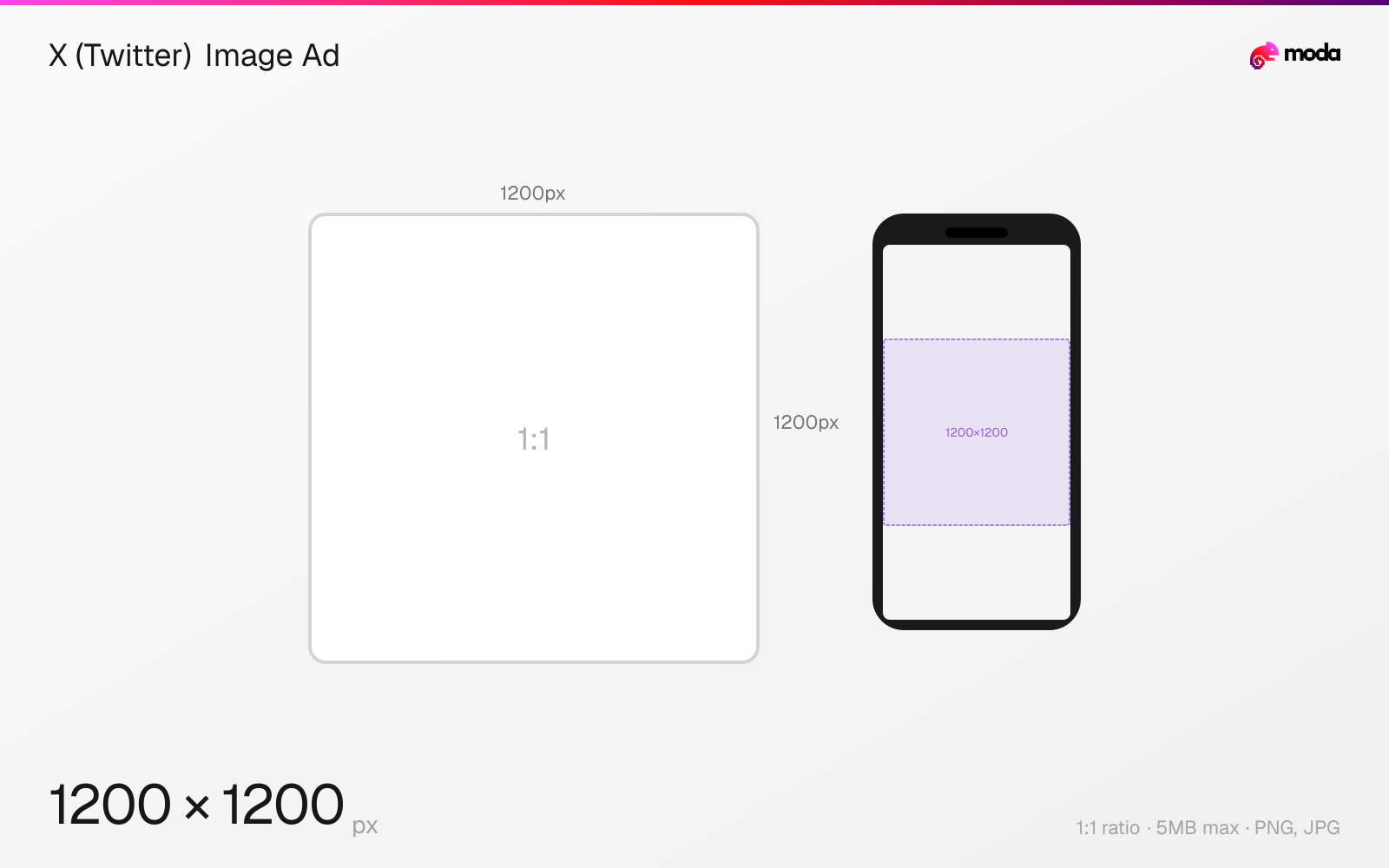
Specifications
| Spec | Value |
|---|---|
| Dimensions (px) | 1200 × 1200 px |
| Aspect ratio | 1:1 |
| Max file size | 5MB |
| Supported formats | PNG, JPG |
| Minimum resolution | 600x600 |
| Color mode | sRGB |
Other documented sizes
| Format | Dimensions | Aspect ratio |
|---|---|---|
| Standalone (1.91:1) | 1200 × 628 px | 1.91:1 |
| With buttons (1.91:1) | 800 × 418 px | 1.91:1 |
| With buttons (1:1) | 800 × 800 px | 1:1 |
Design at this size with Moda
Start with a canvas pre-set to 1200×1200px and let AI generate your design.
Create a X (Twitter) image ad →Design tips
X image ads are recommended at 1200×1200 pixels (1:1 square) for standalone ads, or 800×418 pixels (1.91:1) for ads with website or app buttons. The maximum file size is 5MB. PNG and JPEG are recommended — GIFs are accepted but render as static images in ads.
- •Use 1200×1200 (1:1) for standalone ads — larger images look better when users tap to expand.
- •For ads with website/app buttons, use 800×418 (1.91:1) or 800×800 (1:1).
- •GIFs render as static images in ads — use PNG or JPEG only. Max file size is 5MB.
What you need to know
X offers several image ad formats, each with slightly different size requirements. Standalone Image Ads (no button) use 1200×1200 (1:1) or 1200×628 (1.91:1). Image Ads with Website Buttons or App Buttons use 800×418 (1.91:1) or 800×800 (1:1). Carousel Ads use 800×418 (1.91:1) or 800×800 (1:1) per slide, with 2-6 slides. All images within a carousel must use the same aspect ratio.
Collection Ads show a hero image plus up to 5 product thumbnails, all at 800×800 minimum (1:1). The hero image is static while users scroll through the product tiles. Each tile can link to a different destination URL — up to 6 unique links per Collection Ad.
For best results, X recommends PNG or JPEG format. GIFs uploaded to ads render as static images (only the first frame). Post copy is limited to 280 characters, and each link reduces available characters by 23. Website headline text truncates after 70 characters, though 50 characters or fewer is a safer target on most devices.
How to create a X (Twitter) image ad at the right size
- 1Open Moda and create a new canvas at 1200×1200 pixels.
- 2Design your X (Twitter) image ad using AI generation or start from a blank canvas.
- 3Export as PNG and upload to X (Twitter).
Frequently asked questions
What size are X (Twitter) image ads?
Standalone: 1200×1200 (1:1) or 1200×628 (1.91:1). With buttons: 800×418 (1.91:1) or 800×800 (1:1). Max file size is 5MB. PNG and JPEG only.
What size are X carousel ad images?
800×418 pixels (1.91:1) or 800×800 (1:1) per slide. 2-6 slides per carousel. All slides must use the same aspect ratio. Mixed media carousels must match ratios.
What are X Collection Ad specs?
A hero image plus up to 5 product tiles. All images are 800×800 minimum (1:1). Max 3MB per image. Up to 6 unique destination URLs per ad.
Same format on other platforms
Sources
Specs last verified: March 20, 2026. Dimensions may change as platforms update their requirements.