X (Twitter) post image size
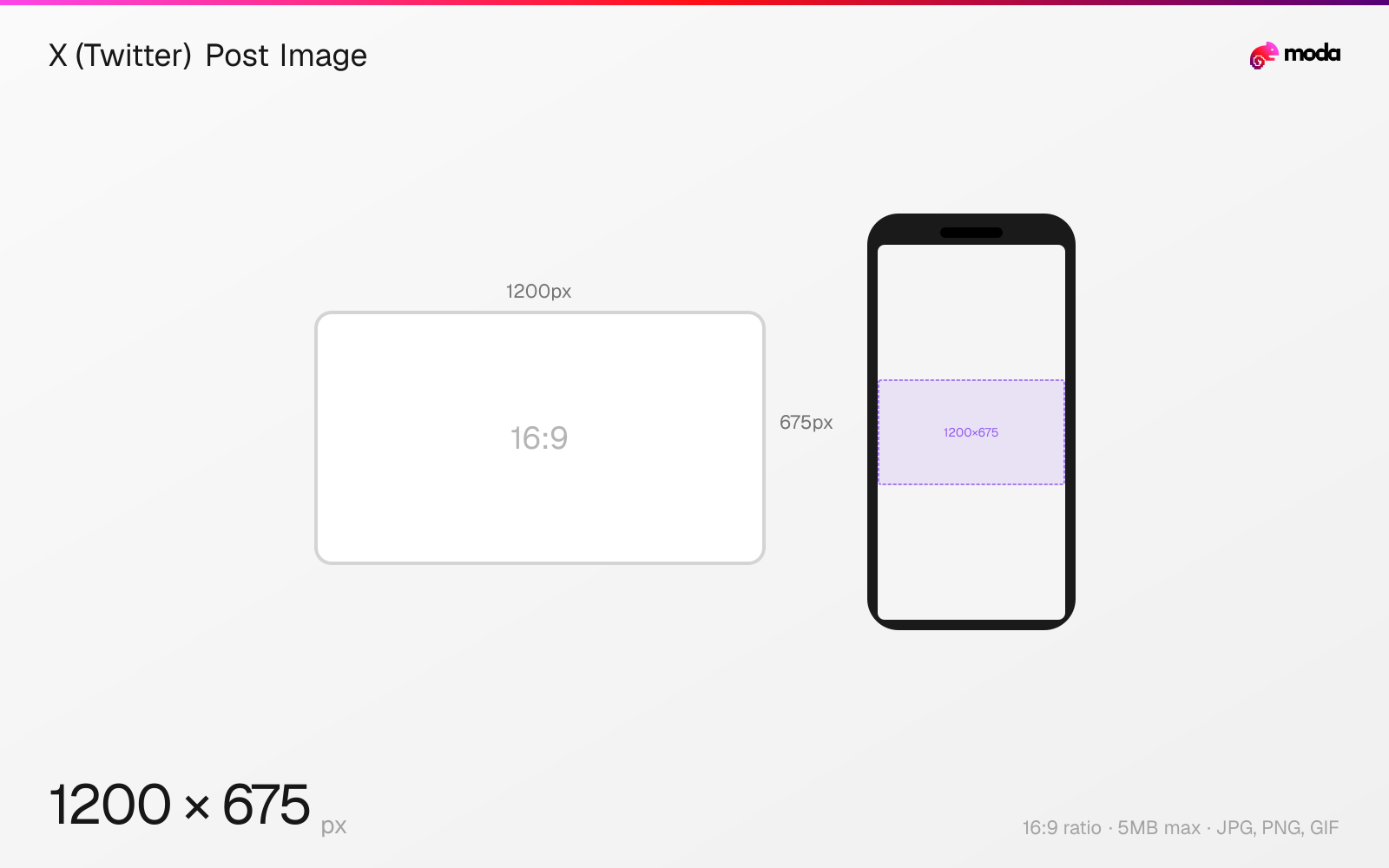
The recommended X (Twitter) post image size is 1200 × 675 pixels (16:9 aspect ratio).
Last updated:
Specifications
| Spec | Value |
|---|---|
| Dimensions (px) | 1200 × 675 px |
| Aspect ratio | 16:9 |
| Max file size | 5MB |
| Supported formats | JPG, PNG, GIF |
| Minimum resolution | 600x335 |
| Color mode | sRGB |
Other documented sizes
| Format | Dimensions | Aspect ratio |
|---|---|---|
| Square | 1080 × 1080 px | 1:1 |
| Vertical | 720 × 1280 px | 9:16 |
Design at this size with Moda
Start with a canvas pre-set to 1200×675px and let AI generate your design.
Create a X (Twitter) post image →Design tips
The recommended X post image size is 1200×675 pixels in a 16:9 aspect ratio. This fills the full width of the timeline on both mobile and desktop. X also supports square (1:1) and vertical (9:16) images, though the timeline preview crops vertical images to show only the top portion.
- •Use 1200×675px (16:9) for the best timeline display — images fill the full width without cropping.
- •For multi-image posts, center the subject in each image — X crops to fit the grid layout.
- •Upload PNG for sharper results on non-Premium accounts — X compresses JPG more aggressively.
What you need to know
X displays single-image posts differently depending on aspect ratio. A 16:9 image (1200×675) fills the full timeline width and looks natural. Square images (1:1) are displayed at full size. Very tall images (taller than 1:1) are center-cropped to roughly a 16:9 preview in the timeline — users tap to see the full image. For maximum visibility without cropping, 16:9 is the safest choice.
Multi-image posts (2-4 images) are displayed in a grid layout. Two images display side by side as tall rectangles. Three images show one large + two small. Four images form a 2×2 grid. All grid images are cropped to fit their cell, so design each image with centered subject matter. The maximum total is 4 images per post.
X Premium subscribers benefit from reduced image compression and higher upload priority. Non-Premium accounts may see more aggressive compression, especially on JPG uploads. For the sharpest results on non-Premium accounts, upload PNG files (up to 5MB) — X's compression is less aggressive with PNG. On web, the upload limit is 15MB; on mobile apps, it's 5MB.
How to create a X (Twitter) post image at the right size
- 1Open Moda and create a new canvas at 1200×675 pixels.
- 2Design your X (Twitter) post image using AI generation or start from a blank canvas.
- 3Export as JPG and upload to X (Twitter).
Frequently asked questions
What size should X (Twitter) post images be?
1200×675 pixels (16:9) is recommended for single-image posts. This fills the full timeline width on both mobile and desktop without cropping.
How many images can you post on X?
Up to 4 images per post, displayed in a grid layout. Two images appear side by side, three in an L-shape, and four in a 2×2 grid.
Does X compress images?
Yes. X compresses all uploaded images, especially JPGs. PNG files receive less compression. X Premium subscribers get reduced compression.
Same format on other platforms
Specs last verified: March 19, 2026. Dimensions may change as platforms update their requirements.