X (Twitter) banner size
The recommended X (Twitter) header / banner size is 1500 × 500 pixels (3:1 aspect ratio).
Last updated:
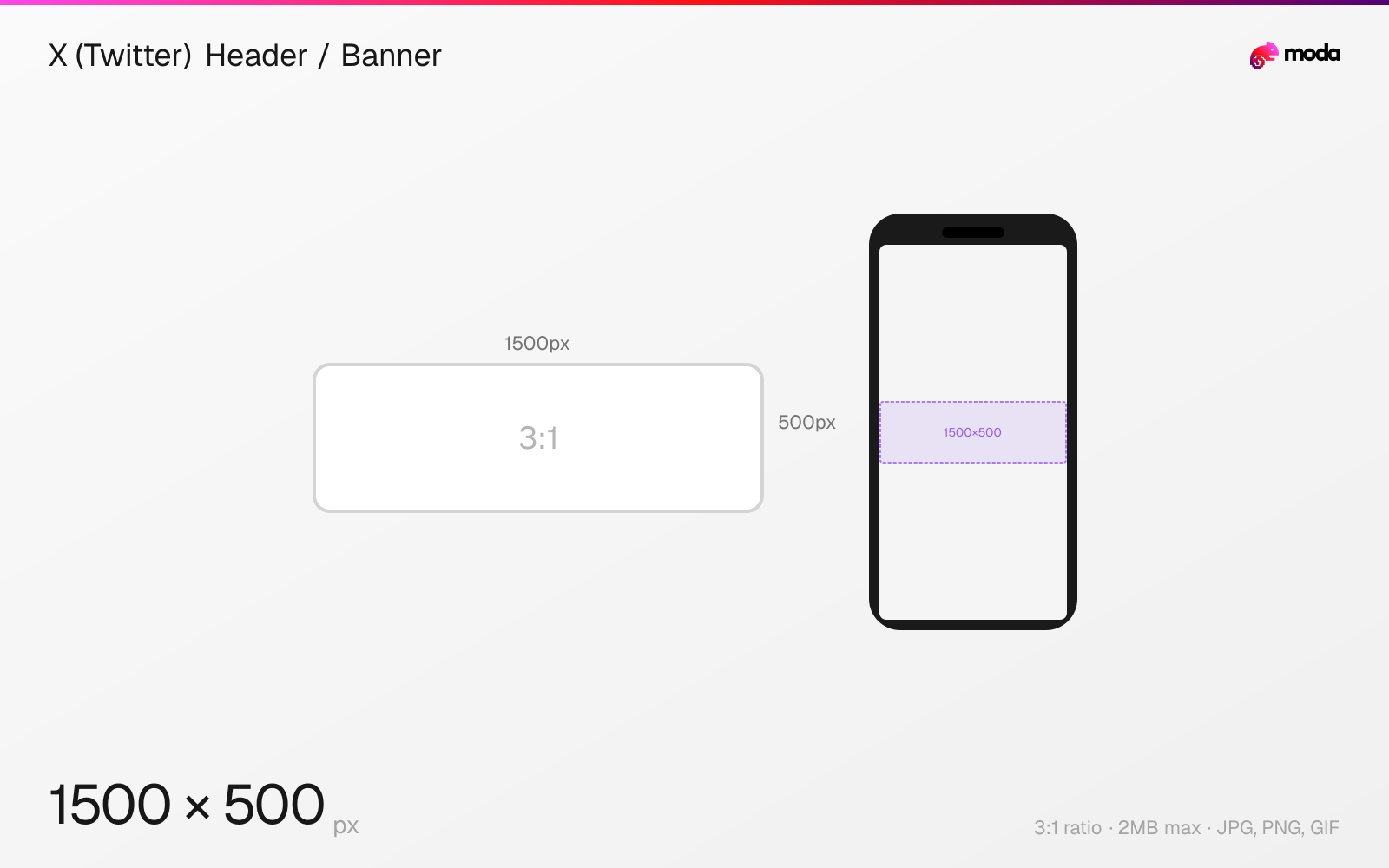
Specifications
| Spec | Value |
|---|---|
| Dimensions (px) | 1500 × 500 px |
| Aspect ratio | 3:1 |
| Max file size | 2MB |
| Supported formats | JPG, PNG, GIF |
| Minimum resolution | 1500x500 |
| Color mode | sRGB |
Design at this size with Moda
Start with a canvas pre-set to 1500×500px and let AI generate your design.
Create a X (Twitter) header / banner →Design tips
X (formerly Twitter) header banners are 1500×500 pixels with a 3:1 aspect ratio. The banner stretches across the top of your profile page behind your profile picture. Mobile devices crop the top and bottom, so keep important content in the vertical center. The maximum file size is 2MB.
- •Design at 1500×500px with critical content centered — mobile crops the top and bottom edges.
- •Avoid placing text or logos in the bottom-left quadrant where the profile picture overlaps.
- •Upload at 3000×1000px (2x) for sharper display on high-DPI screens — stay under the 2MB limit.
What you need to know
The X header banner is one of the widest social media banners at a 3:1 aspect ratio. It displays behind your profile picture at the top of your profile page. On desktop, it spans the full profile width. On mobile, the display area is narrower and crops the top and bottom edges, so content near the vertical extremes may be hidden.
Your profile picture (a circle) overlaps the bottom-left portion of the banner on desktop. This means any text, logos, or important visual elements placed in the bottom-left corner will be partially hidden. Design with this overlap in mind — many creators place their key visual content in the center or right side of the banner.
For sharper display on high-DPI screens (Retina displays, modern phones), upload at 3000×1000px (2x resolution). X will downscale it but the extra pixel data produces a sharper result after compression. The 2MB file size limit is tight — use JPG at 85-90% quality for photos, or PNG for flat graphics with text.
How to create a X (Twitter) header / banner at the right size
- 1Open Moda and create a new canvas at 1500×500 pixels.
- 2Design your X (Twitter) header / banner using AI generation or start from a blank canvas.
- 3Export as JPG and upload to X (Twitter).
Frequently asked questions
What size is an X (Twitter) banner?
The recommended X header banner is 1500×500 pixels with a 3:1 aspect ratio. Maximum file size is 2MB. Accepted formats are JPG, PNG, and GIF.
What size is the X (Twitter) header image?
The X header image uses the same 1500×500 pixel dimensions as the banner, with a 3:1 aspect ratio. 'Header' and 'banner' refer to the same image at the top of your profile.
Why does my Twitter banner look blurry?
X compresses uploaded images. Upload at the full 1500×500px (or 3000×1000 for 2x resolution) and use JPG at 85-90% quality to minimize compression artifacts.
Is the Twitter banner the same as the X banner?
Yes. Twitter rebranded to X in 2023, but the banner/header dimensions remain 1500×500 pixels. The feature works identically.
Where does the profile picture overlap the banner?
On desktop, the circular profile picture overlaps the bottom-left corner of the banner. Avoid placing important content in this area.
Same format on other platforms
Sources
Specs last verified: March 19, 2026. Dimensions may change as platforms update their requirements.